Burn with me

Doctor Who - "42"
Doctor Who - "42"

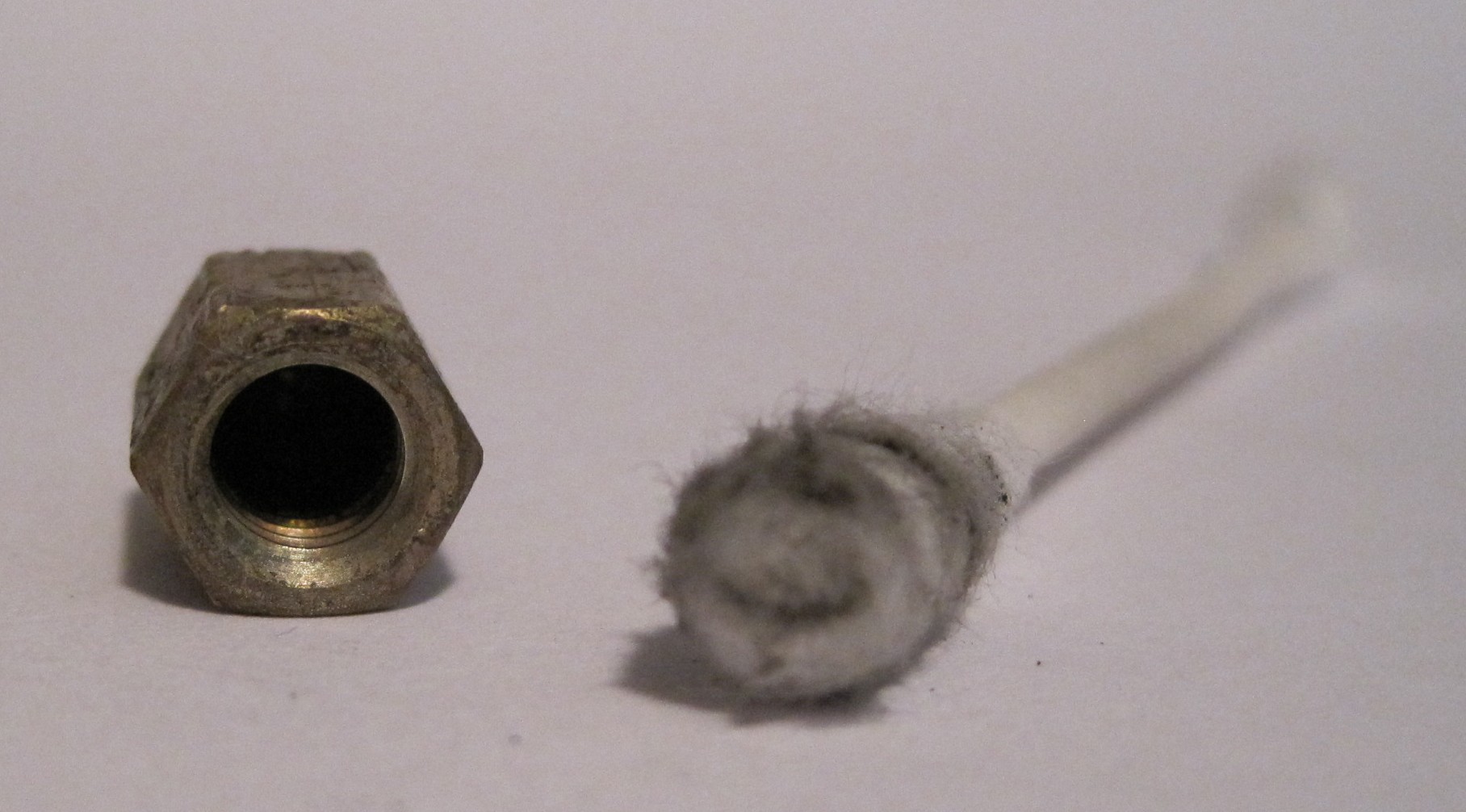
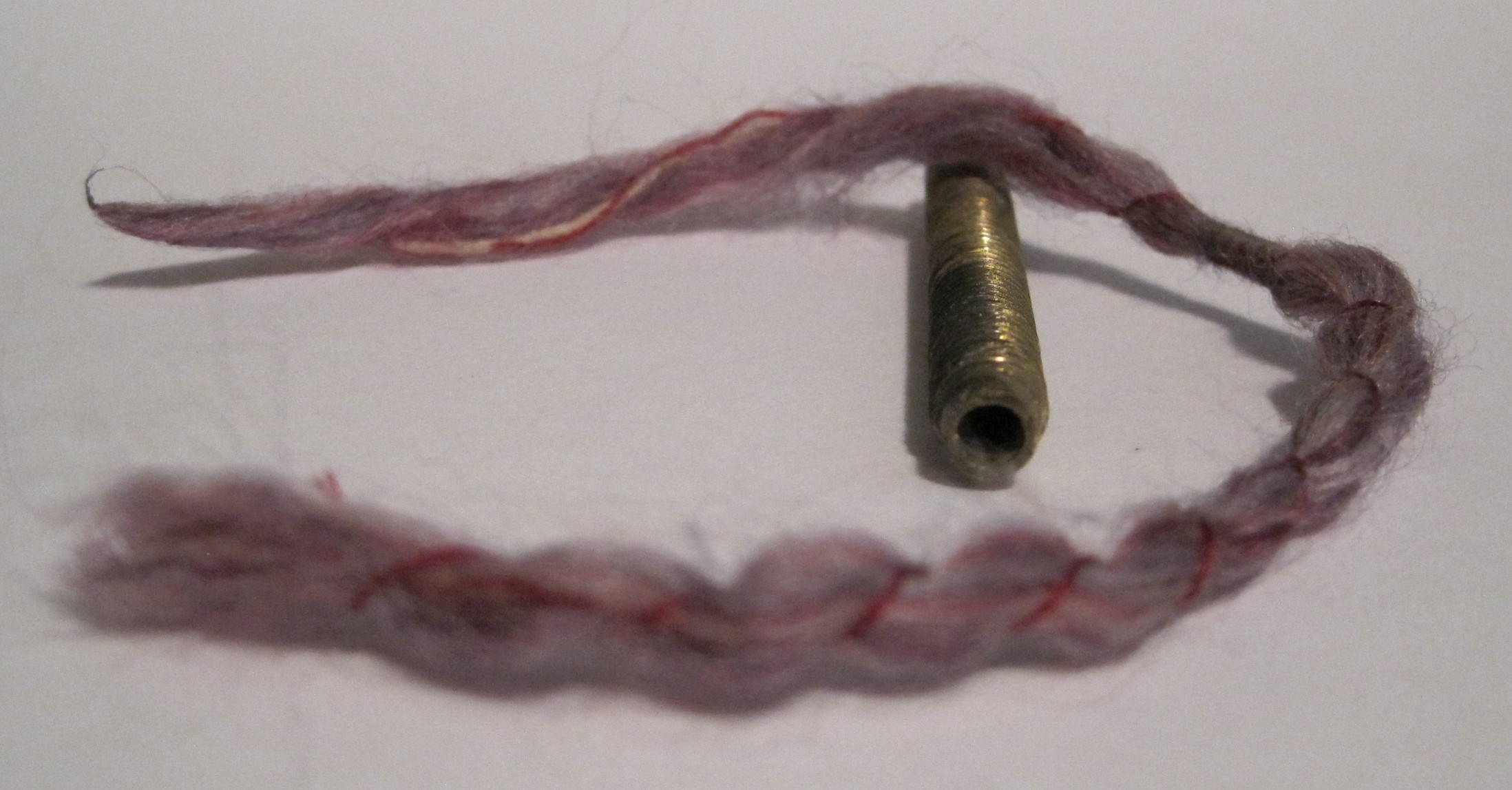
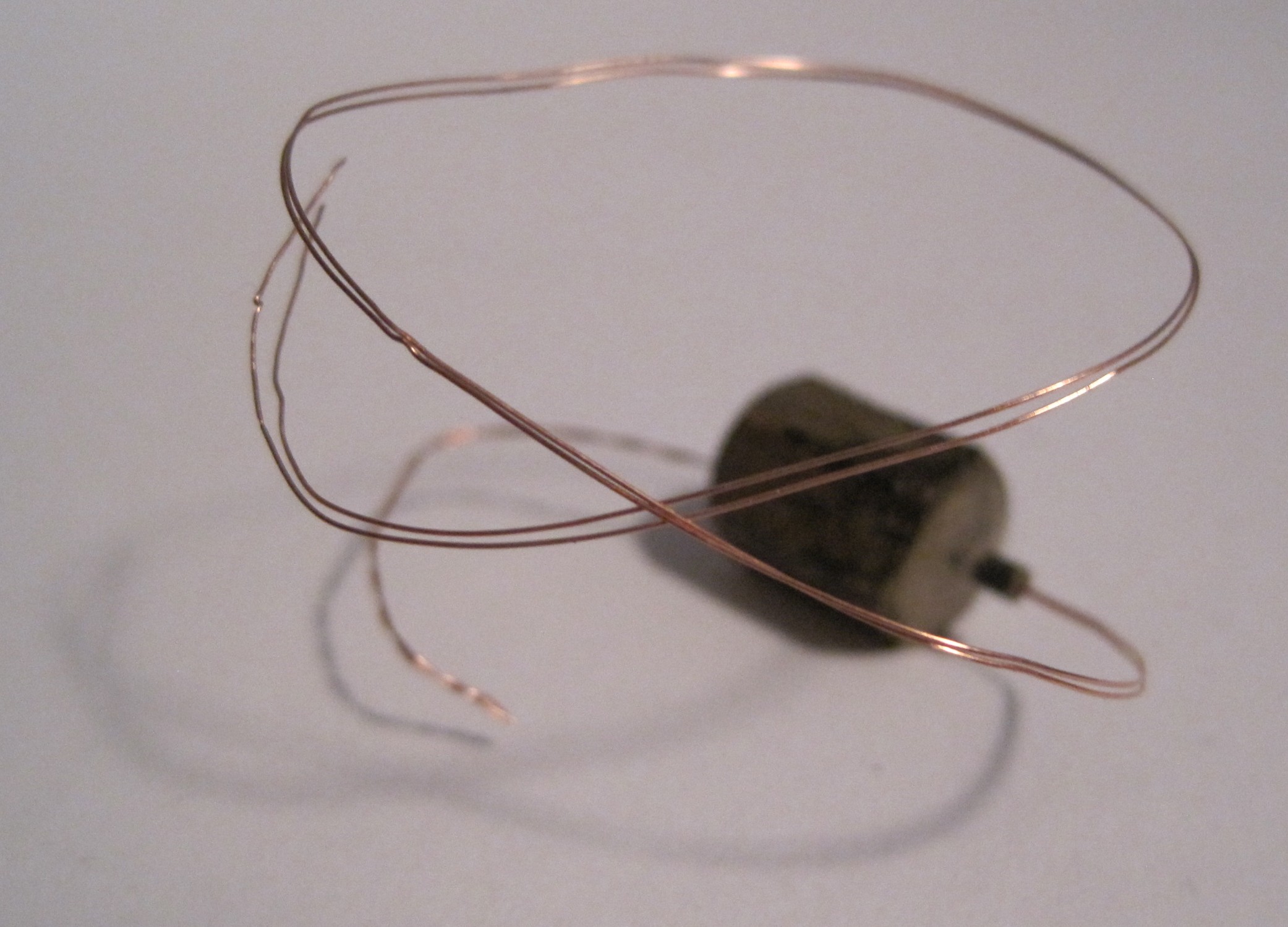
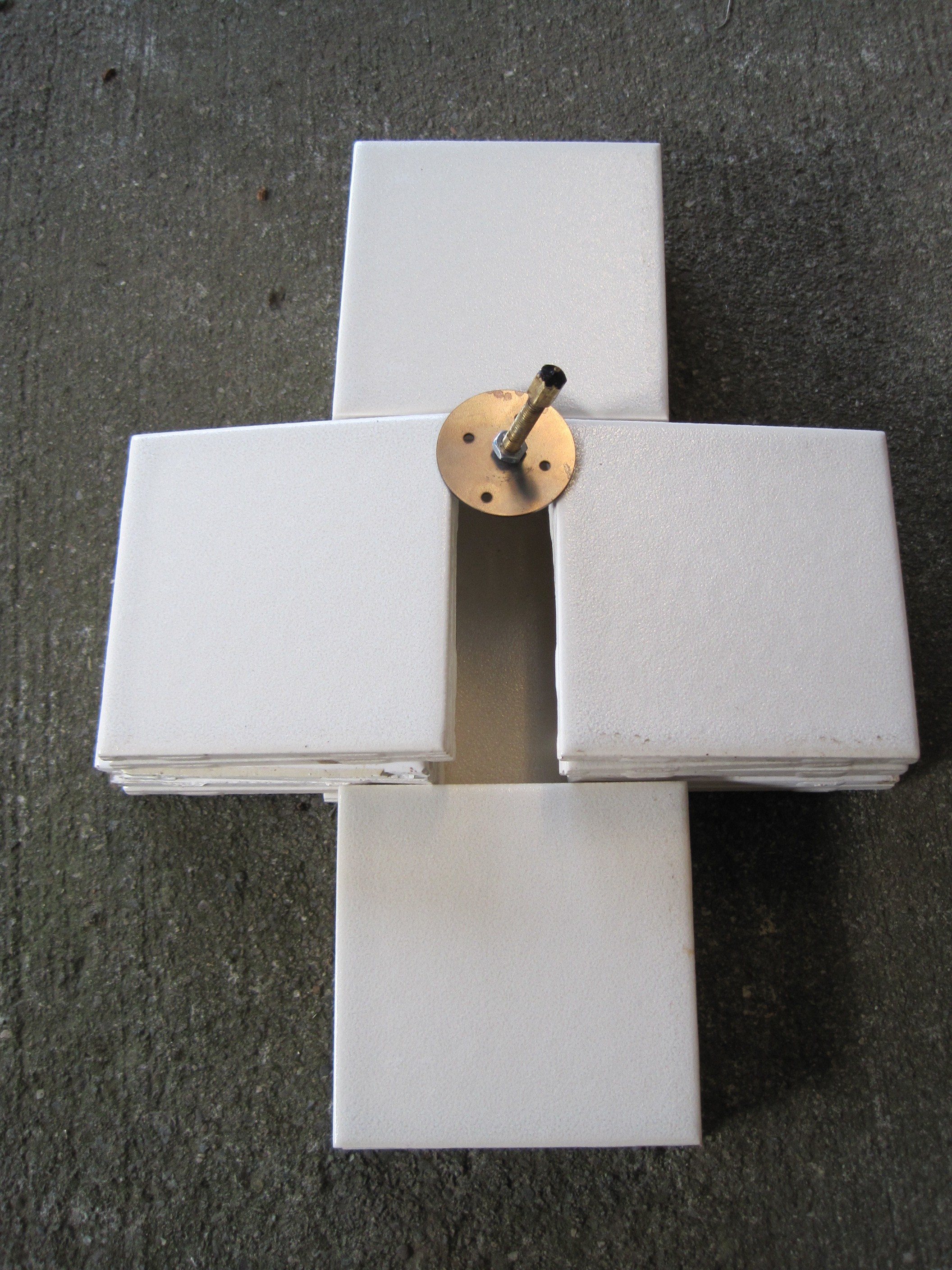
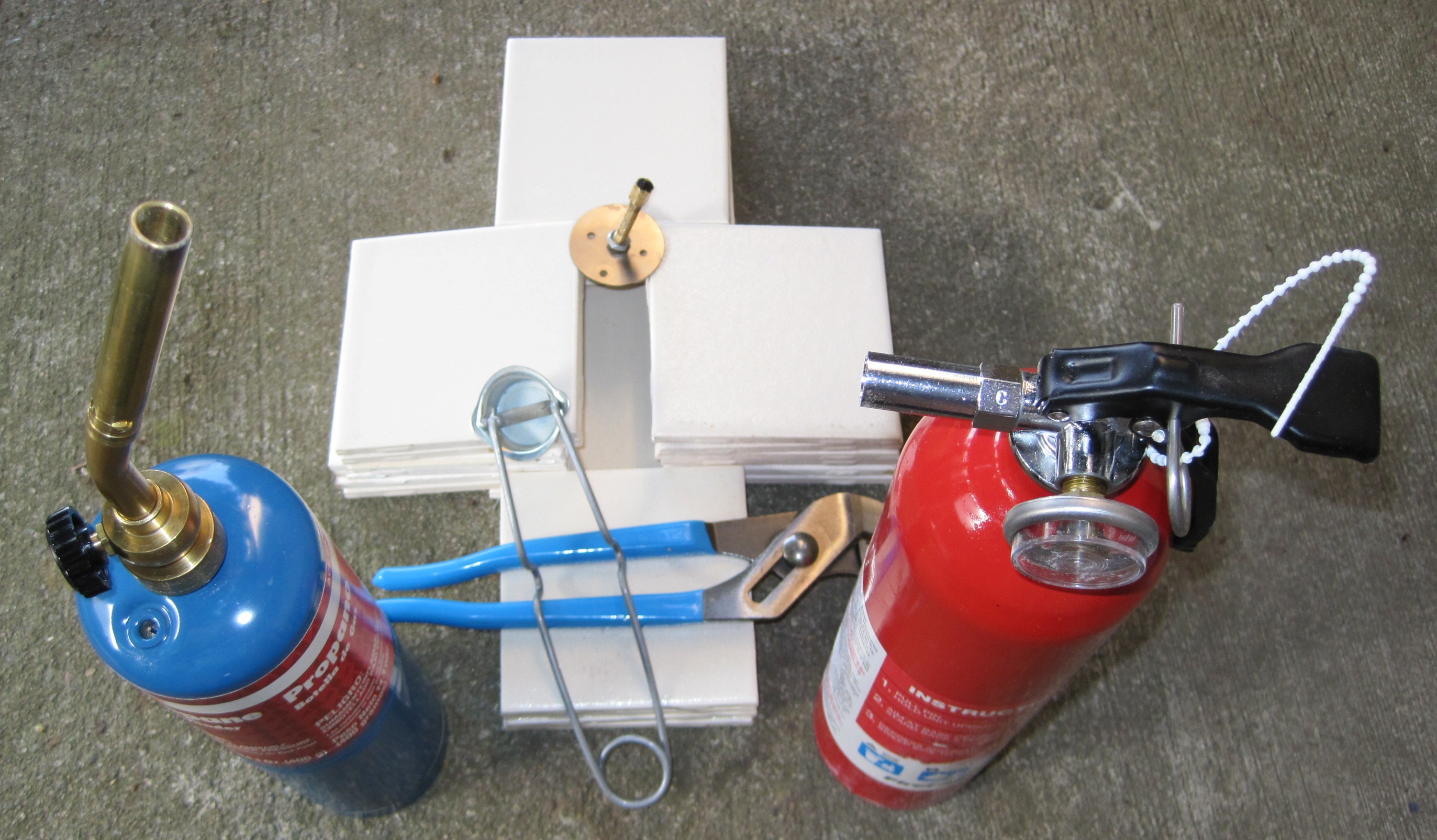
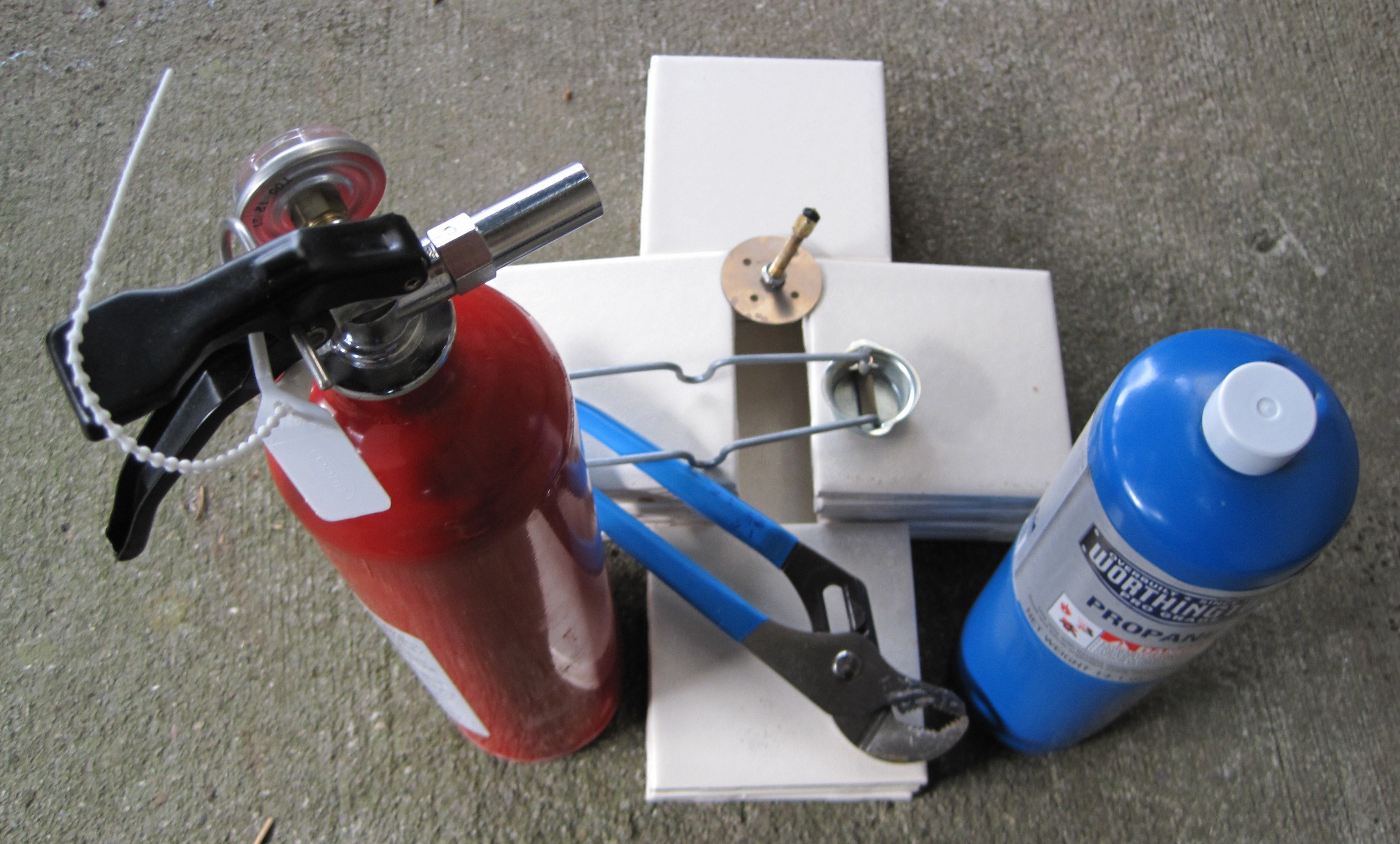
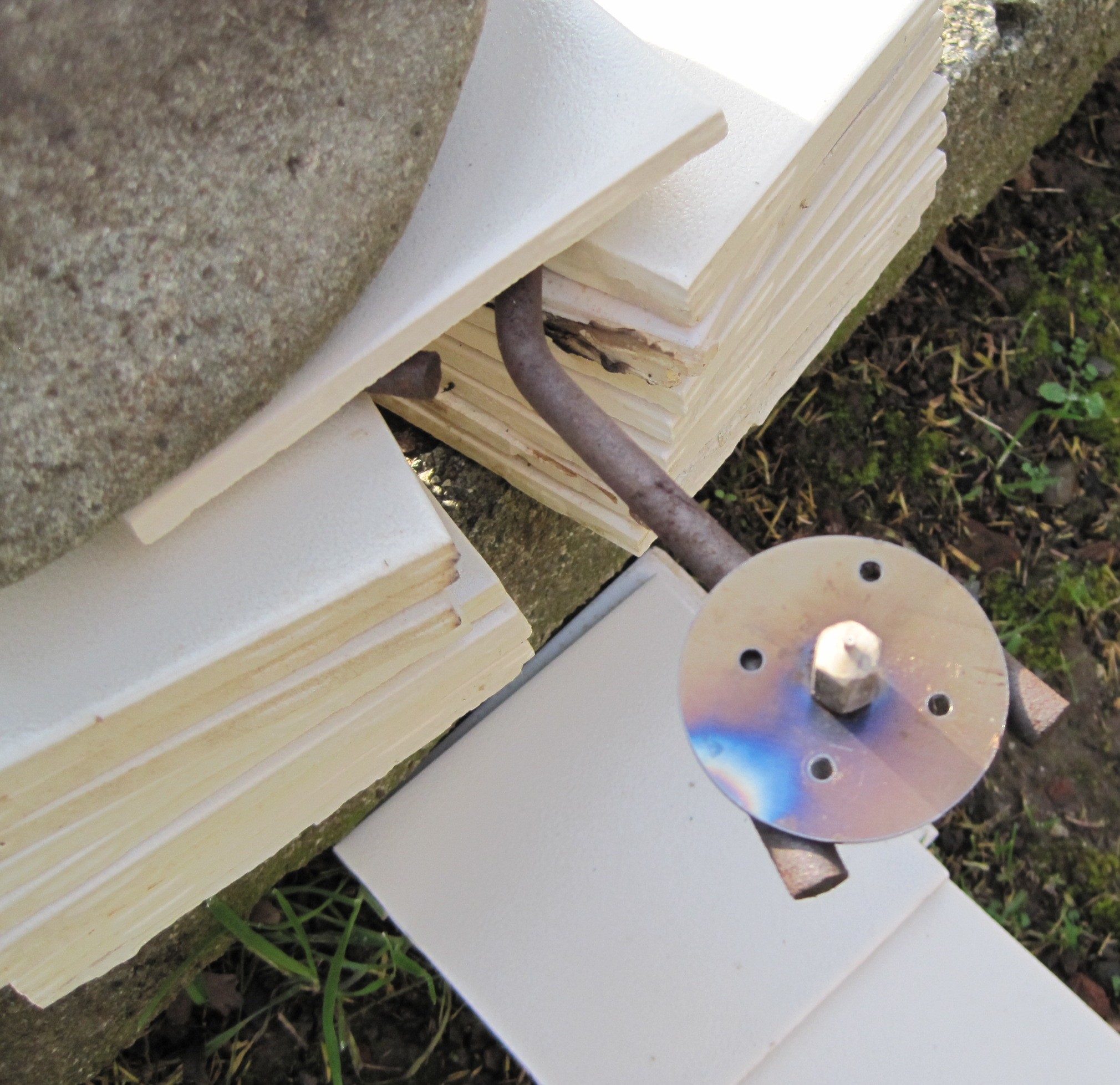
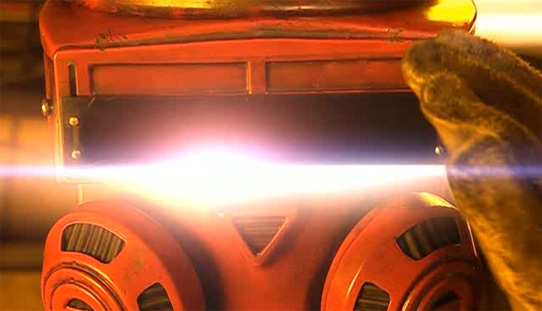
I’m really looking forward to my blow torch/clogged extruder barrel adventures.  Obviously, it will take place (1) outside (2) on a wide patch of cement (the non-flamable variety) (3) with a friend, hose, and fire extinguisher handy. 1  Since I haven’t had any time to do unclog it this week, I’ve been thinking about it all week.  And every time I do I remember this episode of Doctor Who and the phrase, “burn with me.”

A MakerBot, a blow torch, Doctor Who, and Hitchhiker’s Guide to the Galaxy.  Pinch me!

  1. Photo courtesy of BBC. []

Vouyerism

One of the interesting things about following along on other people’s MakerBot/RepRap/RepStrap blogs is seeing their workshop/work areas.  Some people have super organized, labeled boxes, and a clean clear uncluttered work space.  Others… are more like me.

  • Photos: I take photos of parts sitting on a sheet of white A4 paper that is being propped up against something.  With a light source it makes for a very clean photo.
  • Working on small parts: I have a long shallow wooden box – about 4′ x 8″ x 2″.  It’s small enough I can put it on nearly any surface, or even the floor.  It’s long enough to give me plenty of work space.  It’s shallow enough that it’s as easy as working on a regular surface – but has the short walls that prevent small pieces from rolling or falling away.
  • Working on large parts/Storage: I own a VERY large library card catalog (it’s a long story).  It’s about 6′ long, with 60 drawers on the front and another 60 on the back.  It stands about 4.5 feet tall and is about 3.5 feet deep.  It’s basically perfect for storing an enormous amount of small parts of … whatever.  I’m only using about three of the drawers so far for MakerBot parts.  It also serves as my large work surface.

Cracking a tough nut

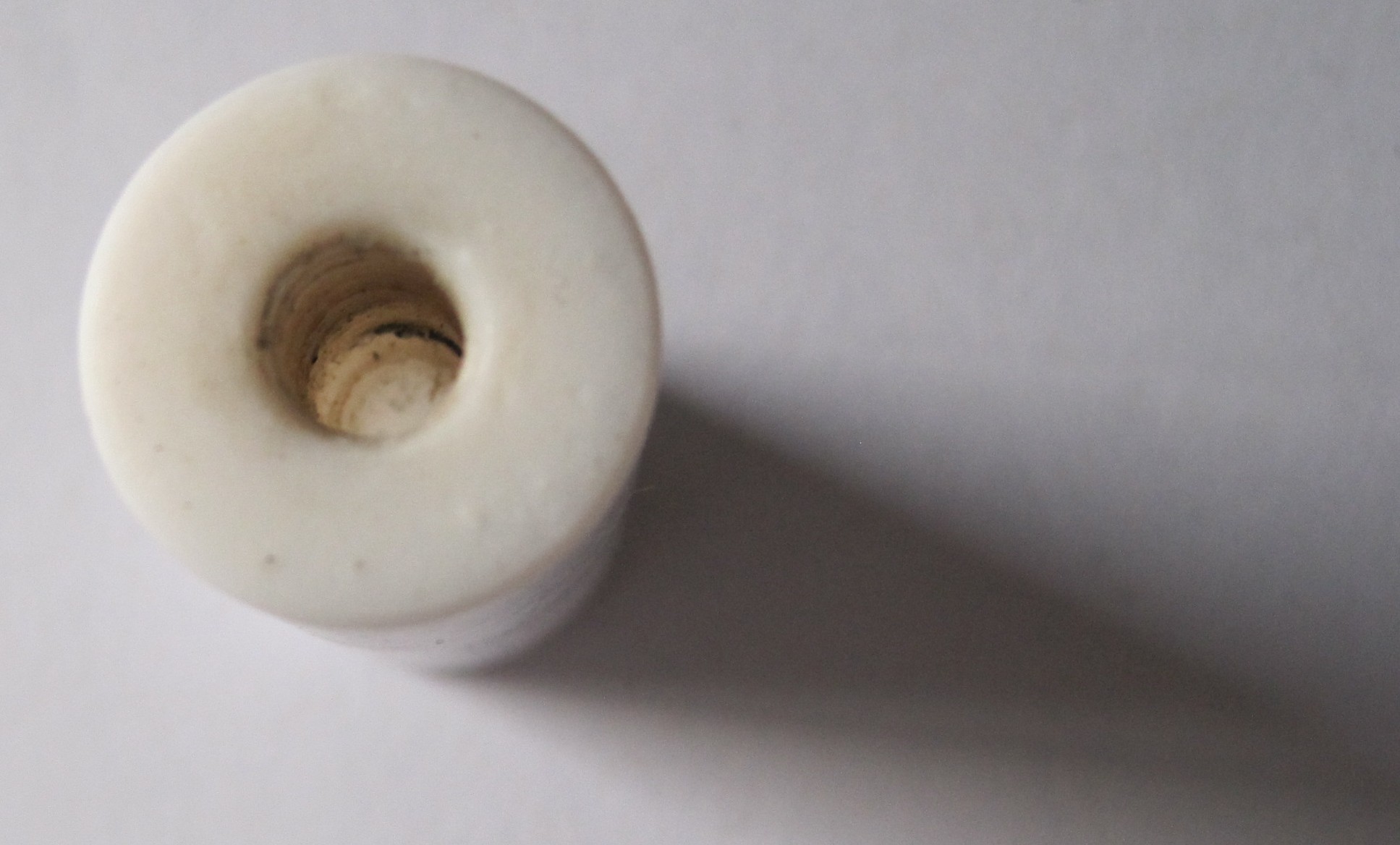
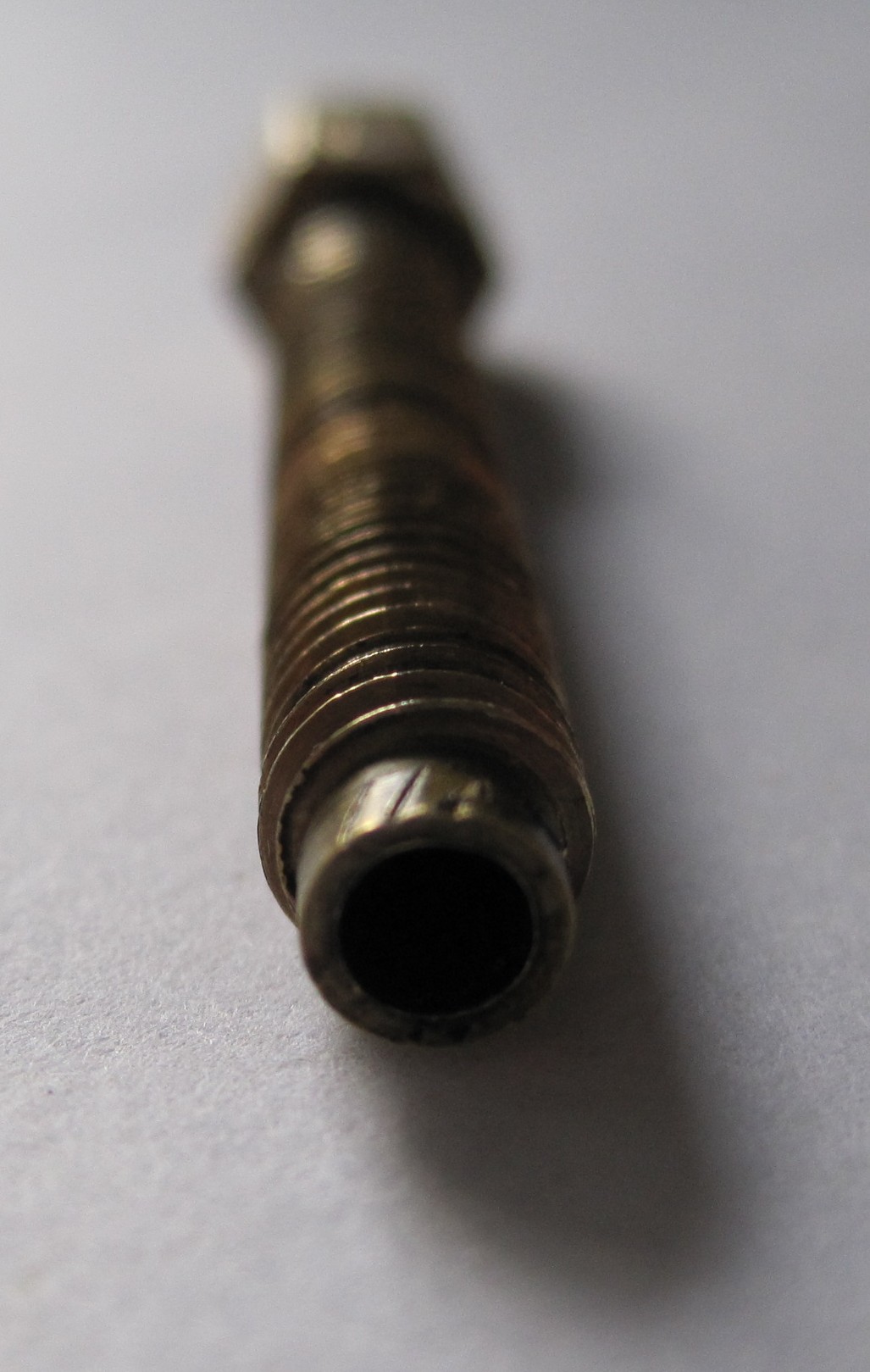
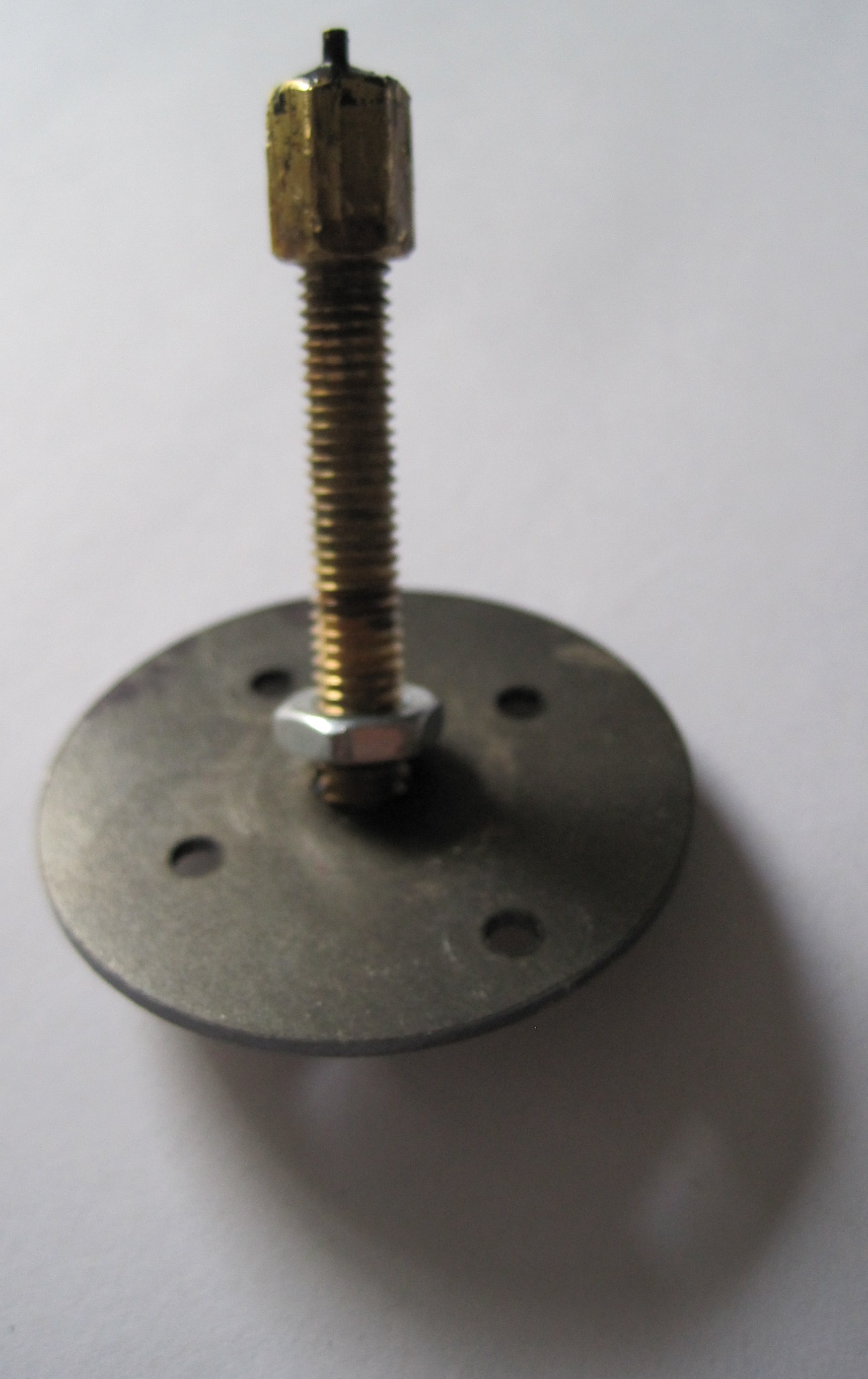
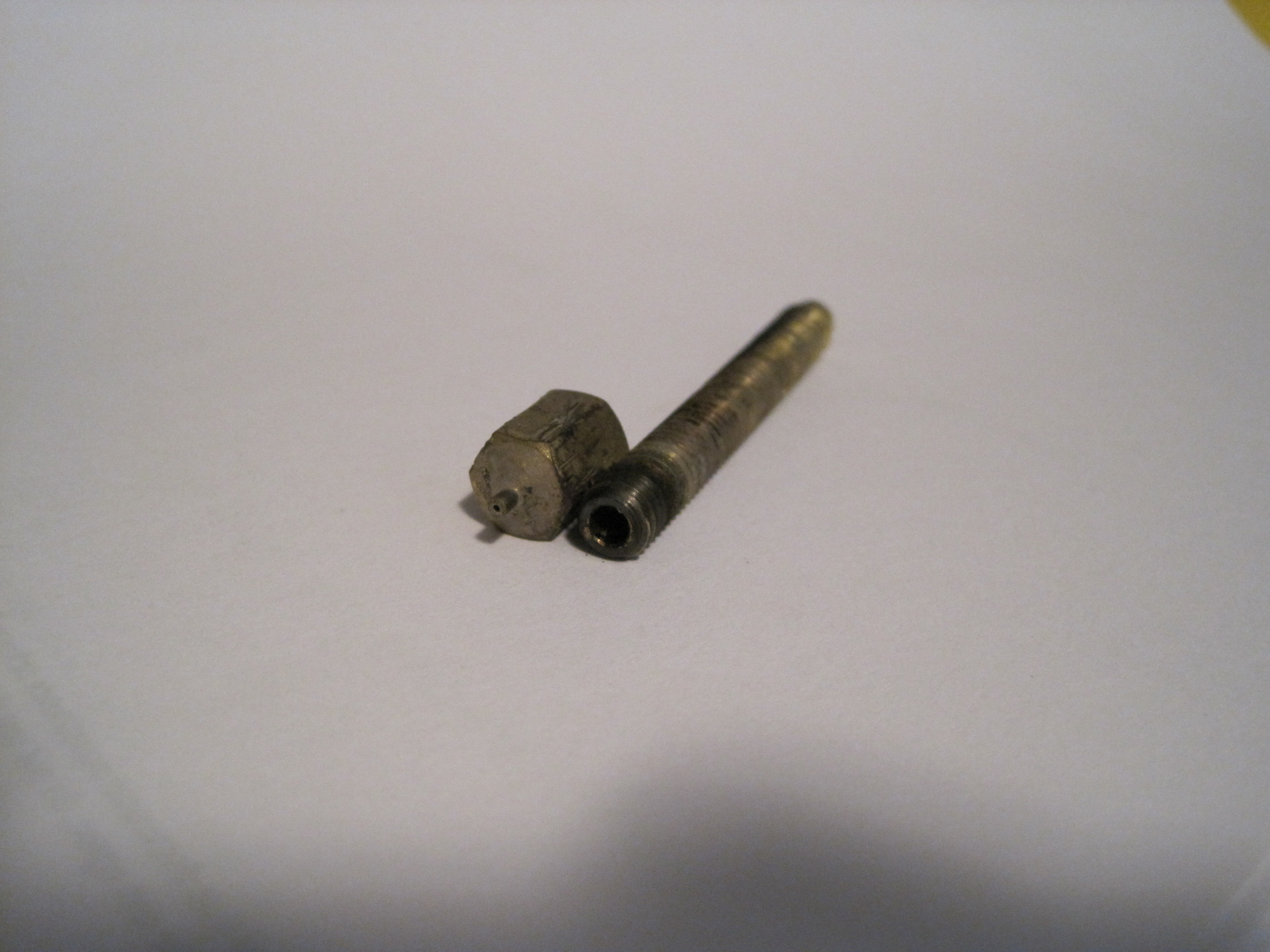
Dave M. posted his process for removing a threaded barrel from his PTFE insulator, and it’s brilliant.  I was wondering how to do this since I may want to get my heater barrel out of the nozzle.  But, how to do it without having to some plyers, vice, or some other crushing instrument on the threads?!

  • Screw on one nut, a washer, and another nut.
  • Put the PTFE in a vice
  • Put a wrench on the nut below the washer
  • Muscles!

Z axis wobble from bearings?

I’ve seen it suggested on the MakerBot Operator’s group (I forget who…) that Z axis rod wobble can be introduced where the bearings fit on the Z axis rods.  This is an interesting possible source of error… and a solution!

It would seem that if the placement of the bearing on the rod can introduce warp, it might be able to slightly counteract warp as well.  I’ve gotten my Z axis wobble mostly under control.

Differences between MakerBot Batch 9 and 10

Someone recently posted on the MakerBot operators group that there were some minor steps missing on the MakerBot Batch 10 instructions.  Just so you know the three things that person pointed out were fixed almost immediately.  You’re NEVER going to get that kind of service from IKEA.

In any case, this gave me the idea of perusing the Batch 10 instructions to see how they differ from my Batch 9 ‘bot.  Here’s what I’ve noticed:

  1. Different build order.  The Batch 9 ‘bot instructions show the body being built first, then the XY stage, then the plastruder.  Batch 10 shows the XY stage, then body, then plastruder.  I think you could probably build the Batch 9 ‘bot in the Batch 10 order without a problem.
  2. Different Y stage caps.  Batch 10 ‘bots appear to be using an Y stage cap that has more room for the pulley that rides on the Y stage.  My guess is that this will probably buy you a few precious millimeters of print space.  (The pictures say X stage end caps…  but it looks like the Y stage to me.)
  3. Different Y stage pulley.  Unlike my batch 9 bot, these instructions show assembly with a manufactured toothed idler pulley.  I have no idea what benefit is conferred by having teeth on that pulley.  Perhaps it is less prone to slipping on the belt?  Perhaps it makes it easier to tension the Y pulley without disassembling the Y stage?
  4. Different X axis pulley.  This manufactured toothed idler pulley looks similar to the one on the Y stage.

Why the toothed idler pulleys?

MakerBot Cupcake CNC print resolution

Some people have asked me about the MakerBot’s print resolution.  Although this information can be found on the MakerBot wiki, there’s no harm in disseminating this data. 1  Before I get into some of the technical stuff, let me just say this – the print resolution is pretty freaking good for a $750 DIY robot and it will give a $15,000 commercial printer a run for it’s money.

As a printer that can create objects in three dimensions the normal two-dimensional printer resolution jargon of “DPI” or “dots per inch” doesn’t mean much.  The printing resolution for the X/Y axes is 0.085mm and the resolution for the Z axis is 3.125 microns.  Most of the time you’re going to have a Z axis resolution of about 1/3 of a millimeter.  If you print with layers much smaller than that it will take forever to print without a huge increase in quality.

Or, to put it another way…  if you were to hand me two objects one printed on a MakerBot and one printed on a commercial printer, I’m going to ask you why the heck one of them costs $14,000 more than the other.  I’ve printed some pretty intricate and detailed stuff on my MakerBot.  As I tune it I hope to improve it even more.

  1. If you haven’t poked around the website, I highly recommend it.  There’s a lot of information about the Cupcake CNC, RepRap, fused deposition modeling, robots, and all sorts of stuff. []

Blind reading the blind…

I just noticed there’s a Twitter feed ( http://twitter.com/CanMakeIt ) following this blog.  Since my post titles tend to be more whimsical and self-referential than informative, I feel kinda bad for anyone mislead into clicking on the titles.

If you’re one of those who came to this blog wondering what the hell I’m babbling about…  um, sorry.  I’m frequently off topic.  Sorry for clogging up your RepRap aggregated feed!

Repairing ABS parts

The spout on the black teapot on the left snapped off as I was trying to clean the model.  I don’t have any ABS glue lying around so I tried white glue – which didn’t work at all.  Later I held up the broken piece and the body of the teapot to my hot extruder barrel and melted them back together.  Clearly not a recommended way to repair a part – but it’s been pretty effective.