Plastic oozing into threads – is that the end of my insulator?

I don’t know, but I’m about to find out.

I’ve managed to clear out the PTFE insulator pretty well.  I pulled the entire heater out of the extruder, turned up the heat a little, held the barrel lightly in plyers, and unscrewed the PTFE without a problem, and then turned the heat off.  I then used a precision flathead screwdriver to follow the threads, popping/chipping the plastic out as I followed I went.  However, I don’t know to what extent the threads are still intact.  Since the PLA oozed into the threads, I have to think they’re messed up to some extent.

As for the barrel, I used a drill bit with the unsharp end wrapped in a rubber band.  I rotated the bit using the rubber band as a grip to drill out the plastic.  It actually worked really well for clearing out the barrel right to where I can see the barrel entering the nozzle.  The inside is reasonably clean, but I still can’t put a filament into it freely.

I also had to take a precision screwdriver and follow along the threads on the barrel to chip out plastic.  This went reasonably quickly.  Once I was done the nut was able to screw on and off freely.

Now I’m left with a slightly discolored PTFE and a mostly clean barrel.  I’ve got a spare PTFE insulator, but I’m hoping this one is salvageable.  It still has threads and the barrel will screw in nicely.

Rick and Spacexula have suggested I use a torch to heat up the nozzle and let the plastic burn/fall out.  But, this is a trick for another day with proper safety equipment.

Oh, and before I forget, Spacexula suggested keeping a ruined PTFE barrier to slice into insulating washers.  I’m hoping I might be able to re-use the PTFE insulator, but this is certainly my backup plan.
Dear Abby

I’m so sorry – I don’t know what I was thinking.  I must have lost my mind.  Polly meant nothing to me.

The little things just always seemed to work out between us.  Sure, we had our rough patches when it came to larger things, but we learned to live with that.

You were faithful and I let you go.  Abby, please take me back. 1

Yours forever more,

MakerBlock

  1. ABS – Acrylonitrile butadiene styrene []

PLA Woes

My adventure with PLA has ended in heartbreak.  It wasn’t working very well so I switched back to ABS – which was fine for a few prints.  Until I found it just wasn’t extruding and stripping the filament.

So, disassemble time.  My filament looked like it was getting shoved into a jam and splitting apart like a banana – with the center making it down to the nozzle through a small aperture.  I found I couldn’t remove the insulator – and upon looking closer found that a very small amount of PLA had oozed down and around the nut above the insulator/ washer.  I removed the extruder assembly from the ‘bot, and the heater assembly from the extruder, heated it back up and slowly removed the PTFE insulator.  I found the barrel was clogged with ABS as was the insulator.

I’ve managed to clean out most of the insulator, the nut, and the threads of the barrel using drill bits and precision screwdrivers.

I’m going back to ABS, I would rather deal with warp than the heartbreak of PLA ooze into the threads of my heater assembly.

PLA versus ABS, initial thoughts

I’ve yet to print something big as I am still working out some of the black ABS specks from the extruder.  Of the things I have printed so far, it looks like the PLA feels more brittle than the ABS.  ABS will flex slightly when pressure is applied, whereas PLA seems to resist until it snaps.  I like that I’m not wasting PLA by building rafts any more, now that the raft option is turned off in Skeinforge.

PLA takes a little longer to cool which has a few effects on a build.  If the layer underneath is still molten and saggy, the layer on top will sag too.  When an ABS part is done printing you’re basically ready to remove it.  I find that a PLA object can still be a little soft for as much as 15-30 seconds after a build.

I’m loosing finer details on prints.  I just reprinted the toy fire truck swivel.  It turned out really nice except for the actual swivel part.  Unlike the ABS model where the swivel snapped off immediately, the PLA model’s swivel was pretty solid (once it cooled and hardened).  However, it came out too thin!  As I watched it print, the PLA was so warm that it just stretched back during parts of the print – meaning the extruder nozzle made the full circuit, but the plastic stretched a little and pulled back closer to it’s last position.  Uh, that may not sound like the clearest example.

Suffice it to say that small round details such as the swivel didn’t turn out very well.  Which is pretty odd since similar small round detailed parts on the teapot did turn out well.  I suppose part of the reason is the swivel was one small round part where the next hot layer was set down on the prior still hot layer, unlike on the teapot where the thin round spout would be drawn, then the body, then the thin round part for the handle and back over the body – so that by the time the next thin layer was set down the prior layer had cooled.

Noise reduction via rubber bands

A common question from some of my friends is “How noisy is the robot?”  Since getting the belts tensioned pretty well and getting the stepper motors tuned up, it’s a little noisier.  But, it is quieter than our dishwasher or central heating unit.

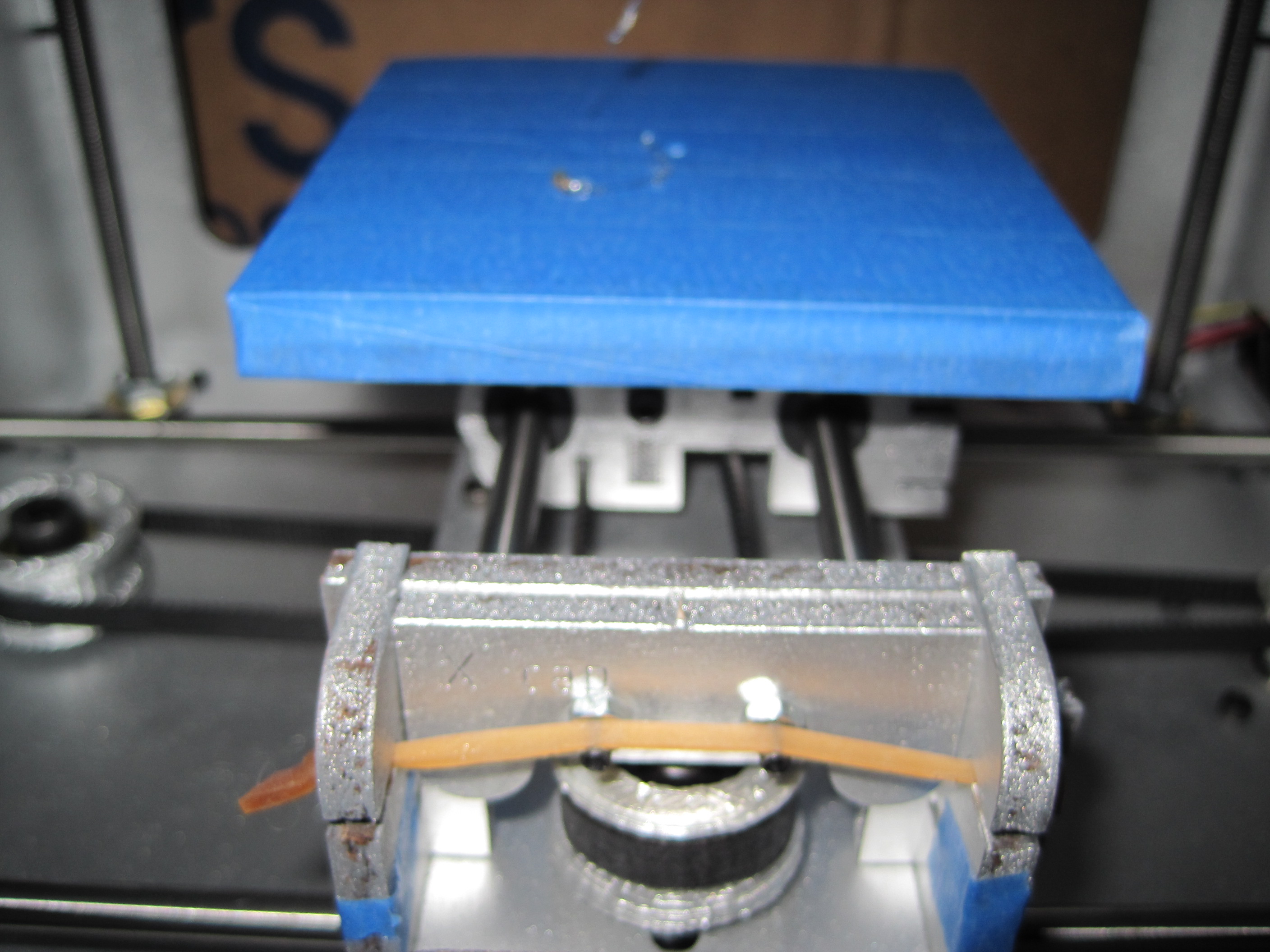
Rubber band for MakerBot noise reduction

Besides making sure the rods are oiled and bolts tightened (they get loose with all the shaking) I noticed that compressing the two sides of the Y stage helped with noise reduction.  By taking a thick rubber band, stretching it, and tying a big knot in either end I can put it in the slots for the opto-endstop triggers.  This has helped a little.  You’ll notice I stretched them over the two bolts.  This seems to also have helped just a little bit.

Blue platform

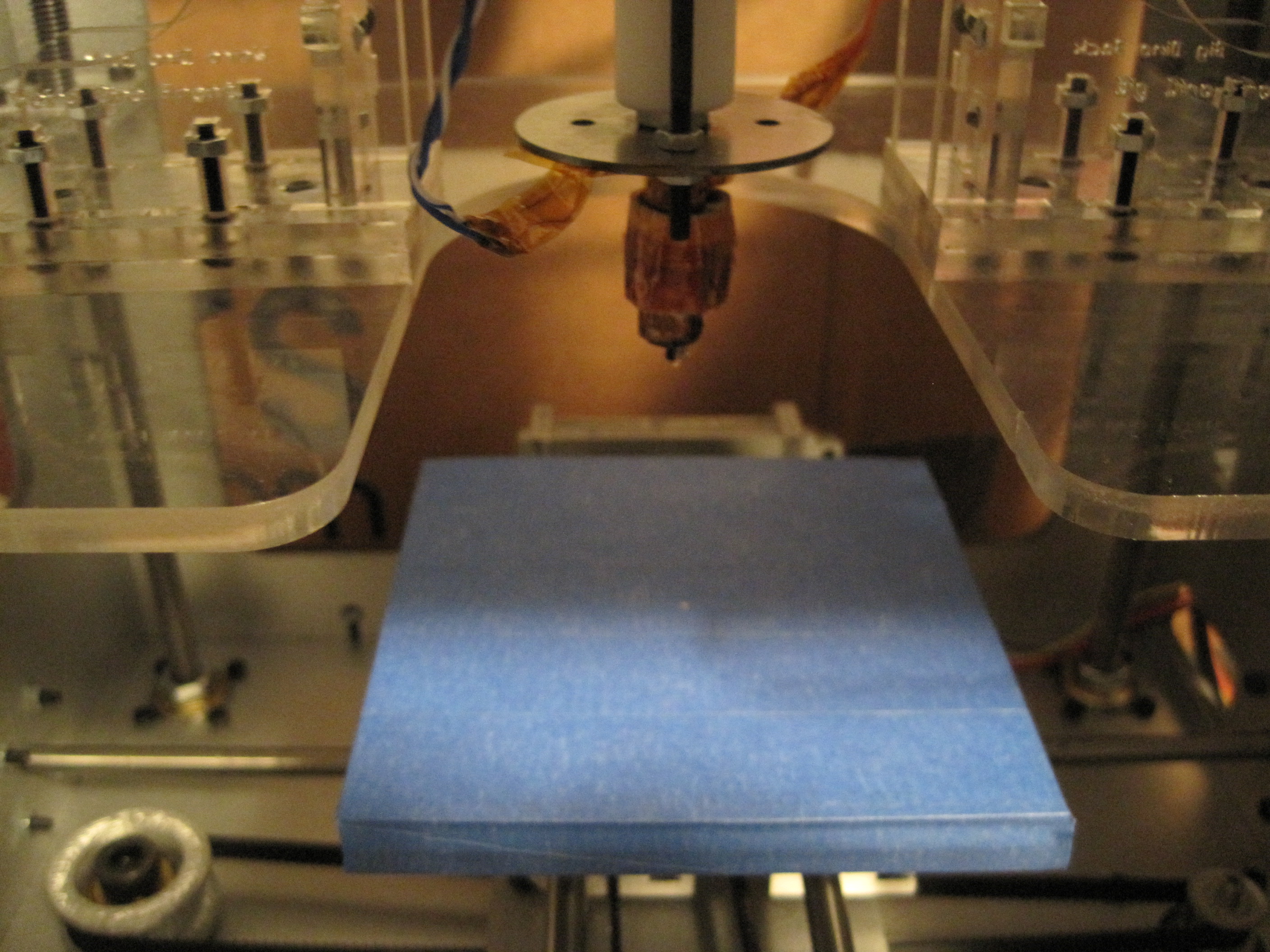
Foam core build platform, covered in blue painters tape

As the caption suggests, this is just the foam core build platform placed on top of the wooden platform and taped down with blue painter’s tape.  The tape has worked very well for my first PLA print, the teapot.  I’ll try this new platform setup in a little bit.

Ball bearings

A standard MakerBot Cupcake CNC requires:

  • 8x 608 bearings for the four X axis threaded rods
  • 2x 608 bearings for the two Z axis pulleys
  • 1x 608 bearing for the X axis pulley
  • 1x 606 bearing for the Y axis pulley

With all the cool things that could be built with the addition of bearings to a MakerBot toolkit I wanted to pick up some additional bearings.  I figure I could print an improved version of my retractable spring loaded tape measure, the microlathe, and other cool things.

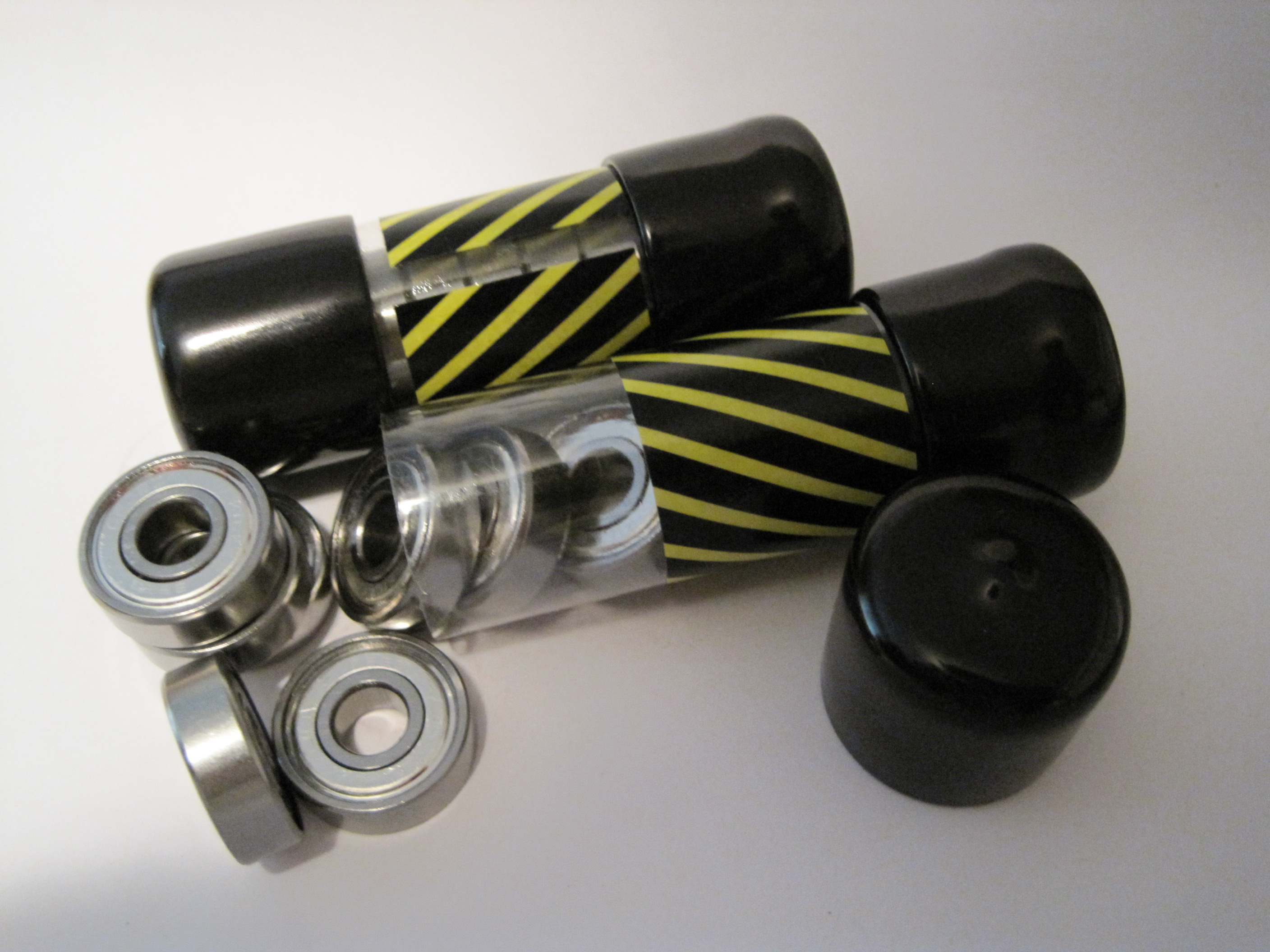
But, where to find these things?  My local hardware store didn’t carry them.  I went to a hobby shop nearby which had exactly two bearings for $5.  It sounded expensive, but I’d never priced bearings before and I really just wanted the two at the time.

A few weeks later I had a brainstorm.  Where could I find cheap skate ball bearings?  Well, why not a place that sells cheap skates!  I called my local used sporting goods store and they had a 16 pack of bearings for $5.  Right on.

Ball bearings
Ball bearings

Microlathe thoughts

Cathal Garvey’s Mircolathe is a printable mini lathe made from MakerBot printable parts, ball bearings, a dremmel and other minor parts.

Microlathe by Cathal Garvey

Now, I don’t have a dremmel… but from problems are born solutions.  Everyone has an electric drill, right?  What if the back of the left printable piece had a flathead screwdriver shaped hollow?  You could pop a flathead screwdriver bit into the drill, slide the drill up to the microlathe, put the screwdriver bit into the hollow and turn it on.