Ball bearings

A standard MakerBot Cupcake CNC requires:

  • 8x 608 bearings for the four X axis threaded rods
  • 2x 608 bearings for the two Z axis pulleys
  • 1x 608 bearing for the X axis pulley
  • 1x 606 bearing for the Y axis pulley

With all the cool things that could be built with the addition of bearings to a MakerBot toolkit I wanted to pick up some additional bearings.  I figure I could print an improved version of my retractable spring loaded tape measure, the microlathe, and other cool things.

But, where to find these things?  My local hardware store didn’t carry them.  I went to a hobby shop nearby which had exactly two bearings for $5.  It sounded expensive, but I’d never priced bearings before and I really just wanted the two at the time.

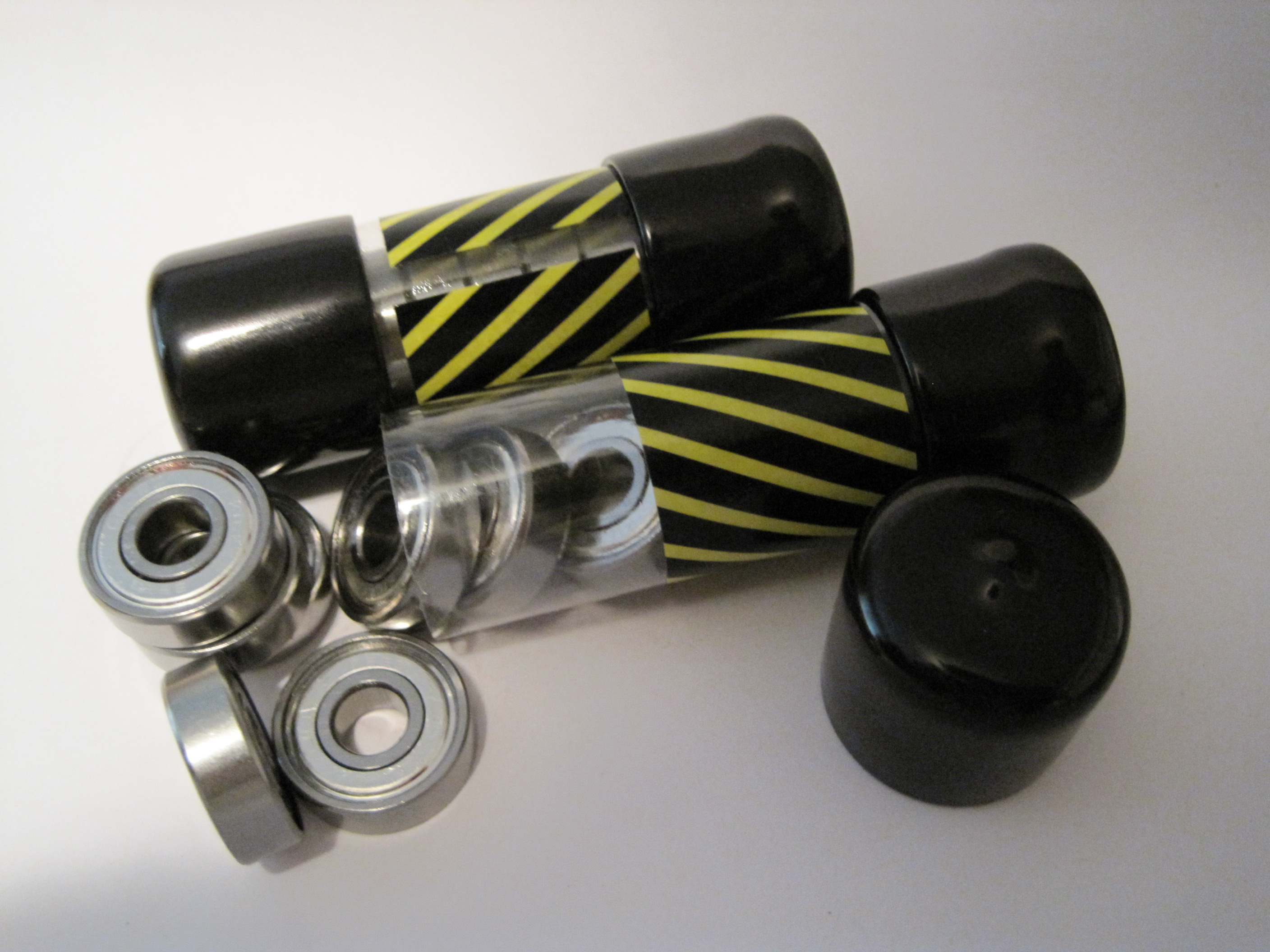
A few weeks later I had a brainstorm.  Where could I find cheap skate ball bearings?  Well, why not a place that sells cheap skates!  I called my local used sporting goods store and they had a 16 pack of bearings for $5.  Right on.

Ball bearings
Ball bearings

Microlathe thoughts

Cathal Garvey’s Mircolathe is a printable mini lathe made from MakerBot printable parts, ball bearings, a dremmel and other minor parts.

Microlathe by Cathal Garvey

Now, I don’t have a dremmel… but from problems are born solutions.  Everyone has an electric drill, right?  What if the back of the left printable piece had a flathead screwdriver shaped hollow?  You could pop a flathead screwdriver bit into the drill, slide the drill up to the microlathe, put the screwdriver bit into the hollow and turn it on.

Skeinforge settings changes

I figured, why not treat this blog as my lab book, right?  It’s a good way to document changes in settings, as well as my rationale for doing so.  Thusly, and without further ceremony, delay, pomp, or ado, I present for your kind consideration and review my latest Skeinforge changes:

  1. Skeinforge->Raft->Activate Raft: checked->unchecked
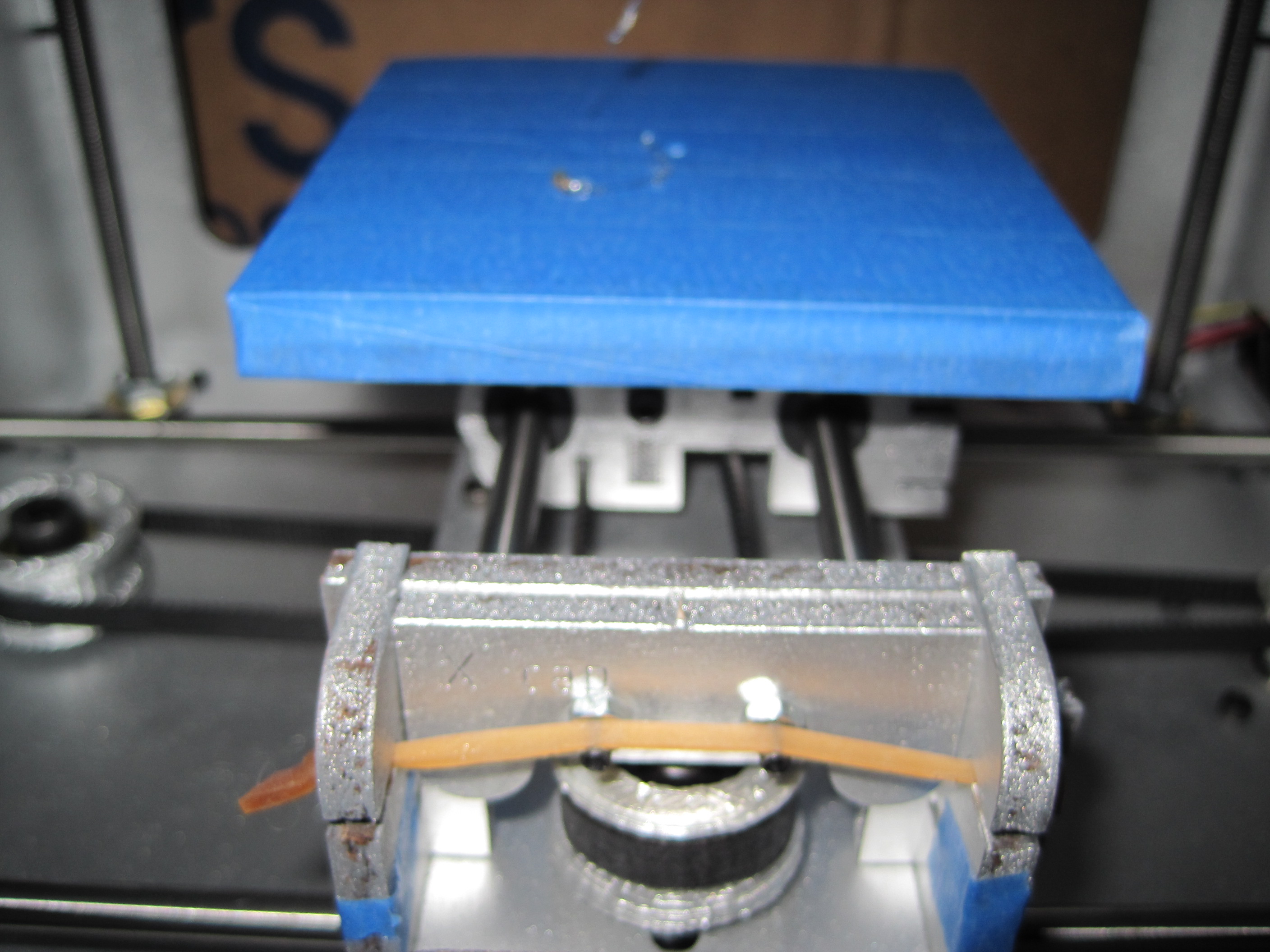
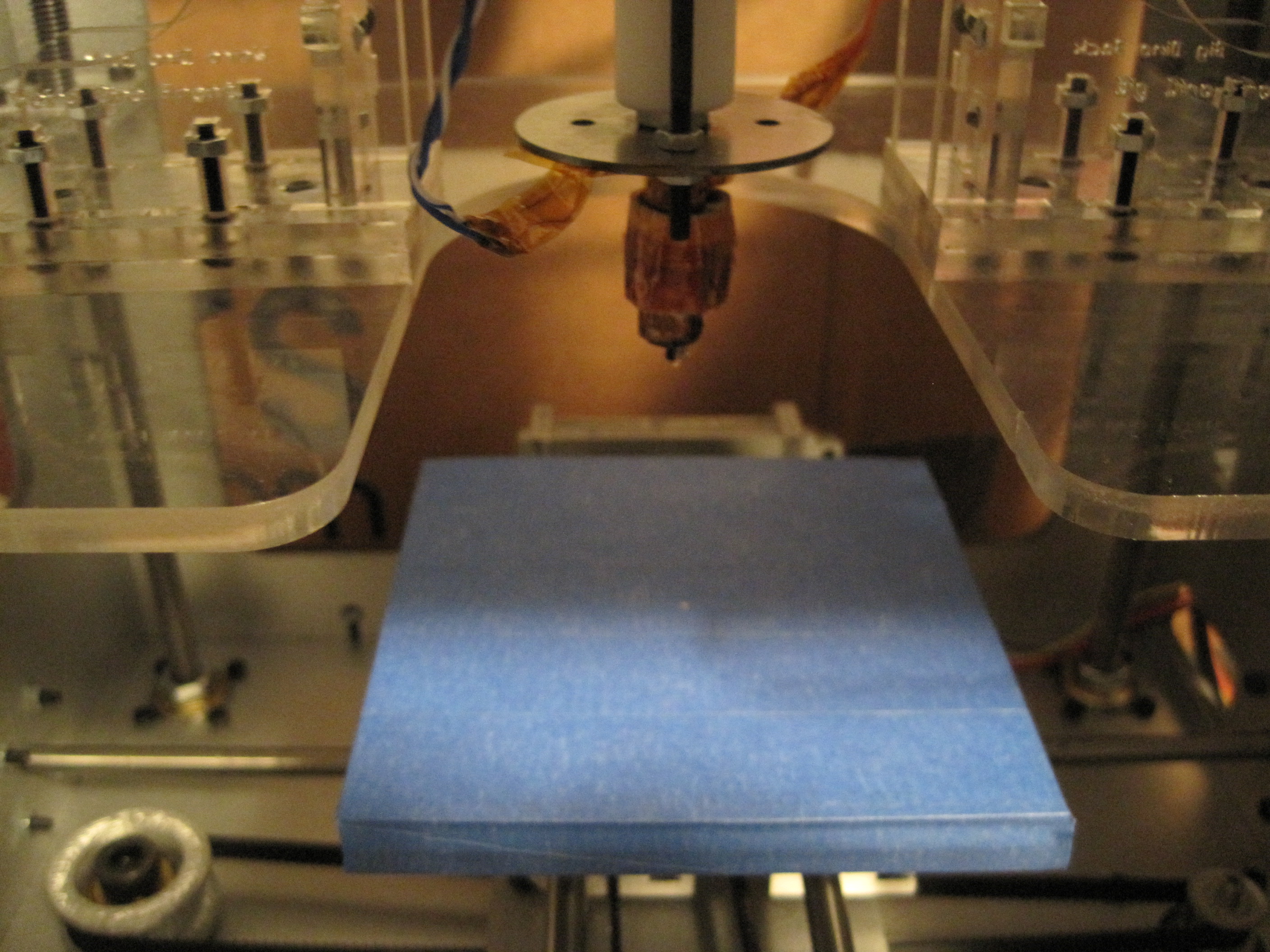
    • Now that I’m printing in PLA, I won’t need the raft.  As you can probably tell from the pictures below I’ve covered my acrylic build base in blue painter’s tape.  I think I’ll probably just take one of my spare foamcore build surfaces and cover that with blue tape and give that a shot.  I’ve noticed that as soon as my extruder heats up the PLA starts to ooze out.  This isn’t a problem as far as I can tell.  However, it does let some PLA drip – but when I start to run the extruder again it doesn’t extrude at all.  My guess is that the oozing PLA is dripping out of the nozzle, which then has to be filled back up to extrude.  ANYhow, my point is that if I heat up the extruder and don’t immediately start to print it will take a while to fill the nozzle, which means the raft gives the extruder sufficient time to get going before the part is being printed.  Rather than print a raft, waste the plastic, and then have to chip it off later it makes more sense to make sure I advance the extruder a little before I start printing.
  2. Skeinforge->Fill->Infill Solidity (ratio): 0.4->0.3
    • I’ve printed with as little as a 20% fill with no noticeable problems.  I suppose it would really depend on your model.  If the top of the model begins to taper up to a point, then you could probably print with 0% fill.  However, if the top of your build is flat, the topmost layers won’t have much to rest on and will sag just a little.  This doesn’t appear to be a structural problem, but more of an aesthetic one.
  3. Skeinforge->Fill->Infill Begin Rotation (degrees): 45.0->90.0
    • I tried reprinting Zaggo’s whistle in PLA and it didn’t come out – just like it didn’t come out in ABS.  I’m not sure how or why, but my infill rotation got set to 45.  I figure I might have a more solid fill/wall if I had this rotate to 90 degrees.  We’ll find out!
  4. Skeinforge->Fill->Solid Surface Thickness (layers): 3->4
    • This was just a slight tweak to see if I could make solid layers slightly more solid and waterproof/airtight.

Working out

I would have thought that the PLA would have just worked out all of the black ABS out of the way already, but it’s still got the occasional black streak.  Again, I don’t mind – I kinda like it.  However, I would like to be able to build some pieces out of pure PLA.  No matter, I’ll keep printing stripey non-cosmetic parts.  :)

PLA success?!

I figured, what the hell – I built it and I can (probably) repair it, right?

So, I backed out the black ABS I have been printing in, jammed in some freaking sweet PLA, ramped up the heat on the extruder to the exact settings I use for ABS, and then FIRE THE MAKERBOT!

For comparison’s sake I used the same exact settings, same exact Gcode file from the last single walled test piece.

What did it look like, pray tell?

I thought you’d never ask.

PLA printing success!

MakerBot, Mendel, Mendel-Mini Build Areas

Owning a MakerBot, I’m not even sure why someone would need something to print pieces much larger than the MakerBot build area.  Printing something as large as just the maximum build volume of a MakerBot would take ages.

While the official longest print logged on the Makerbot website is Zach’s Disney head, clocking in at 2 hours and 45 minutes, I’ve read about people printing for up to 8 continuous hours.  If the build volume for a Mendel is 4.3 times that of a Makerbot, it would take more than 34 hours to fill that build area.

When you’re printing a door hook in 15 minutes, it doesn’t pay to drive to the hardware store.  When it takes 34 hours to print a big plastic brick, you’re better off driving to the gas station, filling up your tank, driving to McDonald’s, filling out an application, working an hour, quitting and demanding your paycheck, driving to the hardware store, buying a single brick, and then driving back home.  I figure that kind of silliness would only take half a day or so.  Heck, with 34 hours, you could do this at least six times over.