I’m super excited for Maker Faire Bay Area / Mare Island and Mini Maker Faire Rocklin.1 I’m not just excited to see everything, but to show all the things I’ve been working on for a while now. It’s also time to pick up all the little dev boards I’ve somehow accumulated and see if I can make anything with them to show off.
- Project Boards
- Wemos D1 Mini. A small insanely cheap (~$3?!) WiFi enabled dev board2 , which has 4MB onboard and can run Arduino. I think it can also run MicroPython, but I haven’t tested this yet.
- Wemos 600 Pico. An even smaller, even cheaper (~$2 when ordered from China) WiFi enabled dev board that runs… MicroPython? I think?? I’m saying “I think” because I haven’t been able to get it to do anything yet.
- Since starting this blog post, I found a guide on installing MicroPython on Wemos boards that seems promising.
- Flashing MicroPython on an ESP8266
- https://github.com/espressif/esptool/tree/master
- Arguing with Python to let me use “esptool.py”
- esptool -p COM13 -c esp8266 flash_id
- As promising as that series of blog posts looked, I eventually scrapped the Wemos because it was just too much of a pain to get going with MicroPython. I think I could have made it work, but for $7 I could also just use the Adafruit QtPy I already have. The advantages of simply uploading code over a USB cable into a virtual drive just can’t be overstated.
- Since starting this blog post, I found a guide on installing MicroPython on Wemos boards that seems promising.
- Other Boards
- I have a bad habit of picking up dev boards. I’ve got several Adafruit QtPy’s, several Adafruit Trinkets, an Adafruit FX Sound Board, Raspberry Pi Pico (non-WiFi), various Digispark boards, a small handful of ATTiny85’s, and an even weirder assortment of VERY small programmable circuit boards (ISD1806B-COB) designed to go in greeting cards (just 6 seconds), etc.
- Companion Robot
- Background.
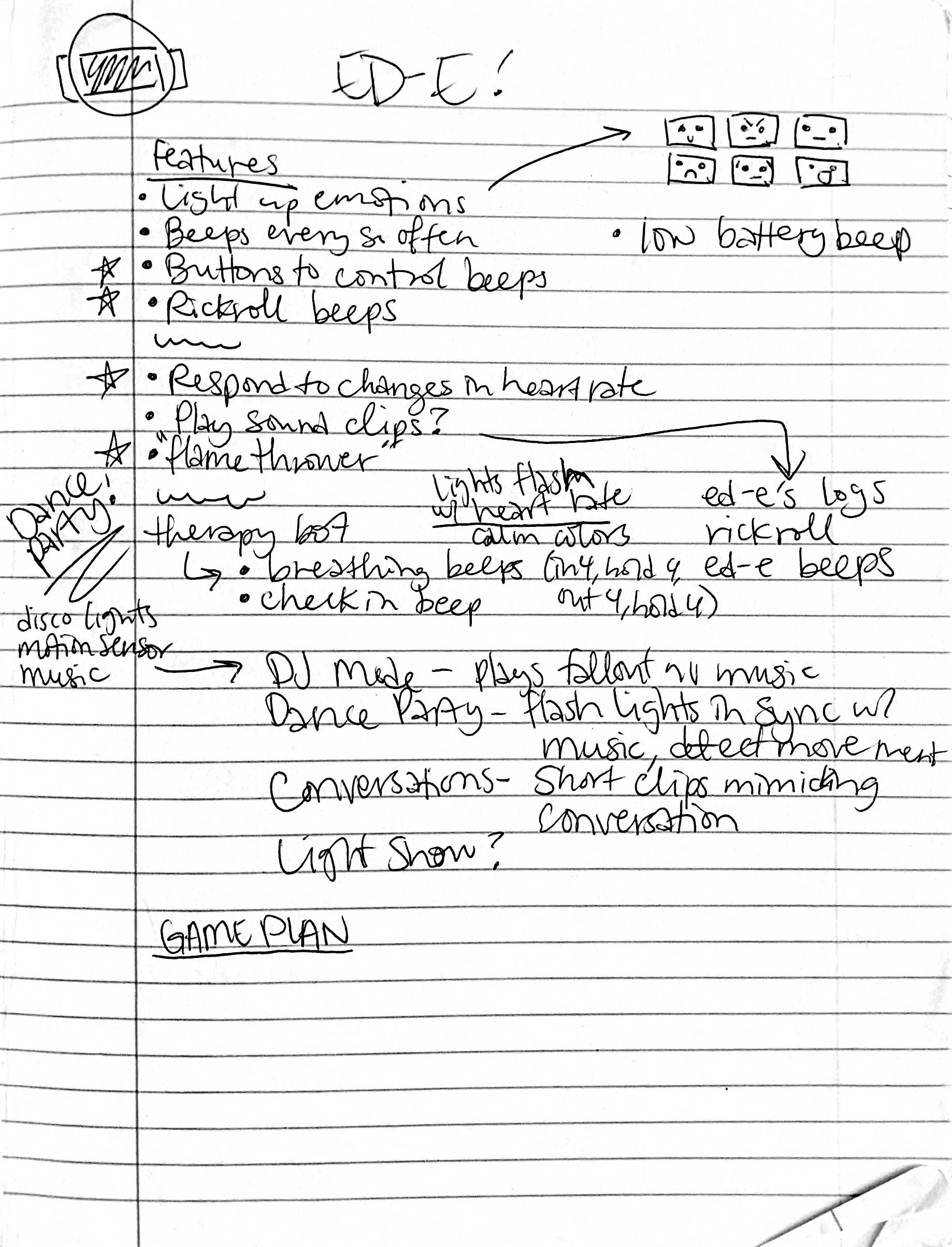
- I started this post at least a month ago when I only had a vague idea of what I wanted to make and even fewer skills. After seeing my kid’s companion robot take shape, I wanted to get in on the action and make my own. I decided to make a really small companion robot with just some LED’s, piezo, and small microcontroller unit. I’d taken a stab at making a companion robot a few years ago, but set it aside for a variety of reasons and never went back.
- The idea for this new robot would be something a little less ambitious, make more use of NeoPixels than in prior projects3, with a little more interactivity, trying out some CircuitPython, and… let’s be real… more pizzazz!
- Idea: Friendly Cloud/Vapor/Flame
- I still really like the copper-toned PLA I’ve been using since it has something of a steampunk flair to it. I settled on repurposing a small plastic enclosure with a clear dome as the “body” for the robot. I wanted it to look something like a small entrapped / captive / domesticated4 sentient cloud of vapor or perhaps flame held within a steampunk enclosure.
- As a very small, inexpensive board that could run either Arduino or CircuitPython, I decided on the Adafruit QtPy M0. It could run NeoPixels, there were lots of cool guides on it, plenty of pinouts, and could definitely fit within the confines of my enclosure.
- Enclosure:
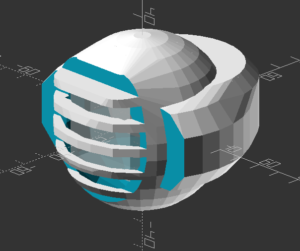
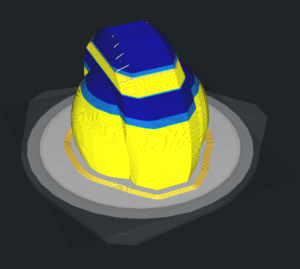
- I started the enclosure by trying to design and 3D print a part to mate with the clear plastic dome. It took a few tries.
- Once I had that, I extended the base so it could hold more electronics. I could definitely have shoehorned everything into the dome, especially if I took up some of the space inside the dome, but even with an “elevated base” it was still plenty small and could use a battery pack rather than a rechargeable lipo.
- Once I had a good design for the enclosure, I tried to make it work with an existing 3xAAA battery pack. In the process I yanked off the connector and ended up soldering the battery pack leads directly into the circuits.
- Internal Electronics
- I’m just not a great electrical engineer and am still copy/pasting from various guides, tinkering, changing bits of code, swapping out parts, and using “close enough” resistors. Wiring up some LEDs or a piezo to a project isn’t very difficult – it’s some of the more fiddly bits.
- Piezo Element Speaker
- I wanted to use a piezo buzzer/speaker because they’re large and incredibly thin. They’re not without their downsides. The crystal wafer is also thin and a little fragile. The piezo buzzer without additional electronics has the potential to act as a knock sensor and can generate a high voltage spike which can fry a board. And, without additional electronics, the piezo just isn’t very loud. There are some libraries for the Arduino that basically double the volume of a piezo by connecting it to two pins and then running each opposite of the other, doubling the voltage difference, but they only work for Arduino chips.5
- After searching for various ways to increase the sound of the piezo elements, I settled on trying to use the Adafruit piezo amp. I bought two – and tried desoldering the terminal blocks. This completely ruined one. The other one worked great, but for the modest volume gain it was just too big in an already cramped enclosure.
- After searching around, I found some amplifier circuits using a small number of common parts.6
- Then I tried building an amplifier circuit using an NPN transistor. After reviewing the datasheets for my NPN transistors (and PNP transistors), and breadboarding the circuit with resistors, I sketched it a few times, laid it down with copper tape, soldered it in place with SMD resistors, then pulled it off and placed it onto a piece of Kapton tape and put another piece on top – “laminating” it in place.
- Capacitive Touch
- Buttons are great and all, but with a capacitive touch pad, I could add metallic elements to my robot rather than a much bulkier button. I bought a few brass upholstery tacks because they looked great – but they just would not accept molten solder. I ended up cutting the prongs short with wire cutters, wrapping the stub with copper tape, then soldering the wires to the tape. I’d also added a little piece of heat shrink tubing over the connection to help keep it together. It’s been working well so far.
- LED Animations
- As we know from Phillip Burgess‘ incredible “power sipping NeoPixel” guide, we can conserve power and increase the impact of the LED’s by reducing the number of LED’s, keeping max brightness ~20% for a disproportionately large impact, running fewer LED’s at a time, and even running fewer colors at a time. Between Phillip’s work, Todbot’s guide, and the specialized QtPy NeoPixel guide by Kattni Rembor, I was able to put together a few neat animations.
- Piezo Sounds
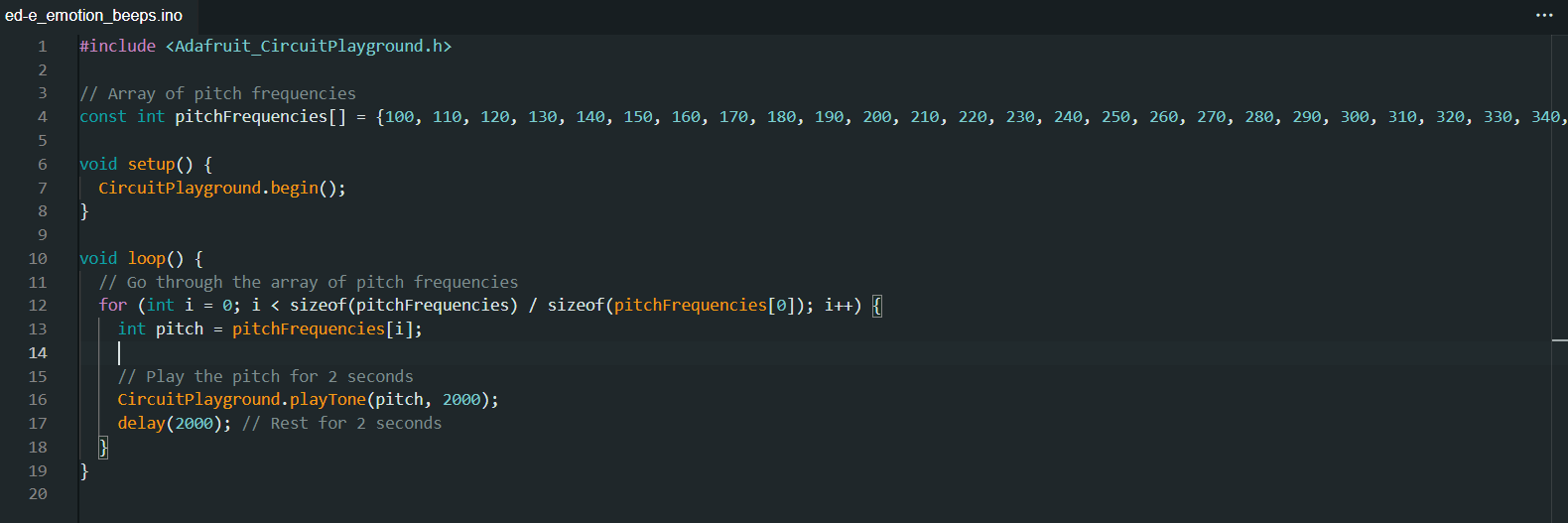
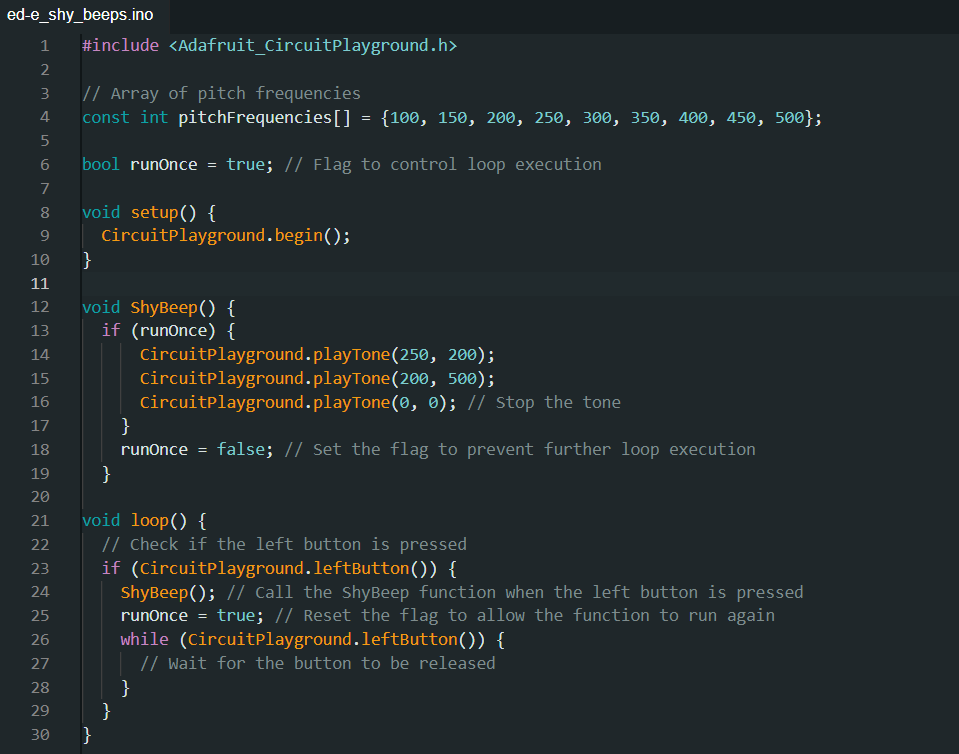
- I had a heck of time getting the piezo buzzer to do anything interesting. Fortunately, with my kid helped convert the piano music for “Paint It Black” into tones for me. I haven’t gotten all the note timings right, but I’m working on it!
- Background.
- Future Modifications
- More Accessible Enclosure. Right now the “lid” with a hole for the LED ring just sits on the enclosure with a light friction fit. One idea is a hinged lid, either with a conventional hinge or perhaps a hidden swivel hinge. The problem with that, of course, is it requires even more internal space. Other ideas include a ring on top that screws down, holding the top down and in place. I’m crap at designing screw threads, so I’ve avoided this.
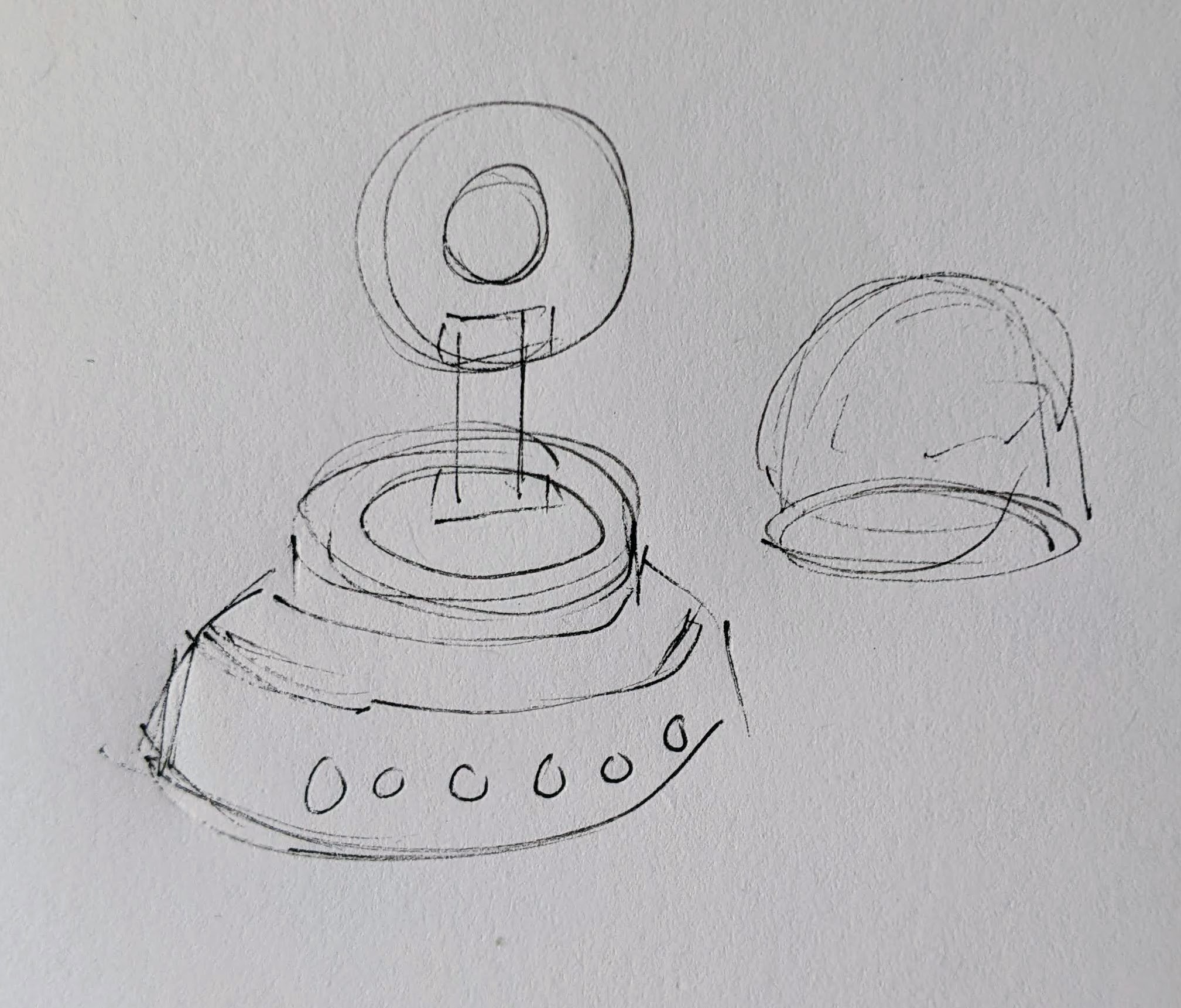
Hinged lid for enclosure - Piezo Knocks. Perhaps the next version will include some kind of tap / double tap / knock sensors using one or more piezo elements.
- Knobs. There’s not a ton of room inside the enclosure, but by including a gear within a gear, I might be able to rotate part of the case and have it manipulate a potentiometer.
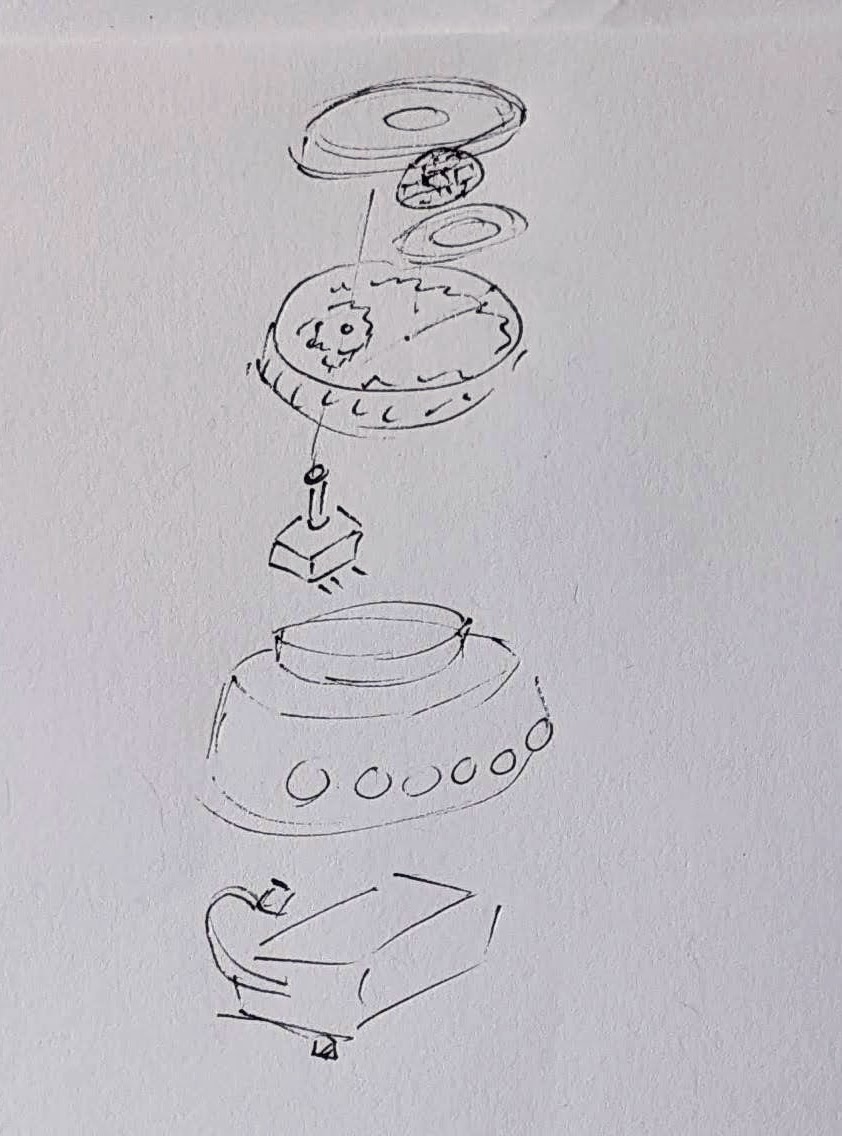
Offset gear within gear, manipulating an off-center internal potentiometer - Motors. A robot that just flashes lights and makes a few beeps can still be pretty interesting. However, I have some neat potential features that could be added with just one or two motors. There are some interesting limitations with the current incarnation of this robot and using a QtPy. I’ve only got 10 pinouts7 , 1 for NeoPixels, 1 for the piezo, 6 in use for the capacitive touch sensors, leaving 2 for other potential tasks.8 However, space is already tight so one or two micro servos would be a big space commitment. I’ve seen some really tiny micro servos that might work, but I have no idea where to source them. One silly idea is a “weapons system” using a spring loaded projectile activated by a very small servo.
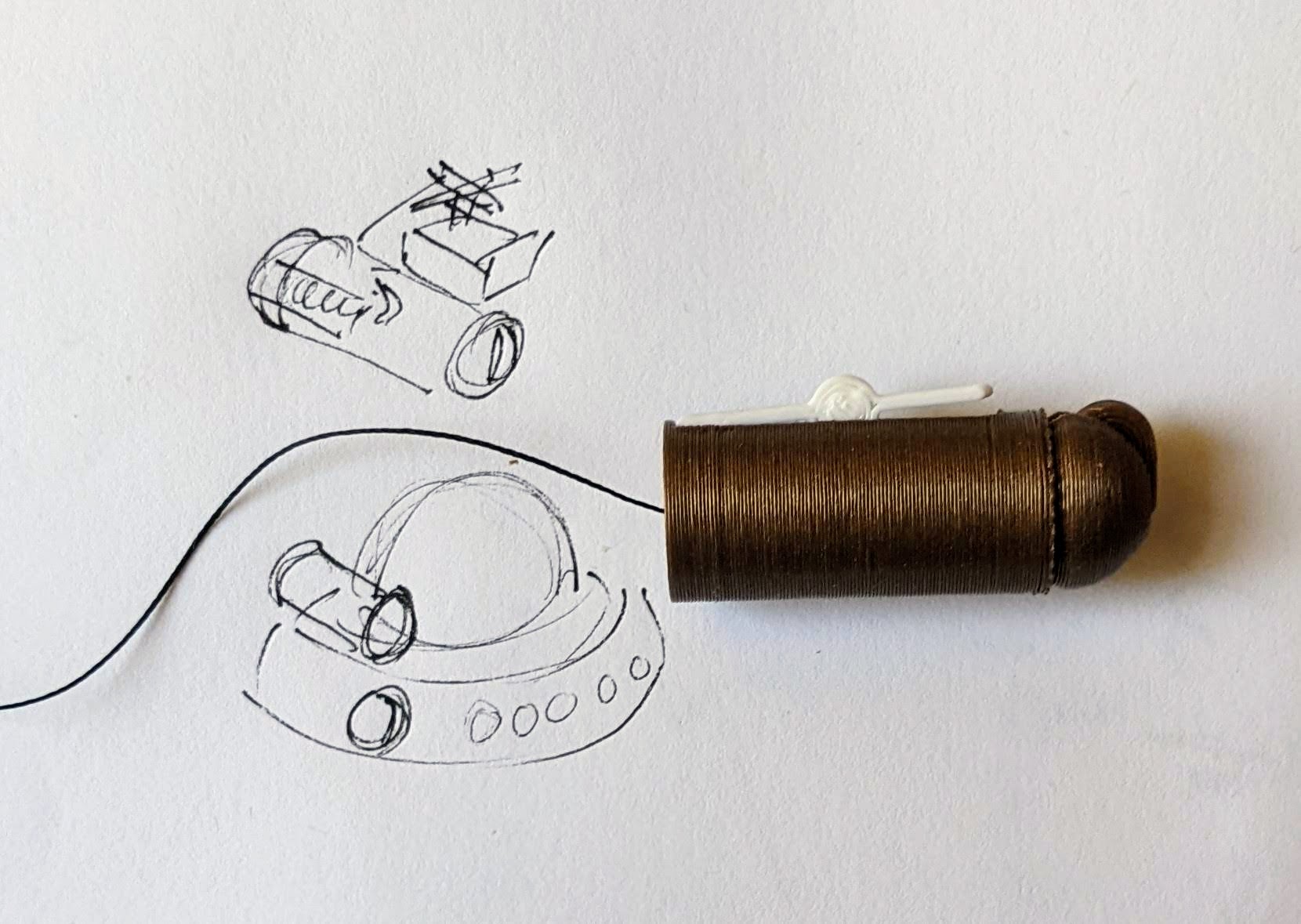
A small spring loaded projectile launcher, actuated by a small servo - Creating Tone Library. The basic piezo tones are easy enough to play, but including the entire list of tones and the frequencies associated with them seems eat up the poor little QtPy’s memory. I think compressing them into a library might be the way around this issue.
- Playing WAV files. WAV files are bulky, but that’s the only sound file format a QtPy M0 can play. However, with the extra 2MB from the SPI chip installed, this shouldn’t be a huge problem. I used Audacity to mix the sound clip down to mono then to 22 KHz sample rate. My preliminary tests worked – but it was incredibly quiet. I haven’t run it through the audio amplifier yet, but I’m planning to.
- Sleep / Deep Sleep. Ever since I swapped out the tiny LiPo for a 3xAAA battery pack, I’ve had a lot more battery life, so adding sleep / deep sleep functions haven’t been a priority. However, this inclusion just couldn’t hurt.
- More Accessible Enclosure. Right now the “lid” with a hole for the LED ring just sits on the enclosure with a light friction fit. One idea is a hinged lid, either with a conventional hinge or perhaps a hidden swivel hinge. The problem with that, of course, is it requires even more internal space. Other ideas include a ring on top that screws down, holding the top down and in place. I’m crap at designing screw threads, so I’ve avoided this.
- Other QtPy and CircuitPython Resources
- Cephalopod Robot Friend, the story so far
- Cephalopod Robot Friend Progress
- CuttleBot Body and OpenSCAD Design Tips
- An Assembled CuttleBot Body
- Building the Monocle Top Hat Cat for #MicrobitVirtualConcert
- Companion Robots and Maker Faire Season!
- I just got a notice they’re no longer a “Mini”! [↩]
- pinouts for my future reference [↩]
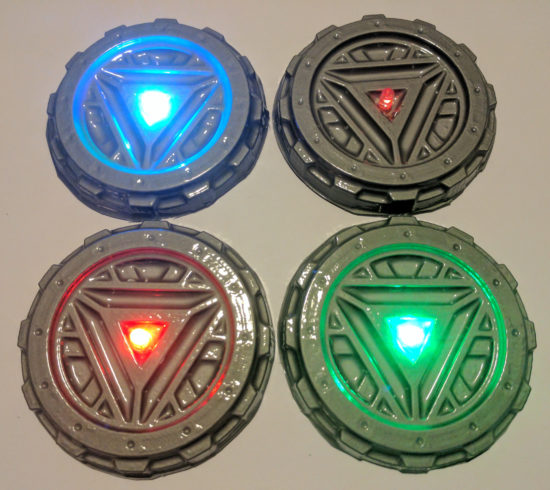
- LED goggles and a Marvel Universe inspired set of “Infinity Knuckles” [↩]
- OMG dome-sticated?! [↩]
- This is just my very basic understanding of how it works. I’m entirely positive this is far too simplified. [↩]
- And one very long article about using a lot of parts [↩]
- 12 if you want to count the onboard NeoPixel [↩]
- Or 4… [↩]