I just saw MakerBot’s blog post saying they finally got in a batch of MakerBot approved PLA. This is supposed to be nigh magical stuff. It prints at a cooler temperature than ABS, it has a low shrinkage factor meaning it won’t warp much if at all, it will stick to blue masking/drafter’s tape not requiring the use of an acrylic build platform, and it’s very clear.
While I was at it, I also ordered an extra brass nozzle, brass barrel, PTFE insulator, ceramic tape, nichrome wire, thermistor, and I asked for some MakerBot stickers to adorn my laptop. :)
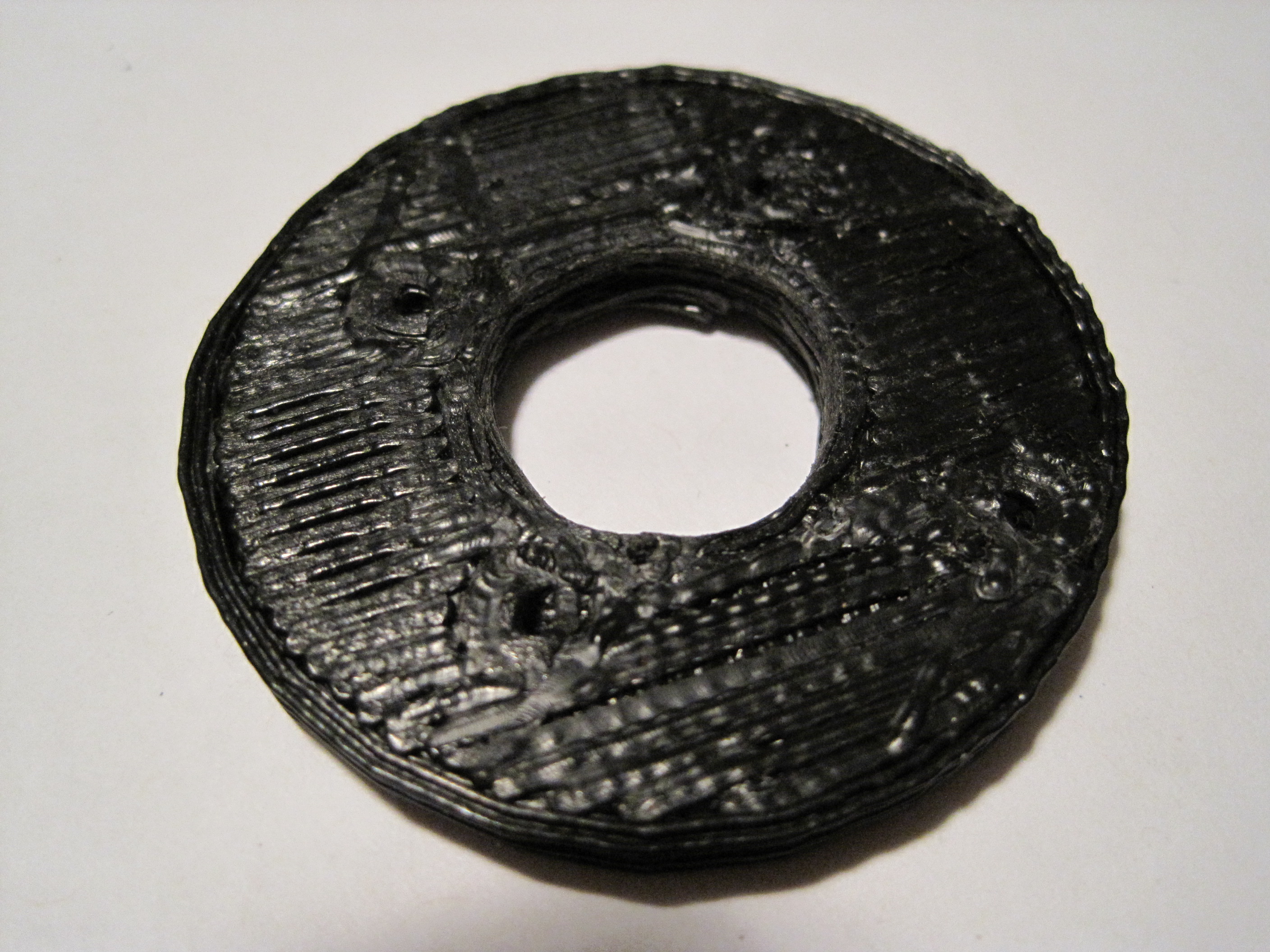
Lots of non-robot stuff keeping me busy… but not too busy to print a replacement insulator retainer ring! I should really start a list of the first things you should print once you get a MakerBot. This should be way at the top, even above the Z-axis crank.
From what I gather from the MakerBot operators group, the 5mm acrylic insulator retainer ring that comes with the MakerBot kit will eventually fail. If this happens, the heater will basically pop off and melt into whatever you were building at the time.
Really, it’s all about choices, right? The extruder motor is super slow but super strong. Chances are it will eventually deform some part of your assembly. With this in mind, you can build your heater assembly with and without the nut. Depending upon which you do, different parts will be bearing the brunt of the force exerted by the extruder motor.
If you assemble the heater without the nut below the washer, the majority of the force will be applied by the motor to the filament and into the barrel and nozzle, eventually forcing the nozzle downwards, ruining the PTFE insulator barrier, stripping the PTFE barrier threads, pushing out the nozzle, and making a molten oozing mess of everything.
If instead you assemble the heater with the nut below the washer, the nut will hold the washer in place and the majority of the downwards force applied by the extruder motor will be placed on the insulator retainer ring. If the insulator barrier ring fails, it will crack or shatter dropping the heater into whatever you were building.
The good news about the second method is that its pretty easy to print up a replacement insulator retainer ring to keep handy!
I cannot take credit for these fantastic plugins. Since posting this originally I have heavily edited it to include all the great Google Sketchup plugins I’m using. 1 Without further ado they are:
– This script will allow you to import STL and DXF. I haven’t used this one as much as the other two. I think this script was written by someone named Guitar-list.
– This script will allow you to import/export STL files. I’ve had pretty good success exporting STL files, but the importing is very hit or miss. This Ruby script appears to be encrypted, so I don’t know who wrote it and I don’t know enough Ruby to decode it. This is the best link I could find to it.
– This script will reduce the number of polygons and faces in a Sketchup model. With really complex models (or an underpowered computer) it can take a LONG time to work. Fair warning. This great script was written by someone named Whaat.
– Script for generating a helix. Super awesome for creating screw threads. 2 This script was written by someone named Peter Brown, but I cannot find any link to his site or contact information. Sorry Peter. I did find some instructions on how to use this plugin.
– Script for making a Sketchup object manifold. I’ve tried it a few times and found that it works slowly on my super under powered machine. I’ve gotten bored and stopped it before it has completed. That said, I’m quite confident a more patient person could get it to work no problem. :) Manifold was written by someone named TIG who is a prolific creator of Sketchup plugins/Ruby scripts on the Sketchucation forums. I found this plugin thanks to the Capolight blog – there’s some amazing stuff over there – check it out.
– Script for creating curved surfaces or skins from contours or paths, also by Fredo6 with detailed instructions on the Sketchup Forums. Although there isn’t any documentation, there are two tutorial videos here and here with an additional tutorial here. This plugin requires Fredo6’s shared code library called
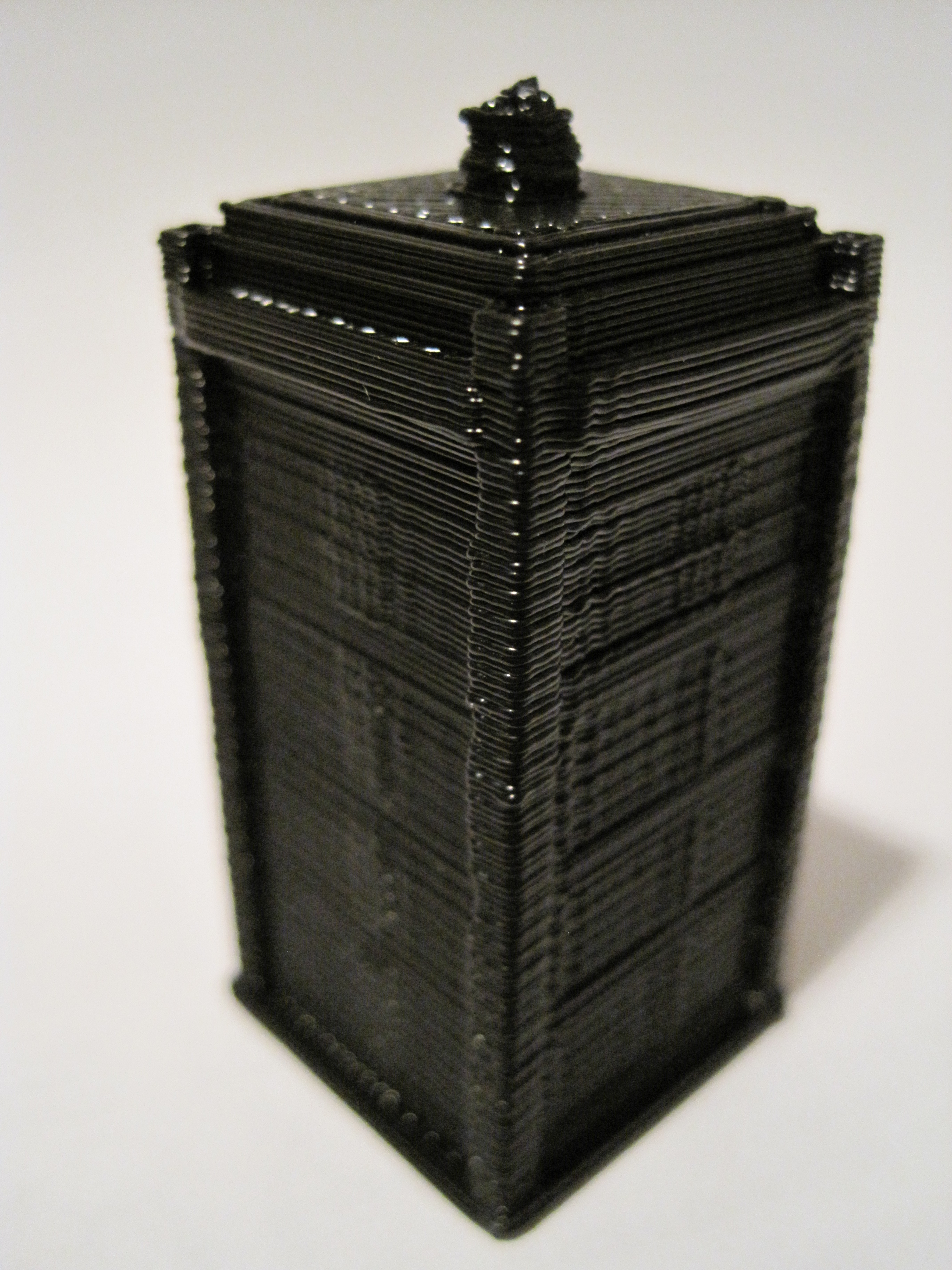
InnovationByLayers – you rule. Thank you for modeling and posting this. I’ve really wanted to print out a TARDIS and a Dalek. I downloaded the file, ran it through Skeinforge, and started printing away.
1 hour and 8 minutes later:
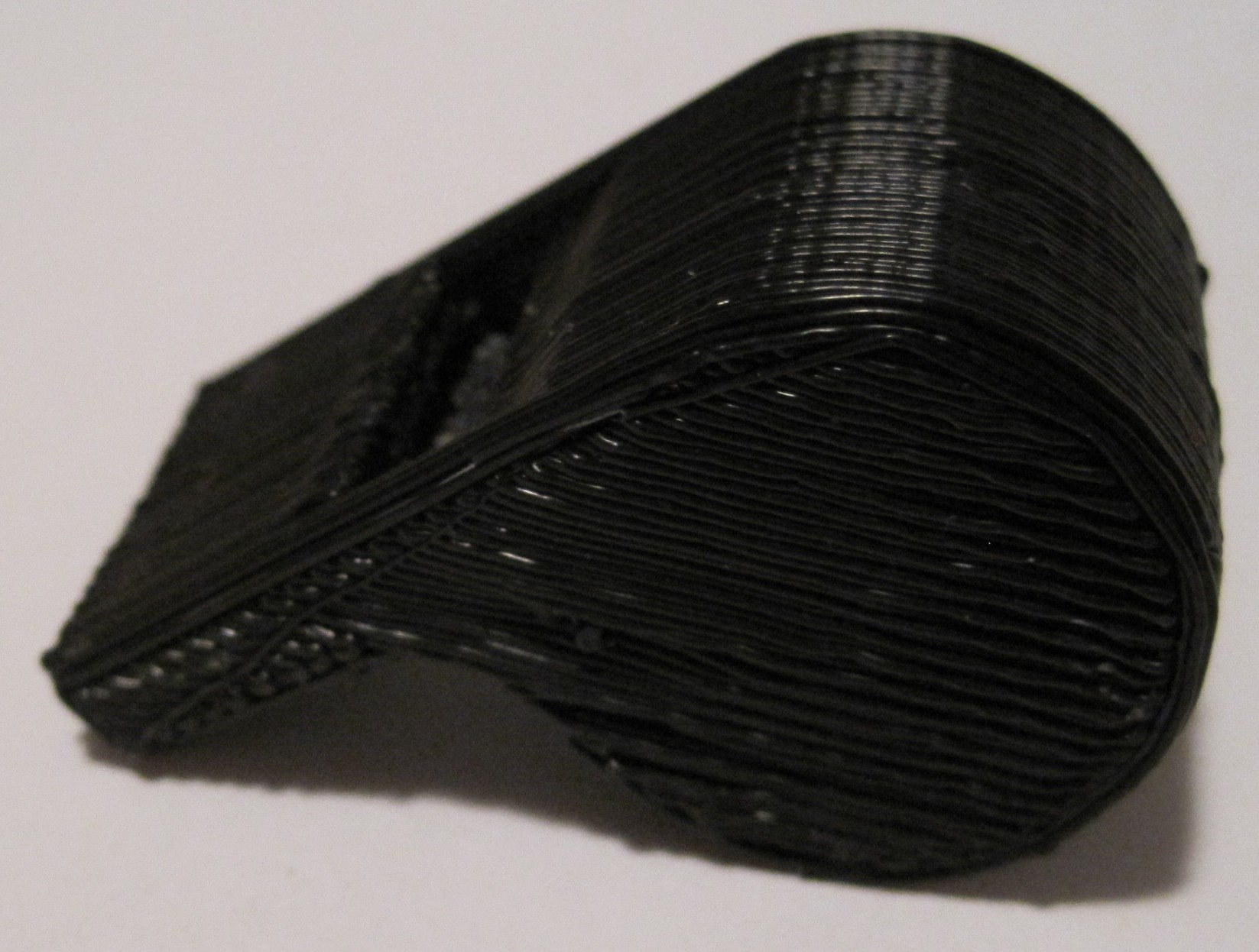
TARDIS
I am very happy with this print. You can see some very minor vertical variation in the model, which is quite exaggerated by the photographic angle, but it’s probably about 0.33mm or so. The variation is barely noticeable. I suspect I could get better resolution if all four of my Z axis threaded rods were straighter, but I also think my time/effort is probably better spent dialing into the correct Skeinforge settings.
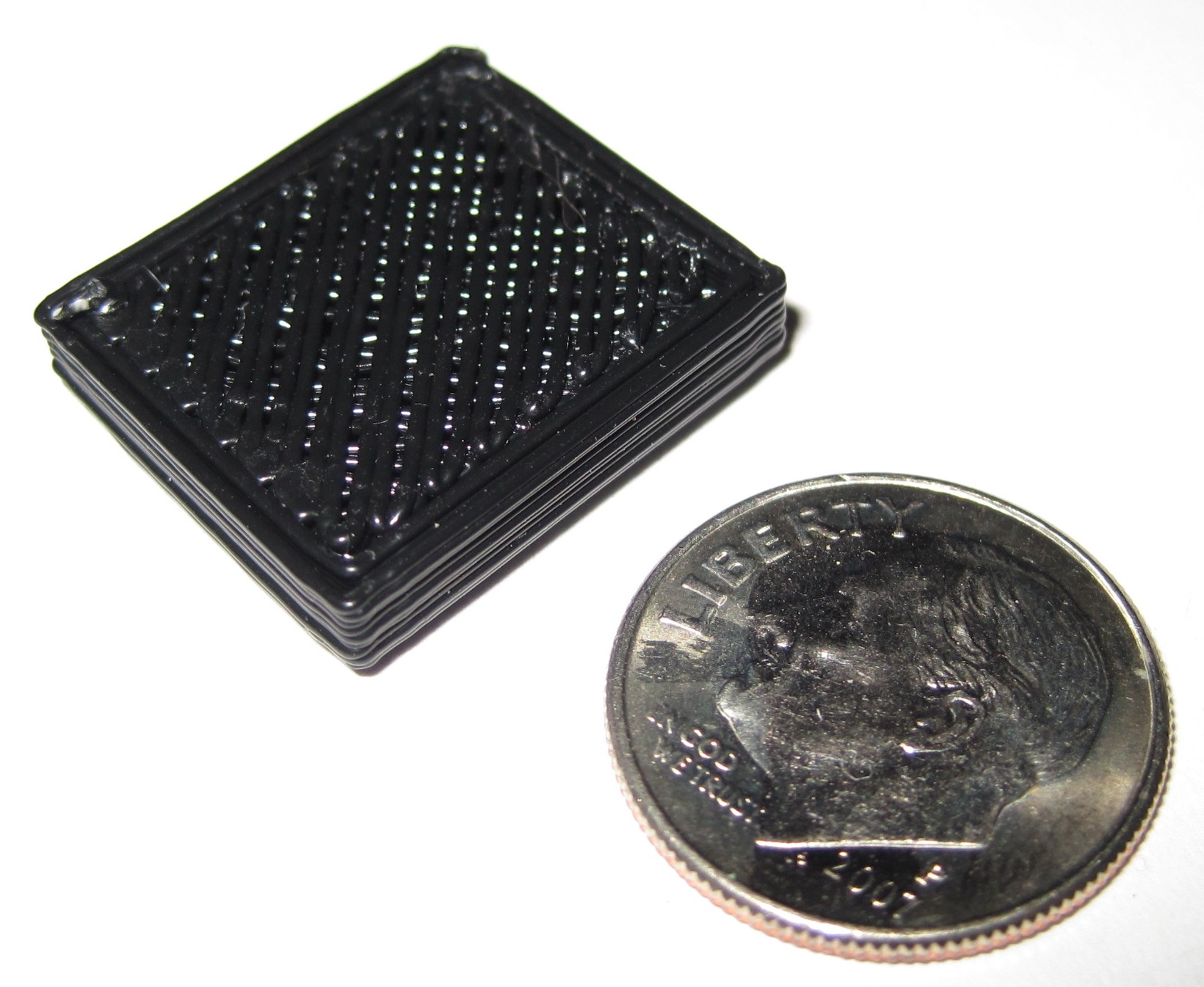
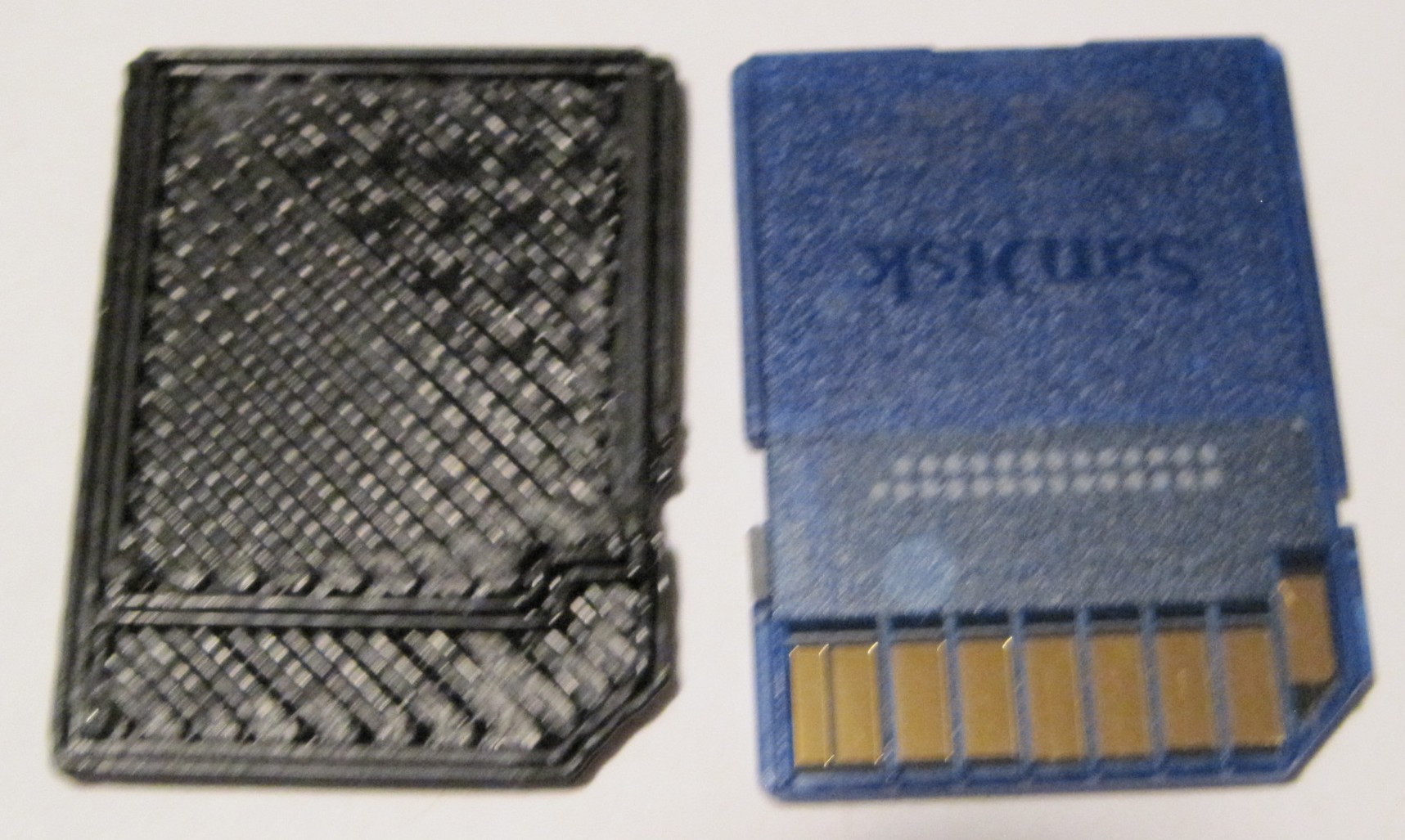
Totally unnecessary and arguably useless! It’s an SD Card blank!
I’m not entirely sure what the purpose of these things are, but that’s not really the point. Somewhere there’s someone that does nothing but churn these out day and night. And I’ve just broken their monopoly!
This summer I discovered that one of the window latches in my home was broken. Since the windows are so old, I didn’t even bother checking for replacement parts at the hardware store. My repair consisted of wrapping duct tape over the broken part and fitting back inside the latch mechanism.
It worked, but was a less than ideal fix. The part had snapped in two places, making the entire part slightly unstable even when reinforced with duct tape. Additionally, the extra thickness of the duct tape prevented the latch from sliding smoothly and eventually started to bunch up the duct tape.
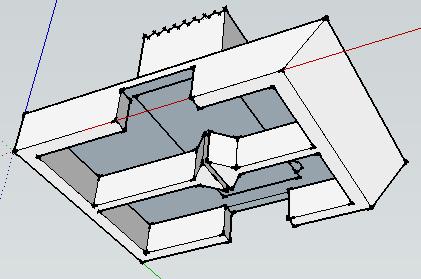
Several months ago, figuring that it was only a matter of time before I bought a MakerBot CupCake CNC, I modeled the part in Google Sketchup.
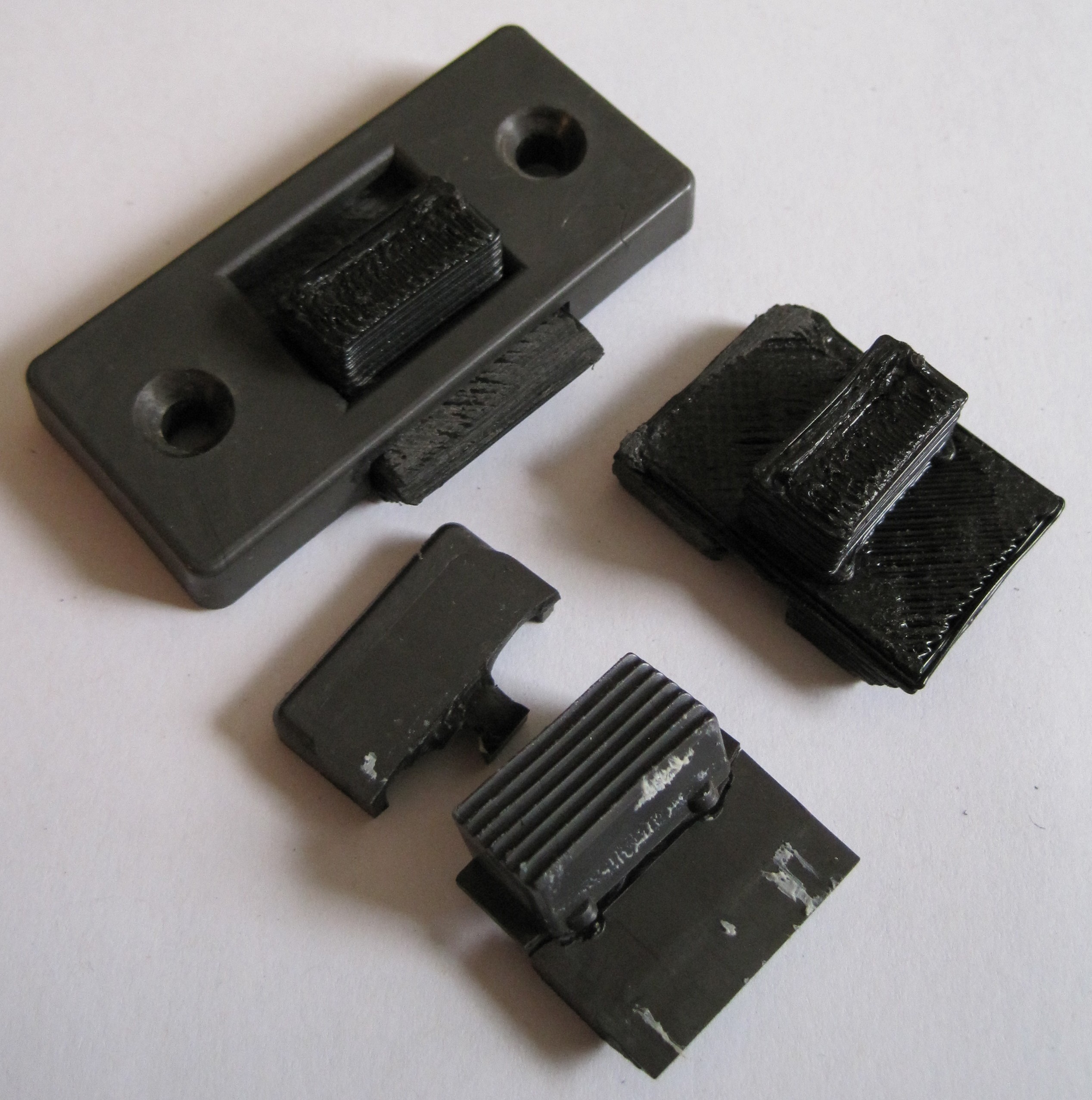
After getting my MakerBot operational yesterday, this was my second print. It was also my fourth print – another window was missing a latch entirely. A little light sanding and a slight use of a hacksaw blade to separate the small divide underneath the part, and it was ready for installation. Both latches installed without fuss and work far better than the duct tape version.
Window latches, top viewWindow latches, underside
Unlike the duct tape fix, this repair permanently replaces the broken part with a functionally identical part that is also far more cosmetically appealing. Best of all, I now live in a house that is partially built by a robot I made. :)
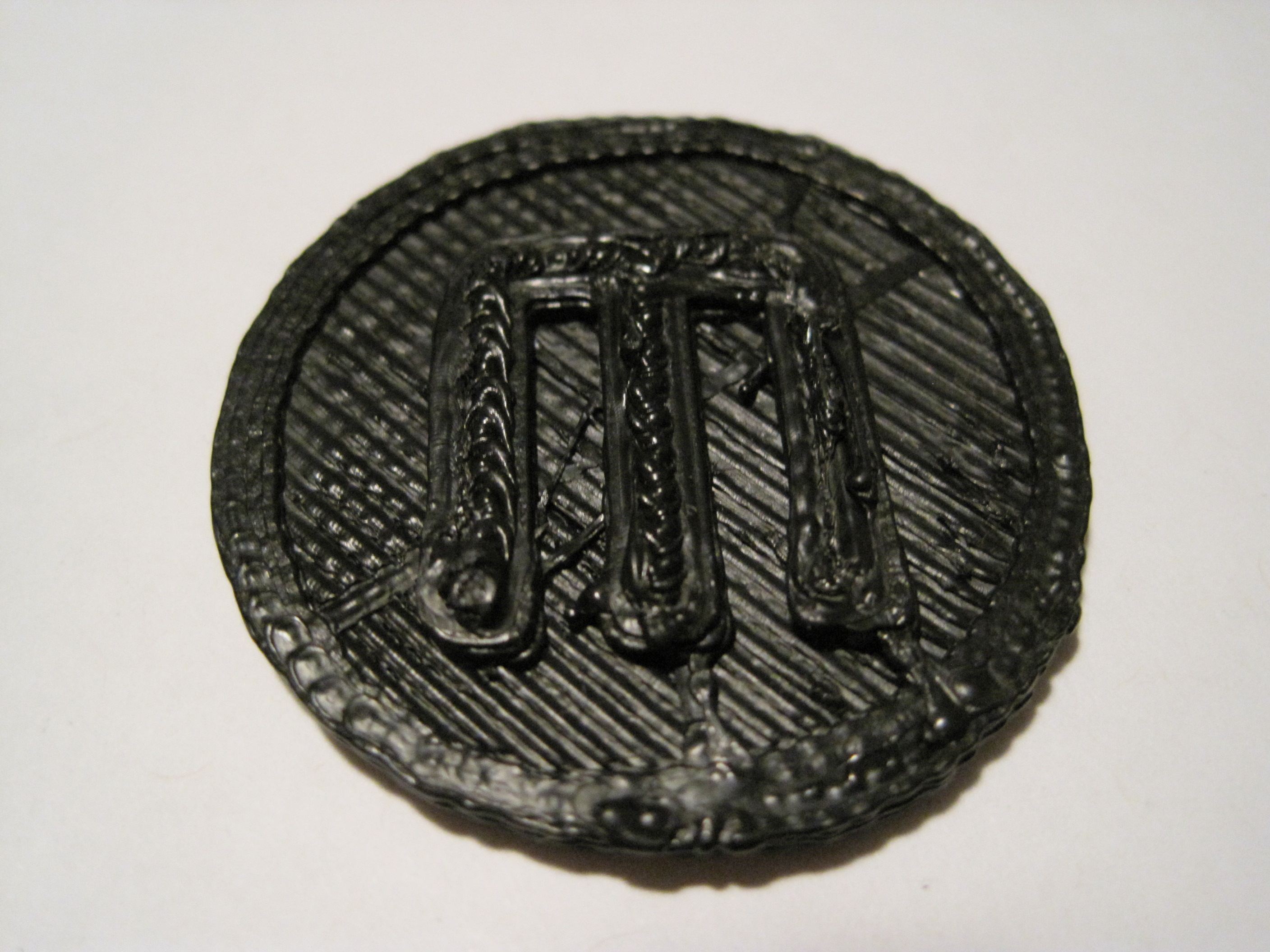
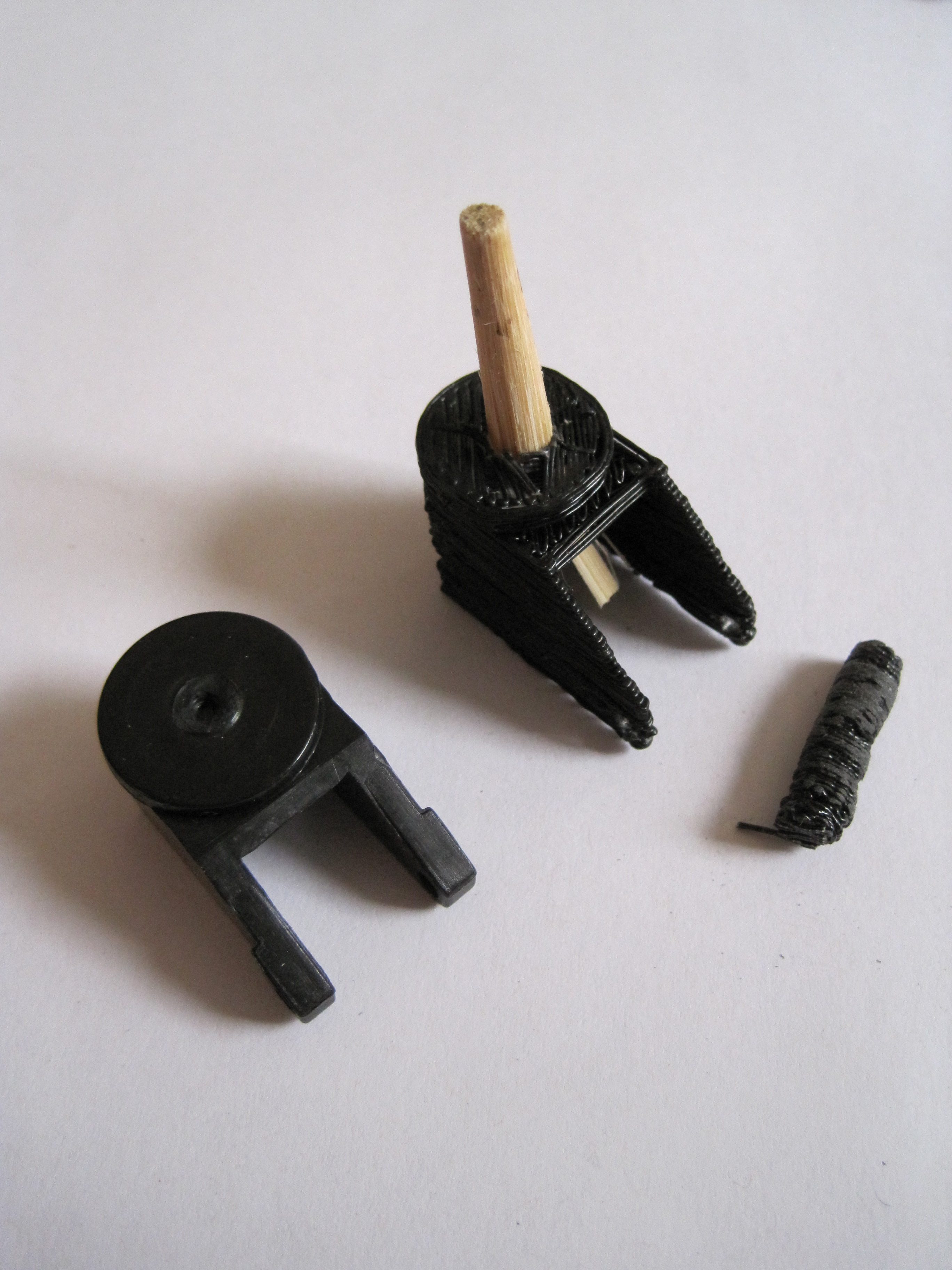
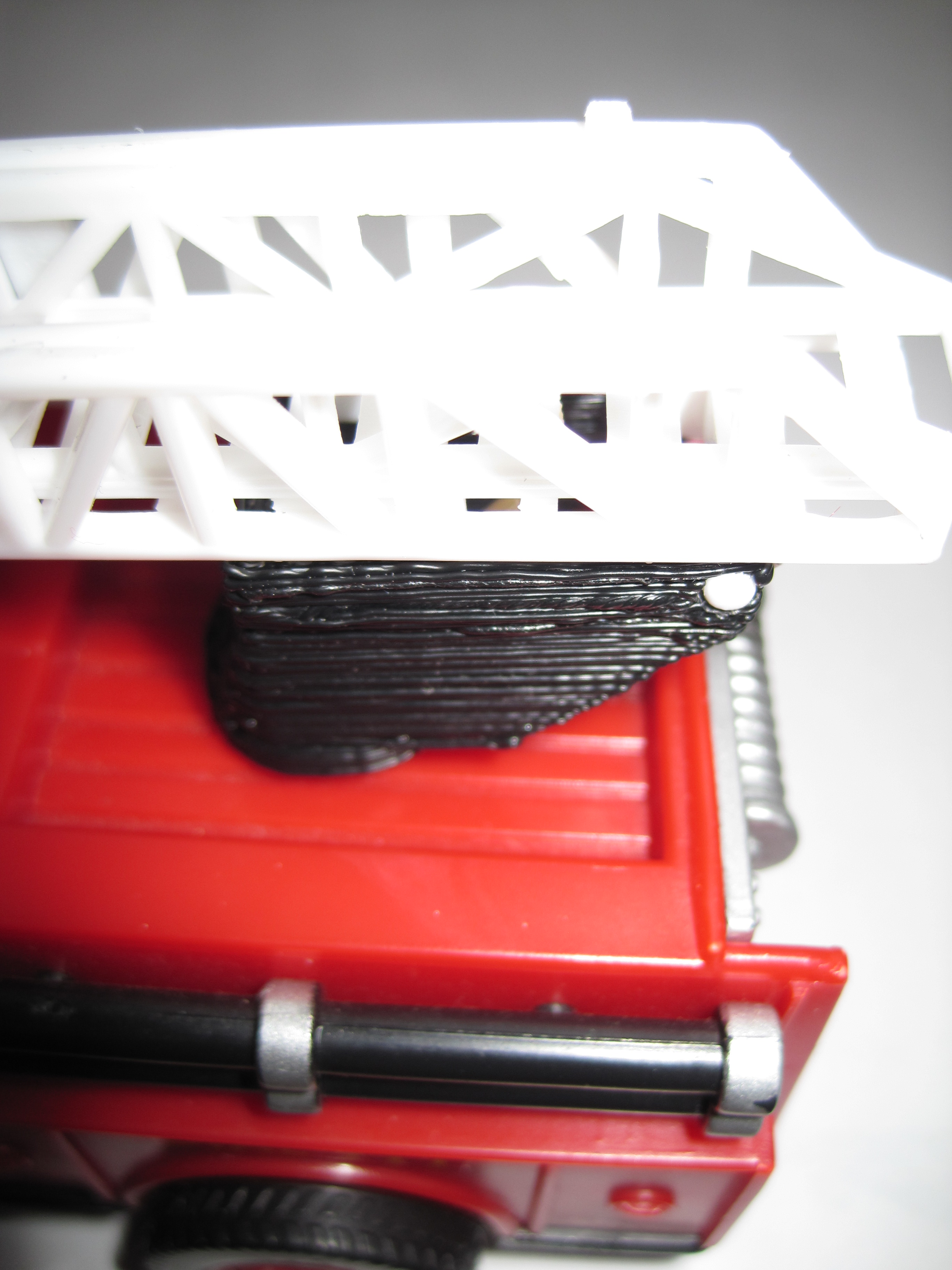
Here’s another part I printed. The original piece was from a toy fire truck. It served as a rotating platform, hinge, and guide for the fire ladder. The toy broke when the part was pushed laterally, shearing the axle off. Overall, I’d say it was a poorly designed piece. The entire toy would have been much sturdier if the axle stuck out from the body of the truck in the form of a low round stub the rotating platform fit around. However, I’m rarely consulted in the engineering of toy fire trucks. :)
As with the window latch, I had taken the measurements and modeled the piece in Google Sketchup several months before ever purchasing my MakerBot. I had to make several small changes to the design of the part to reduce overhangs.
Replacement toy fire truck part, for comparisonReplacement toy fire truck part
This wasn’t the cleanest piece I’ve printed, but it’s fine for a part that is destined to be broken all over again. If I were printing it again I’d widen the two walls which serve as the hinge to the ladder. The piece I printed had the same kind of unevenness in the tall thin axle that I had on the handle of the Z-axis crank. The part became so blobby that I tried to sand it down to be more even – and accidentally snapped the axle off. Hence, the piece of round chop stick glued into the part. I’m still fiddling with the Skeinforge settings to deal with this issue.
The process was really pretty easy: Measure broken piece -> model in Sketchup -> export to STL file using a plugin -> Skeinforge -> ReplicatorG -> FIRE THE MAKERBOT!