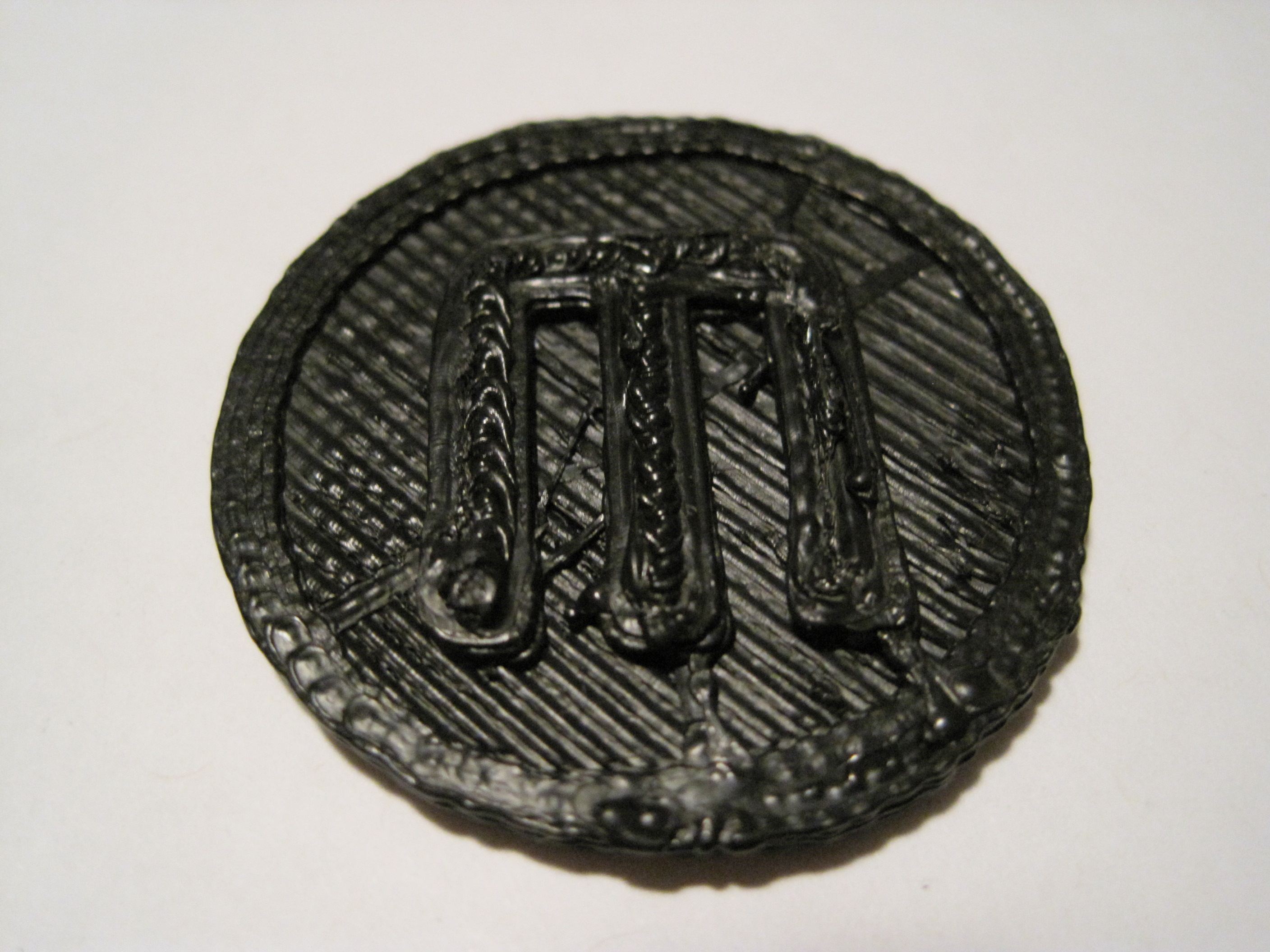
PLA on the way!

I just saw MakerBot’s blog post saying they finally got in a batch of MakerBot approved PLA.  This is supposed to be nigh magical stuff.  It prints at a cooler temperature than ABS, it has a low shrinkage factor meaning it won’t warp much if at all, it will stick to blue masking/drafter’s tape not requiring the use of an acrylic build platform, and it’s very clear.

While I was at it, I also ordered an extra brass nozzle, brass barrel, PTFE insulator, ceramic tape, nichrome wire, thermistor, and I asked for some MakerBot stickers to adorn my laptop.  :)

Heater barrel – backasswards?

Dangit.  According to the very latest changes to the MakerBot assembly wiki, I put the heater assembly together with the heater barrel upside down.  I’m not entirely sure what this means for my heater.  Clearly it was working well enough that I could extrude reasonably well.

The questions is – do I leave it as is or disassemble/reassemble?

If I leave it as is, I suppose there’s a chance I could bulge the insulator, ruining it.

I’ve already disassembled/reassembled once because of a bad thermistor connection.  If I disassemble again, I’m thinking the ceramic tape and nichrome may have had it.  Not to mention that I’m probably going to have a royal mess of plastic inside the barrel and nozzle to clean up.

My first hack

Seeing as how I already had the heater in pieces, I figured it couldn’t really cause that much harm to move the plastruder board.  I totally get why the MakerBot guys put the board on the extruder – that way all you had to do was swap out an extruder and you can roll with a totally new print head.

I don’t really intend to do printing beyond single color plastic.  This may very well change if we see a support material extruder being offered.  But for the foreseeable future, I am really looking forward to printing away with my giant coil of black ABS.

That said, I’m not attached to the idea of having totally modular heads. 1  On the right side of the MakerBot there’s a really large area above the motherboard and to the left of the three stepper motor boards.  The only things preventing the plastruder board from being mounted right there are (1) the motor wires are too short and (2) four holes in the body.

I had dissected a piece of ethernet cable for the wires running to the nichrome wire and thermistor, so I still had four wires left.  I used another two and a bit of solder to extend the wires to the extruder motor.

Sometimes when I need to drill a small hole through soft or thin material I don’t even bother with the drill.  I used a small drill bit with a rubber band wrapped around the non-drill-bitty-end to give it a grip and rotated it into the right panel of my MakerBot.  Bolt it on and…

Presto!  Now I can see all the way through the plastruder.  :)

  1. Sorry about the pun. []

Things I learned while soldering opto-endstops

The opto-endstops marked the very first parts I had to solder for this MakerBot.  Not having soldering anything more complicated than two wires together, this was an adventure and learning experience.  Here’s what I learned today:

  • The 3-pin connectors used for two of the opto-endstops (on the Y-axis stage) are in the Generation 3 MakerBot Electronics Kit (Mostly Assembled) with some of the other connector bits.  I was a little confused about this for a while.
  • It helps to lay out all the little bits in an organized fashion beforehand.
  • Keep a long thin rigid stick handy for bending delicate leads into the circuit board holes.
  • Although I read the RepRap electronics fabrication guide and found it helpful, I still felt a little lost.  I found the most effective way to solder the parts in was to:
    • Get the soldering iron good and hot
    • Put the leads through the holes
    • Bend the leads a little so that they stayed in place
    • Flipped the board over so the leads were sticking up
    • Touched the solder to where I wanted the joint
    • Gently stroked the solder with the soldering iron tip towards the joint
    • This process seemed to create a pretty good joint
  • You’re going to burn a finger at some point, accept it.1
  • This almost goes without saying, but go slowly.
  • Check and double check the orientation and placements.
  • I found it helpful to take a large sheet of aluminum foil and shape it into a tray.  This helped contain the parts I was working on and was a good way to catch the flying leads that I clipped off.
  1. I burned two. []

Opto-Endstops arrived today!

Huzzah!  I have been both excited and a little bit apprehensive about these parts.  I have to admit I was almost relieved that they were accidentally swapped out – forcing me to skip their assembly for a little while.  Now that they’ve arrived I need to actually solder these itty bitty parts.

I have a soldering kit I use about once or twice a year – and never for anything more interesting than connecting two wires.  For some reason I find soldering little bits more intimidating.  With my trusty soldering iron and a steady hand, on to adventure! 1

  1. “Oh, sister Magdelene won’t you fetch the
    Doctor’s flask.
    He is going to need a steady…
    A steady hand”
    Cracker – Take me down to the infirmary []

Shopping list

I’ll need a few extra things to get going:

  • Superglue for the idler pulley and bearing
  • 3-in-1 oil for the rods (I need to clean the threaded rods).  It will be a little bit of a pain to pull them out of the MakerBot, but I want to make sure I’ve done everything I can to make the robot work properly.
  • Popsicle sticks
  • Daft Punk

Things I learned while assembling my MakerBot

I’ve assembled quite a lot of my MakerBot today.  This entailed assembling and putting together the X axis stage, Y axis stage, pulleys, putting gears on stepper motors, mounting gears, putting in the slider rods, Z axis threaded rods, bolting on the motors, and assembling the two “dinos.”

  • If you’ve got a Batch 9 MakerBot, definitely install the Z-axis after assembling the body of the MakerBot.
  • Put off adding the Z-stage/extruder-stage for as long as you can.  It will just be in the way.
  • Keep that sandpaper handy – you may need to sand down some tabs or widen slots or holes to make things fit, especially if you painted your MakerBot.
  • If the smooth slider rods are just a smidge too short, they will slide back and forth causing a little extra noise as your MakerBot operates.  I haven’t gotten mine running yet, but I have read this is the case.  I noticed that one of the slider rods for the X axis on my Batch 9 MakerBot was about 1mm too short.  When I put the caps on, I noticed that it still had some wiggle room.  I took a scrap of paper towel, folded it up so that it would push up against the end of the rod, and clamped it down.  There’s no wiggle room now, so hopefully that’s it.
  • Make sure the top bearing is just under the top edge of the top panel.  This is in the directions, but it’s really important to make sure everything spins freely.
  • Putting gears on the stepper motors is tough!  Even when you back the tightening screws on the gears out as much as you can, the fit is incredibly snug.  I eventually sanded the inside of the gear slightly, put the motor on cardboard, and then pushing downwards slowly and forcefully.
  • When you’re installing the geared belts, get them as level as you can manage.
    • For the top stage this will involve adding/subtracting washers/nuts from the printed pulleys as well as adjusting the gear’s placement on the stepper motor.
    • For the X and Y stages, the height would essentially be dictated by the height of the belt on the clamps.  The height of the belt on the clamp is essentially set, so the pulleys and gear on the stepper need to be matched to that.
  • When assembling the carriages with the plastic sliders, the instructions suggest you may need to sand the circular hole they fit into.  Just make a point of sanding them, if they’re tight they could affect the looseness of the stage on the rods.
  • Inspect your Y-stage pulley (this is the smallest printed pulley) to make sure the top is level and there are no protuberances.  Even a little bit of a nub will prevent it from rotating properly.
  • The easiest way to remove the itty-bitty sticky-paper protective acrylic cover is to use a razor blade or exacto-knife to pop them off.  You probably don’t need to, but it’s an aesthetic thing.

Additional parts and tools required for Deluxe kit

Although I have the CupCake CNC Deluxe kit, there are still some parts and tools required.  If you’re getting ready to build your own MakerBot, here’s what else you’d need to build everything in one go:

  • Primer, paint, masks, cardboard, duct tape, and pen – if you’re painting.  While the other stuff is obvious, I found the pen handy for labeling the cardboard next to the parts that had to be painted differently from other nearby parts.
  • Sandpaper for sanding down punch-out-nubs and leveling off plastic parts so they’ll fit.  Based upon my enormous background in robot building, I’d recommend a super fine sandpaper for the nubby bits wooden bits and a medium course sandpaper for sanding down plastic parts.  You won’t need much, so there’s no need to buy a whole pack.  You may also need the course sandpaper for widening the openings for the plastic sliders on the X and Y axis platforms and/or to make some of the tabs fit better if you’ve painted.
  • 3-in-1 oil is needed for the various slides/rods and as part of the cleaning of the Z-axis threaded rods.
  • Paper towels are just a good thing to have around.  Damp they’ll help you wipe down a little bit of the fine ash left by the lasercutter.
  • Electrical tape and an electric drill along with paper towels and 3-in-1 oil are used for the recommended method for cleaning the threaded rods.
  • Zip ties for organizing cables.  But, seriously, you should just have these necessities anyhow.  They’re good for everything.  If you’re going out for zip ties, I’d highly recommend picking up (1) an assortment of colors/sizes in a large pack (2) a pack of uniformly colored small zip ties and (3) a pack of uniformly colored large zip ties.
  • Hot glue gun, hot glue sticks are needed for affixing the plastic sliders on the X and Y axis stages.  Like zip ties, if you have these around you’re going to find they’re a good solution for a lot of problems.  It’s like Windex that way.
  • Popsicle sticks and black paint are needed for completing and installing the opto-endstops.
  • An exacto-knife or razor blade will come in very handy for removing the very very tiny bits of protective cover on the acrylic lasercut parts.
  • Super glue is needed for affixing a pulley to the idler pulley and for laminating some parts of the two “dinos.”