MakerBot and Legos

Update 5/26/2011: MakerBots, DIY 3D printing, and the science of calibration has come a long long way in the year since this post.  I’ve been distracted with other projects, but I’m pretty confident that I could print some very reasonable lego-compatible bricks.

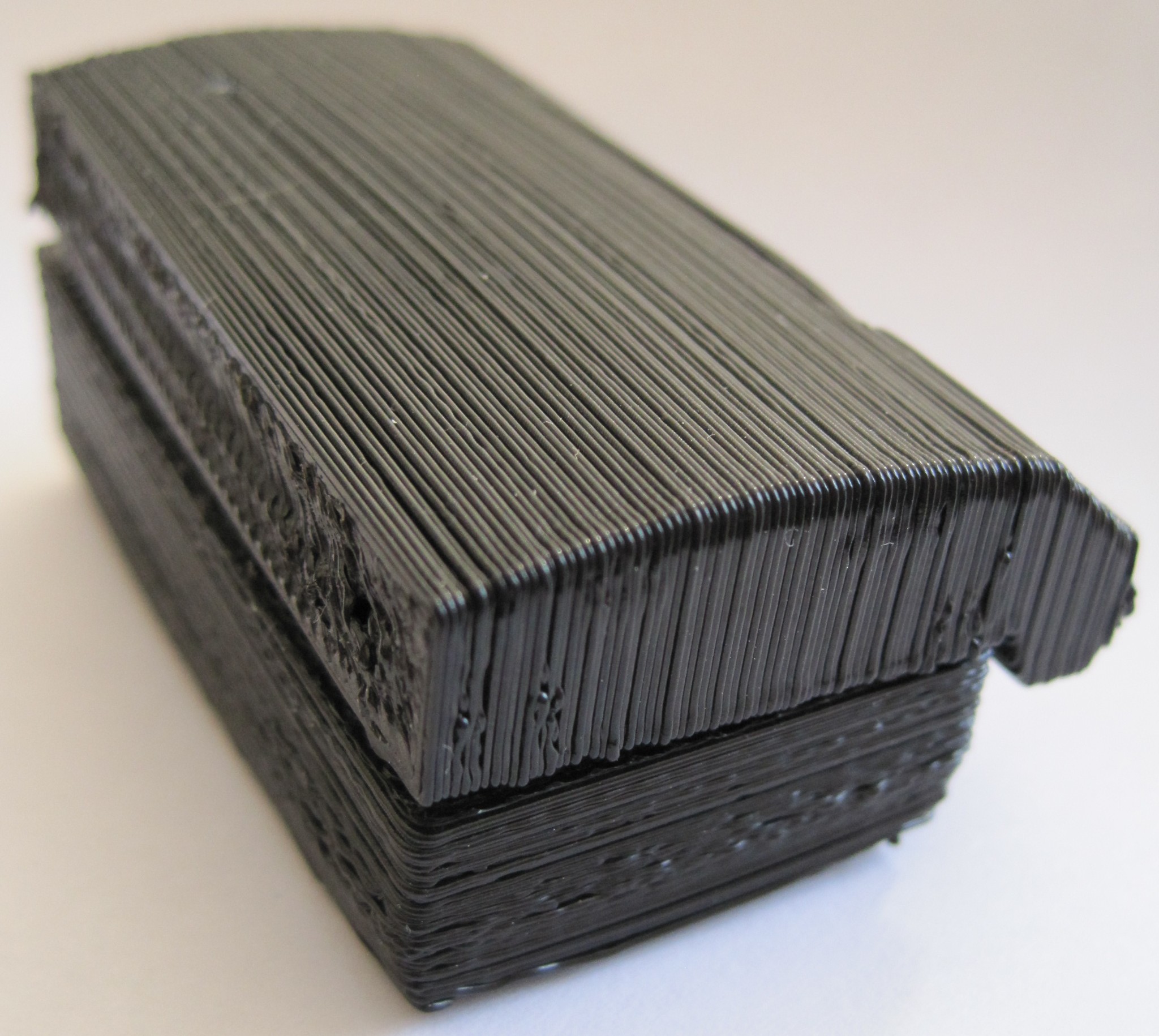
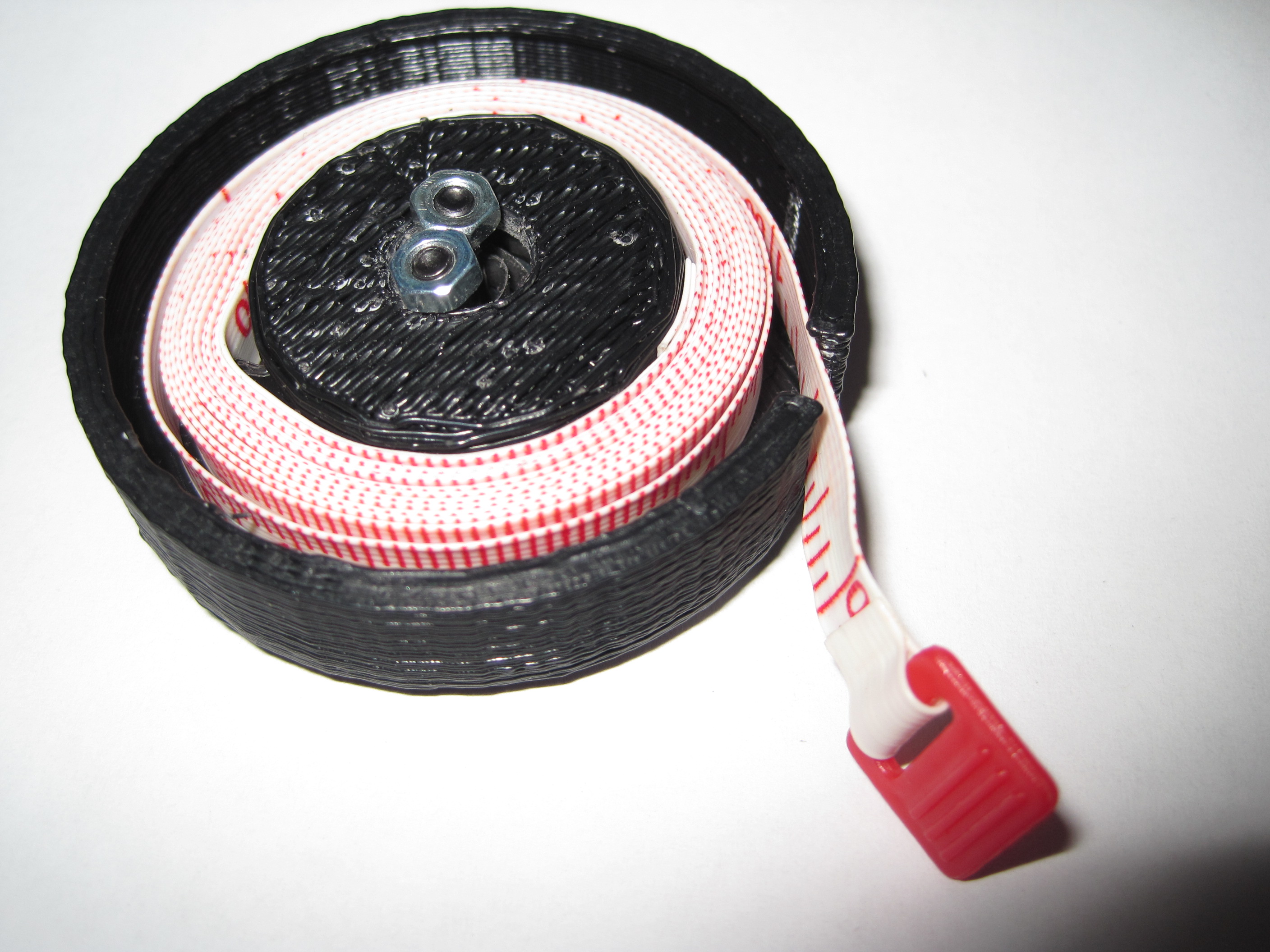
Having printed a few legos, I haven’t printed any more.  I’d certainly like to – but the print resolution isn’t quite there yet.  The pieces don’t stick to each other very well and stick to real legos even less well.  Official legos are engineered to ridiculously exacting standards, so they always fit together.  I mean, have you ever seen a lego piece that didn’t fit other legos?  I’ve never even heard of such a thing.

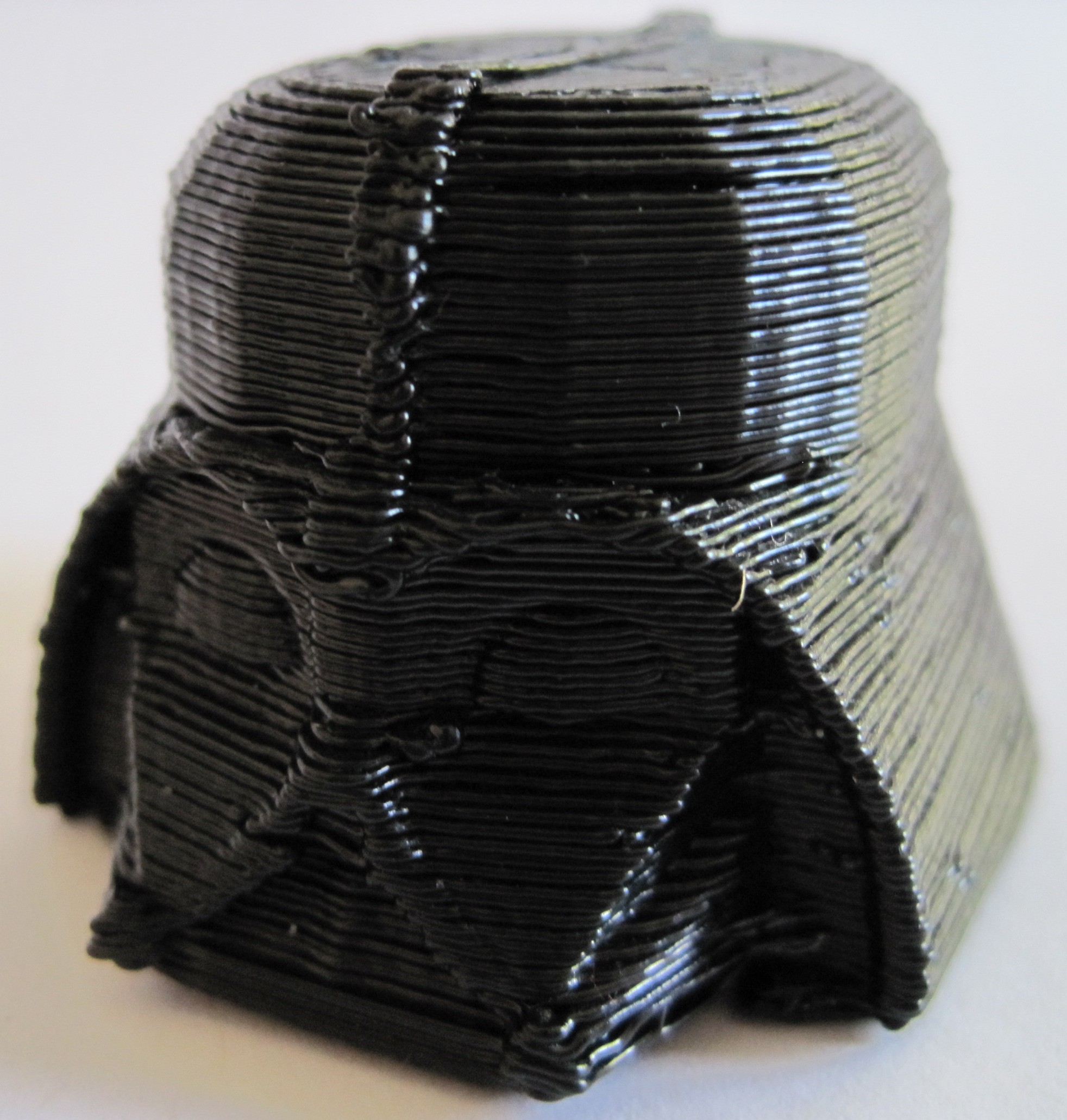
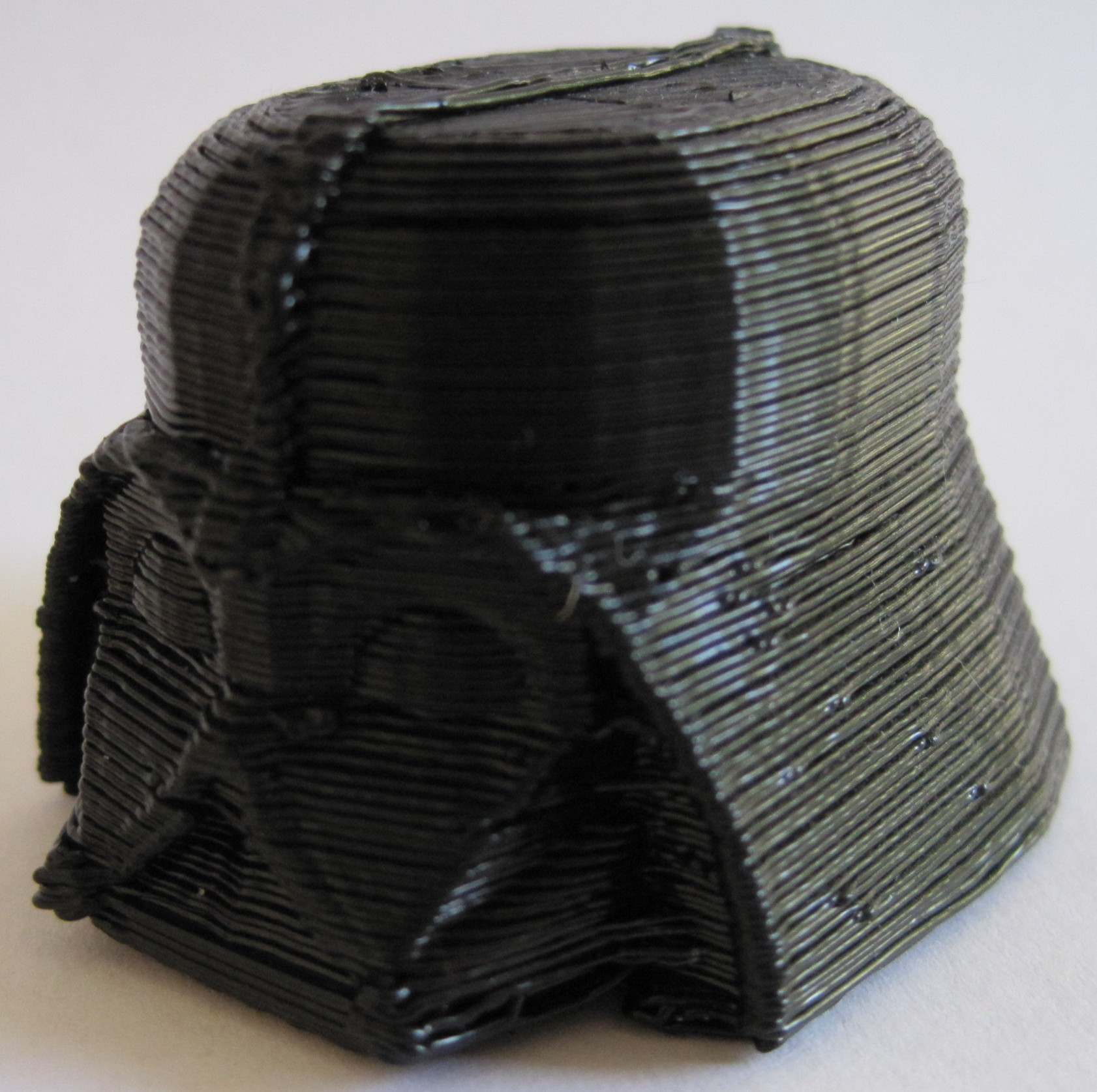
My latest batch of MakerBot tweaking may have brought me closer to the dream.  I printed up a new Vader head, which turned out beautifully.  I had lowered the one particularly warped Z axis rod below the top toothed pulley edge by about 1mm – which has nearly eliminated the Z axis wobble.

With printing from an SD chip, eliminating wobble, reducing slack on the X and Y belts…  I think I’m ready to take another run at printing up a lego piece.

By the way, as fun as it was to print up four 2×2 lego blocks using the Skeinforge multiply feature, I don’t recommend it.  There’s a lot of cleanup between pieces that just makes it not worth it.

News from MakerBot!

MakerBot posted Bre’s interview with Shapeways the other day.  There were some things that really resonated with me:

  1. Starting a business, surviving on Ramen, forgoing sleep, and rushing a prototype to market. I started my own business three years on a shoe-string budget by working on my idea during my off hours.  Doing something I love and earning money doing it is an incredibly rewarding experience.  I highly recommend it.
  2. Most MakerBot owners are not just engineers and architects, but people who are just excited about personal manufacturing. I’m not an engineer, architect, or any kind of sciency-techy kinda guy by trade or training.  One thing I try to remind people is – if I can build and get a MakerBot up and running, so can you.  In any case, I may not  be someone sick of waiting on a jet pack, but I’m totally psyched about having a robot that can build anything I can dream up.
  3. If you’re bored, you’re not living life. Find something you love and believe in and do it every single day, whether or not you get paid to do it.  Start doing it right now, because you don’t have a moment to lose.
  4. Crowdsourcing. I have a batch 9 MakerBot which came with printed pulleys.  However, by the time batch 9 rolled around there was no longer a need for printed pulleys.  Bre hints that the crowdsourcing program is going to come back later this year.  I suppose in the meantime I could put together a big pile of Mendel parts – but I’m going to wait until I’m printing ABS on a heated build platform or finally got the nerve to try out some PLA.

My MakerBot has violated ALL three laws of robotics

I suppose it was inevitable.  Azimov’s immutable Three Laws of Robotics are:

  1. A robot may not injure a human being or, through inaction, allow a human being to come to harm.
  2. A robot must obey any orders given to it by human beings, except where such orders would conflict with the First Law.
  3. A robot must protect its own existence as long as such protection does not conflict with the First or Second Law.

My bot has injured a human, me.  The other day I leaned in too close to observe a build and the ‘bot’s Z axis pulley/belt yanked out a hair from my head.

My bot has refused to obey the orders of a human.  Refusing to obey my orders is kinda the default mode for my ‘bot.

My bot has harmed itself despite my numerous verbal commands to the contrary.  When aborting a build my ‘bot has occasionally tried to carry out additional orders – by pushing the Y or X carriage so far that either the pulley, belt, or both are shoved out of whack, thus damaging it’s own alignment.

Thermistor Tables

There are at least four thermistor tables out there to choose from.  Zach 1, Zach 2, Jet, and Tim.  The first time I updated my extruder board’s firmware with a new temperature table I used Jet’s and the second time I used Zach 1.  (The second time was because the extruder spark incident and almost certainly unrelated to Jet’s table).

My understanding is that Tim’s table has a higher “resolution,” meaning there’s a lot more resistance / temperature pairs.  However, I’ve been using Zach 1 without a problem so there’s no reason for me to switch.

Z axis warp… gone?

After finishing my printstruder (you can never have too many spare parts) I lowered the one warped Z axis threaded rod.  I probably lowered it about 1mm farther than it was before I had raised it to install the Z axis crank.

I guess sometimes that kind of thing makes a difference.  I’m watching my little ‘bot print up something right now… and it’s looking fantastic.  So far there’s no hint of the former regular but slight shift that you can see on the TARDIS and Dalek.  Mind, the TARDIS and Dalek are some of my best prints.  Anyhow, this is truly encouraging – with a nigh elimination of this warp, I am that much closer to printing precision parts.

One of the members on the MakerBot Operators group has posted his process for calibrating his ‘bot and adjusting Skeinforge settings.  It appears ridiculously thorough and I’m looking forward to trying it out.

New Print: Printstruder

Plastruder
Printstruder

You can see how badly the cooling ABS warped on the base plate, especially on the left.  All of the parts, except perhaps the insulating retainer ring at the bottom, have a slight warp to them.  I expect most of my ABS prints will suffer from this to one degree or another until I install a heated build platform.  But, that’s a project for another day.

In these pictures you can also see the more pronounced effect of the warped Z axis threaded rod, again more prominent on the base plate.  The shifted layers occur approximately every 1mm or so.  As I’m less concerned with the cosmetic effect on a purely functional piece such as this, I didn’t bother adjusting this Z axis threaded rod until after I finished the prinstruder.

Prinstruder – all done

My little bot is just crank out parts today.  :)

I’ve finished the Idler Bracket v3, Motor Bracket v3, Base Plate v3, and Insulating Retainer.  After a little cleanup the parts fit together very well.  I think one of the most interesting parts about printing pieces designed by others is seeing some aspect of the 3D model that doesn’t really quite make sense – but once it’s printed out and fit together you understand the design decision.

Take, for instance, a little divot in the Motor Bracket v3. I didn’t get why it was there… until I fit the parts together.  I can now see that it’s purpose is to act as a cone to funnel and guide the plastic filament.  This is the sort of wonderful little nuance that can be produced as part of a 3D printed object that would probably be difficult, if not impossible, to recreate in a lasercut layer system such as the plastruder.

Z-Stage Threaded Rod Warp

When installing the Z stage threaded rods I noticed that one of them was particularly warped.  Overall, this hasn’t had much of an effect on my prints.  I put the warp-ier part end of the threaded rod down and this reduced the effect of the warp.  This lead to a visible shift in a layer about every 11mm or so.

I raised the warped threaded rod slightly in order to add Zaggo‘s Z axis crank.  However, I’ve discovered that this has apparently introduced more of the warped section of the threaded rod.  Now I’m seeing a visible shift in the layers every 1mm!

Non-ideal.

The Z axis crank is ridiculously useful, so I’ll need to lower the warped rod and raise one of the others.

Printstruder – second part

I’ve already started work on my prinstruder as designed by Zaggo.  I’ve printed up the Idler Bracket v3 and am now printing the Motor Bracket v3.  I think the printstruder assembly is probably better suited to an earlier version of the MakerBot – one that used a “small” and “large” dino.  My batch #9 bot uses two dinos – the “Big Dino” and the “Wierd Dino.”

However, I’d really like to have an extra plastruder/printstruder on hand … just in case.

Improved Y axis tensioner

I’m several iterations into my Y axis tensioner.  I think this newest version is a pretty good improvement.  I’m now on version 7 – and have put each part in its own file.  Here’s some information about the revisions:

  • The first printable version, #5 still used a single captive nut and bolt system.  The nut had to be a certain minimum distance from the center of the pulley axle in order to allow the pulley to turn freely.  However, this minimum distance also meant that the edge of the captive nut was too close to the edge of the stage – which wouldn’t allow the piece to be tightened.
  • Thus, I revised the piece so that it uses two captive nut/bolt parts – one on each side of the pulley.  This allows me to set the captive nut back far enough that it leave room for the piece to be tightened without running into the pulley.
  • I discovered that I had forgotten to measure one of the pieces of wood properly and ended up with a 3mm gap for the edge of the Y stage, rather than a 5mm gap.

I’ve printed up version 7, but haven’t had occasion to disassemble the Y stage yet.  The next time I do I’m installing this tensioner.  Time to design the X stage tensioner!