
If you’re here checking out my site after my presentation, you can check out all the slides from my presentation above. If you’d like more information about the individual things in the slides, I posted an update for most of them over on Hackaday. If you’ve still got some questions, feel free to leave a comment below, hit me up on twitter, email me directly.
Category: MakerBlock
All things MakerBlock: RepRap, MakerBot, Cupcake CNC, open source, and plastic building toys!
Organizing
Everyone utilizes their own method of organization, notetaking, and motivation. Some use “Getting Things Done,” others go with “Inbox Zero,” or the “43 folders,” there’s Jerry Seinfeld’s “Don’t Break the Chain,” and a new one called the “Bullet Journal.”
I’ve tried some of these methods, combinations of these methods, and here’s what I’ve come up with for my own life.
- E-Mail
- Reply quickly.
- As Tony Soprano once said, “more important than the particular decision is that it happen in a timely fashion.” My number one rule of email management is simply this – reply immediately to anything that deserves a reply. Any timely response, even a non-optimal one, is better than a polished late response.
- If you can’t get a quick response out because some action is required…
- Act or Delegate, even to yourself. If there’s something to be done, do it already. From now on, you live in a world of “to done’s” not “to do’s.” If you can’t do it, then figure out what needs to happen first and work on that. If someone else needs to do it, ask them to take care of it and let you know when they’re done. If you need to do something else, copy yourself on the email and ask yourself to do it. Your own email will arrive in your inbox and you’ll need to…
- Start a draft. If the matter really requires more information than you have at your fingertips or isn’t urgent, start a draft.
- Turn drafts into emails. Every day turn drafts into emails and send them out. Since my job has become roughly 80-90% email, this is how I manage it all.
- Ignore unimportant emails. Most of your emails are unimportant. Ignore them, mark read, move on.
- Reply quickly.
- Web Surfing
- Tabs. Tabs are the enemy. They will rob you of your productivity. If you open a tab, read it, enjoy it, and close it or decide it is information you want to retain. If it is truly important and something you’ll need to refer to all the time, bookmark it. But, remember…
- Bookmarks. Bookmarks are the enemy. These are kept to an absolute minimum and only for sites you really visit all the time. Otherwise, that information you wanted to keep will be lost in difficult to search bookmarks forever.
- Everything else. If you find a web page, tweet, or some other information that you want to keep or reference in the future, share it or make a note.
- Sharing
- If you share information you help a friend and preserve the information in your sent folder, twitter stream, etc. Otherwise, make a note. The thing with notes is…
- Notes
- There are only two kinds of notes in the world. Information that is of temporary use and information that is of permanent use.
- Temporary notes. Write these on whatever you have lying around. Discard when done.
- Permanent notes. A permanent note really comes down to how you want to treat information. I like information either in an electronic searchable format or I want it written down so I can reflect on it or refer to it later. A permanent electronic note goes into Google Keep or an email to myself, in outine format, listing things in no particular order, with a few keywords in the subject line and body of the email near the link. When I need to find it again, I just search in Google Keep or for emails from me and specific keywords. A permanent written note goes in my…
- Notebook
- The problem with the Bullet Journal method is that it requires setup, discipline, and maintenance. If you screw those up, the notebook and all the lovely page numbers and organization systems become a burden, a hassle or, worse, useless.1
- There are so many great things about keeping a notebook. It’s a quick and easy way to record interesting and useful information. While my handwriting is horrible, but I’m pretty decent at drawing and sketching. A notebook for me is something where I can brainstorm, start drafting an idea I can return to later, or where I can record information for posterity. I tend to work out ideas on scraps of paper before recording that data in a more permanent format by committing it to my notebook. Sometimes this means copying information by hand or, my personal favorite, literally cutting and pasting information into the notebook. The worst thing is probably that it isn’t particularly searchable.
- Title and Date. Every entry in the notebook starts on a fresh page with the date at the top right corner and a helpful title at the top of the page. The date does more than provide you with context.
- Cross Referencing. The dates at the top of the page function as your page numbers. When you need to refer to a page in the past, rather than referencing a page number, just reference the date of the prior page. When you write a cross reference down to a prior page, note the future date on the prior page.
- DIY Flags. I placed several pieces of duct tape inside the front cover of the notebook. On top of that, I put several small 1/2″ x 1″ pieces of duct tape. These can be peeled off easily and folded over a page for a sturdy bookmark. More on this later.
- Well, this is my theory. I don’t actually know since I haven’t actually tried the Bullet Journal method… [↩]
Art Docent Program – Self Portraits, 4/20/2017

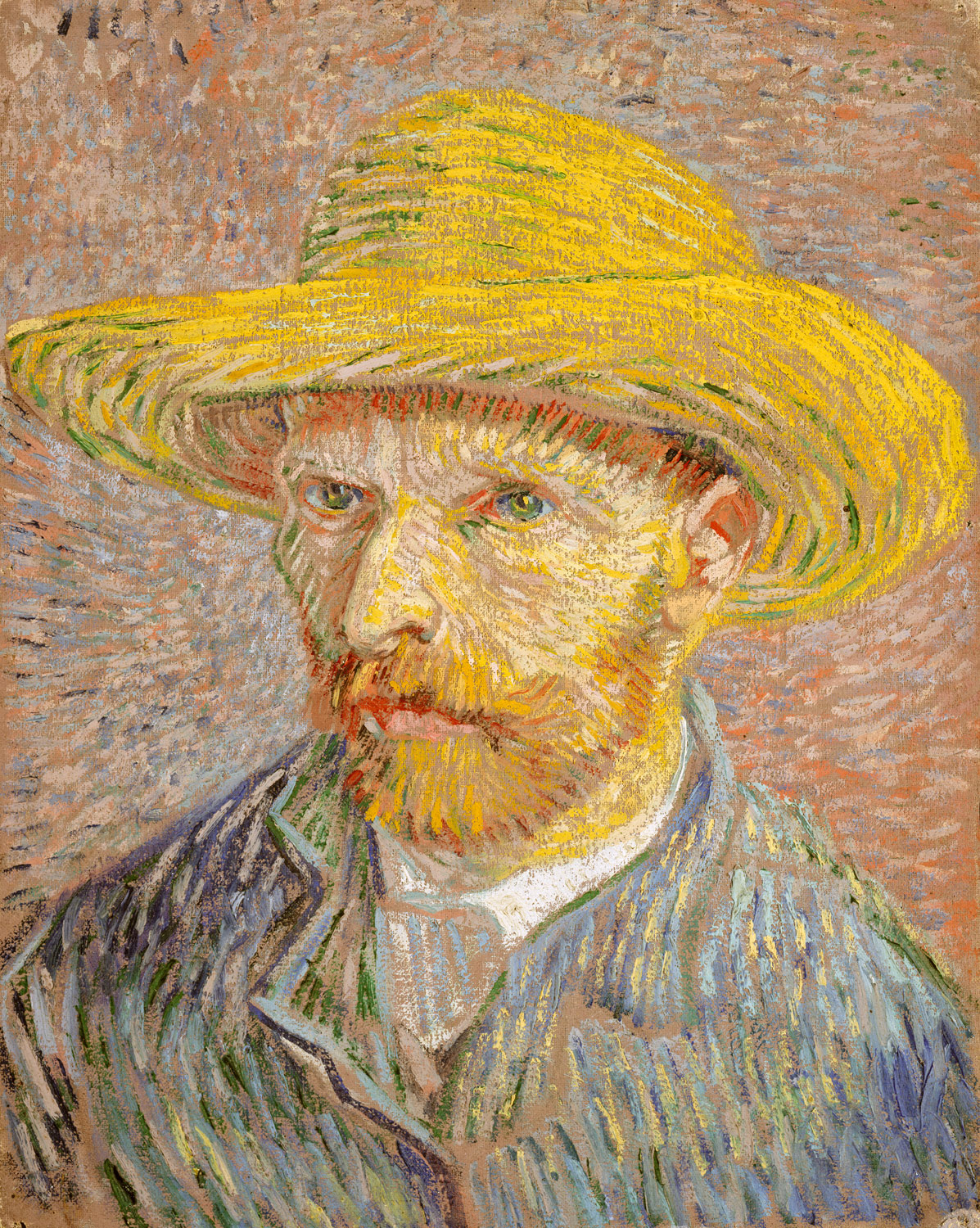




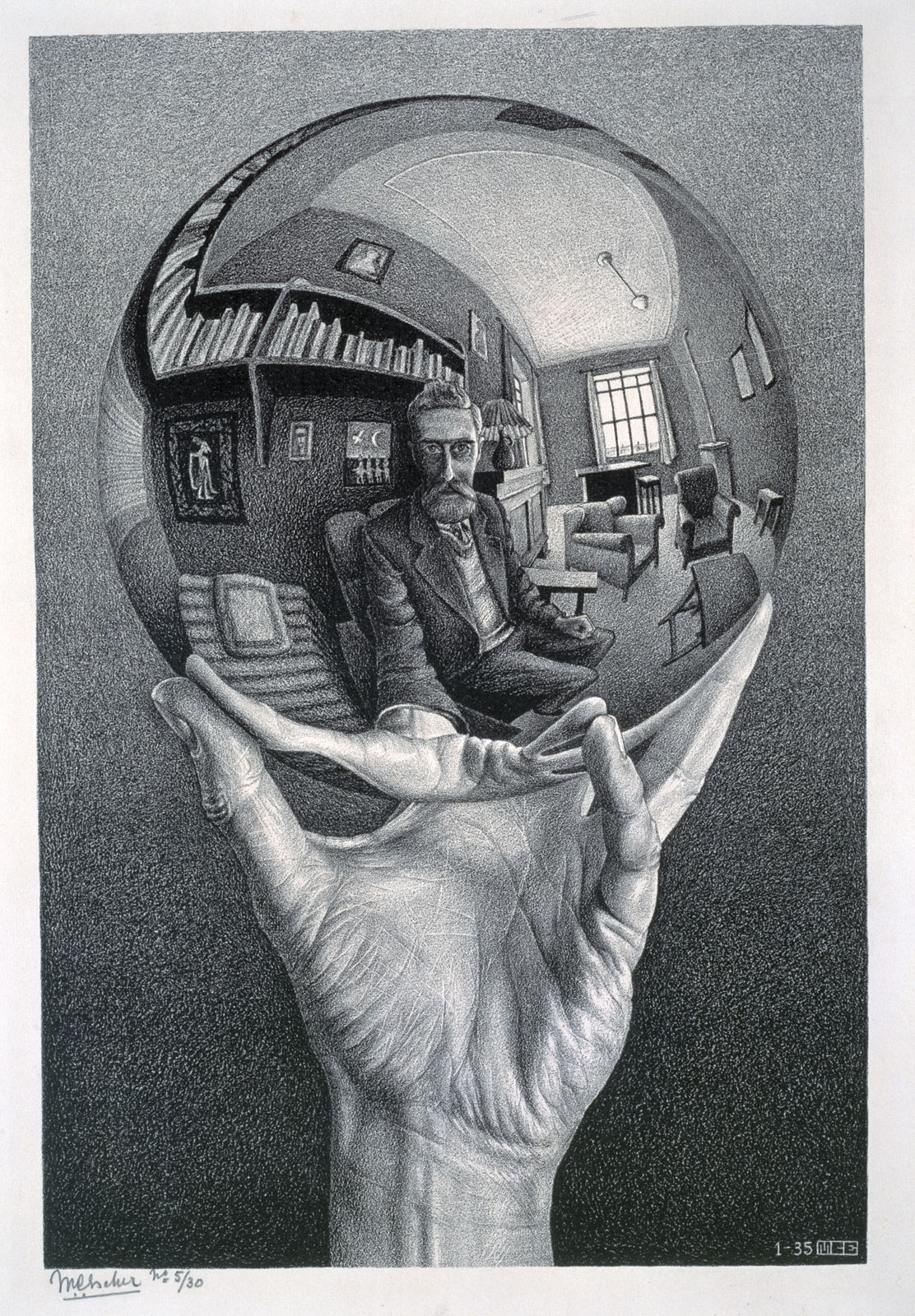


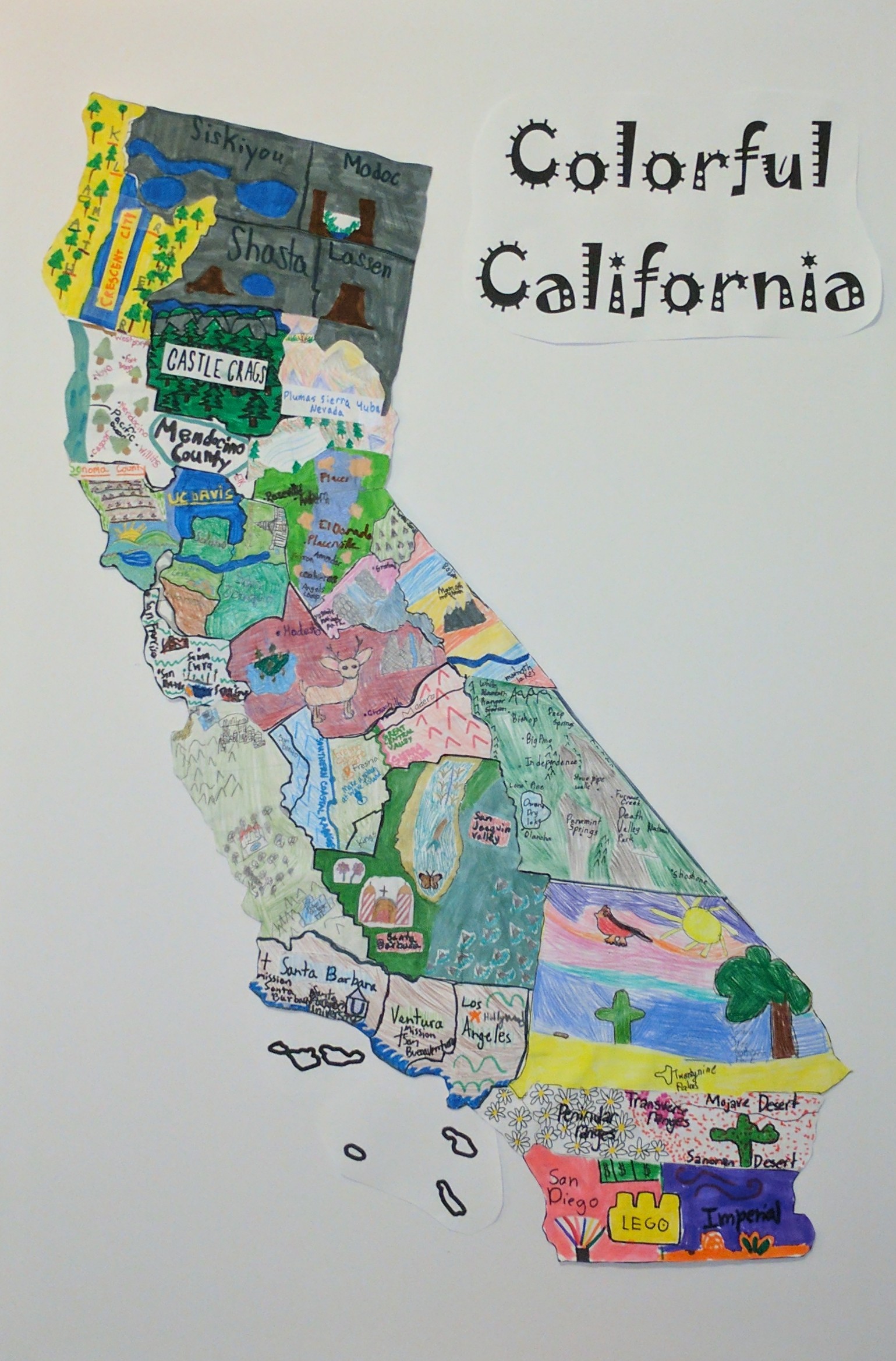
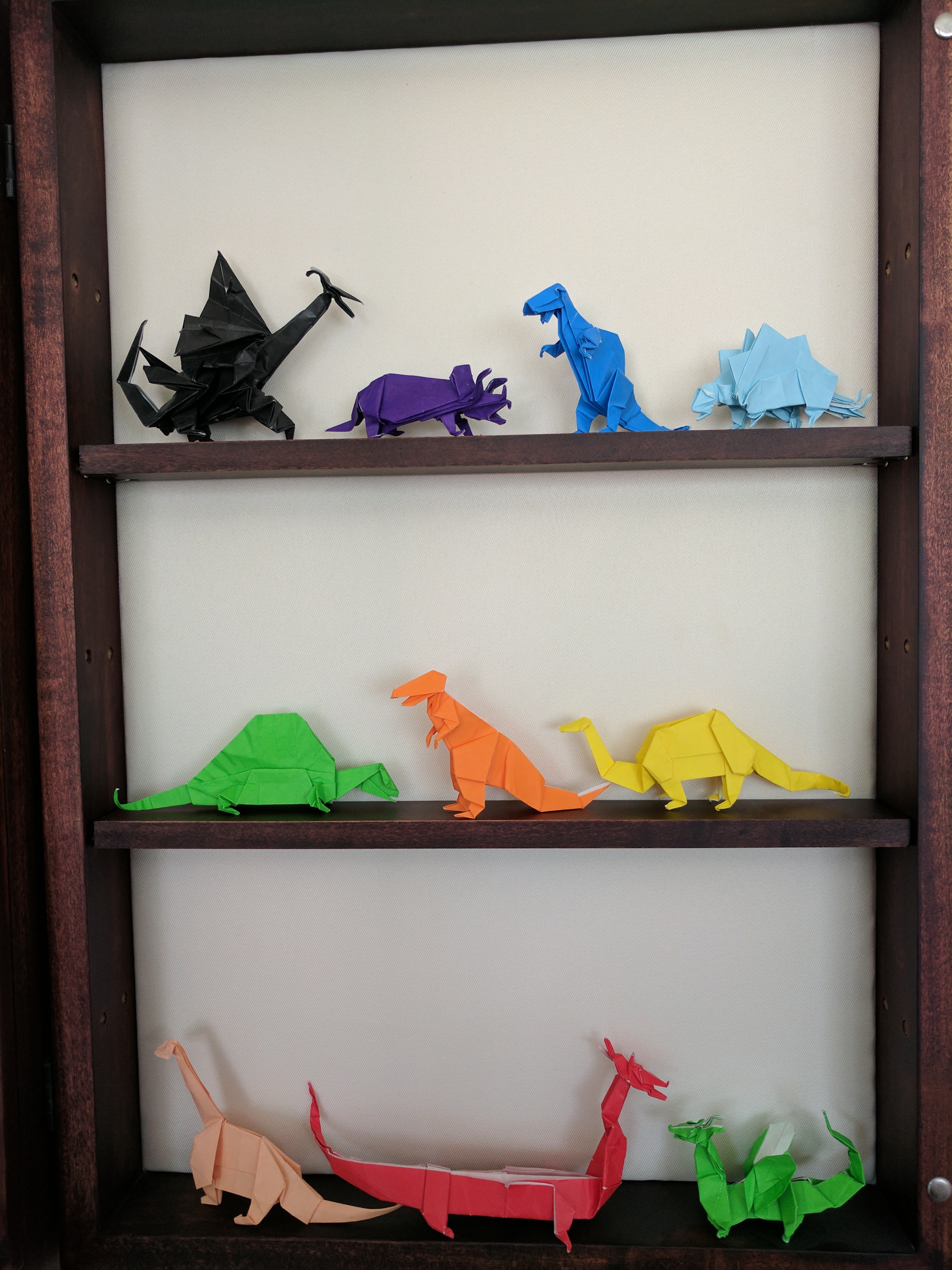
Art Docent Program – Square One Art Project, 2/16/2017
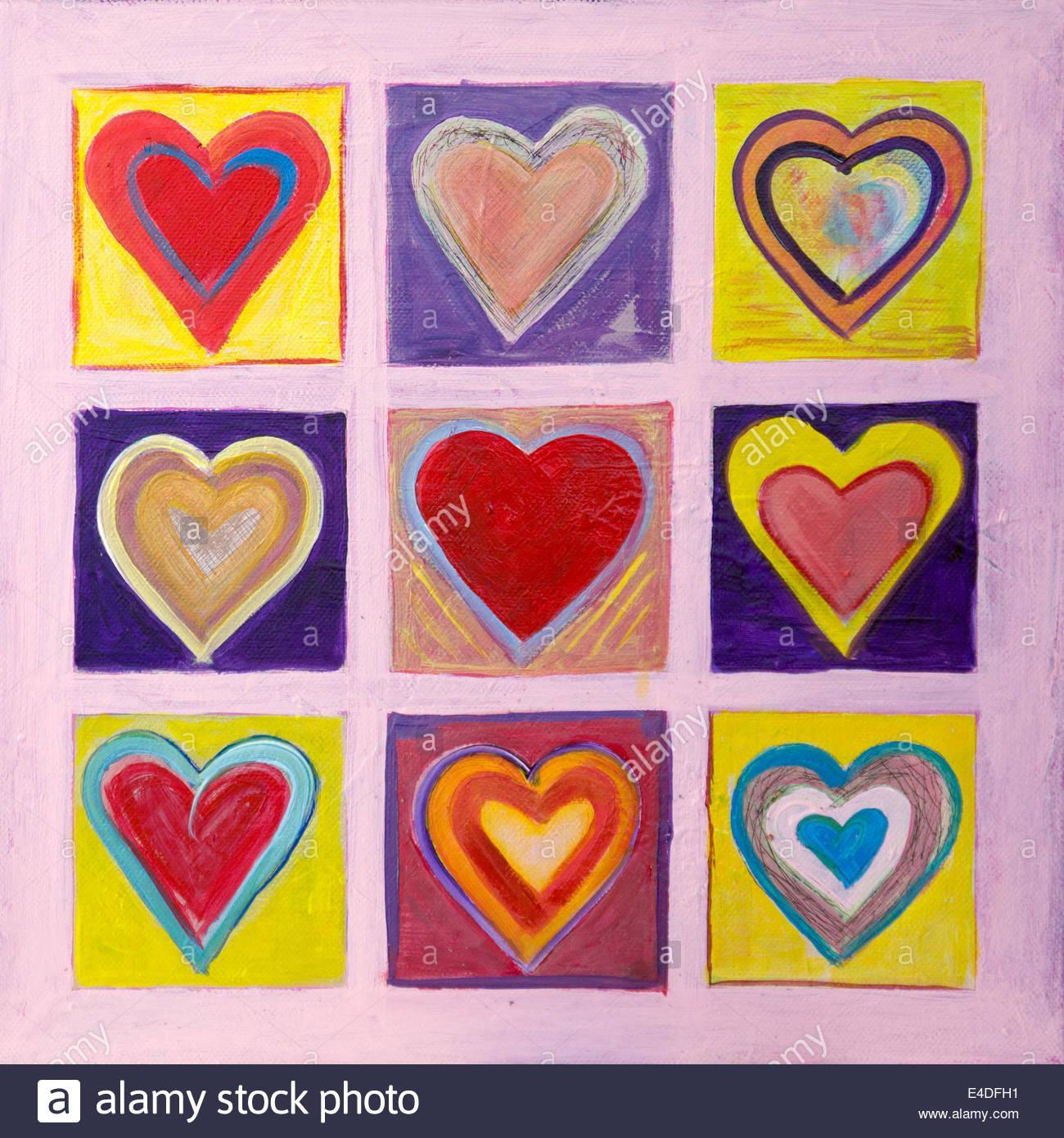







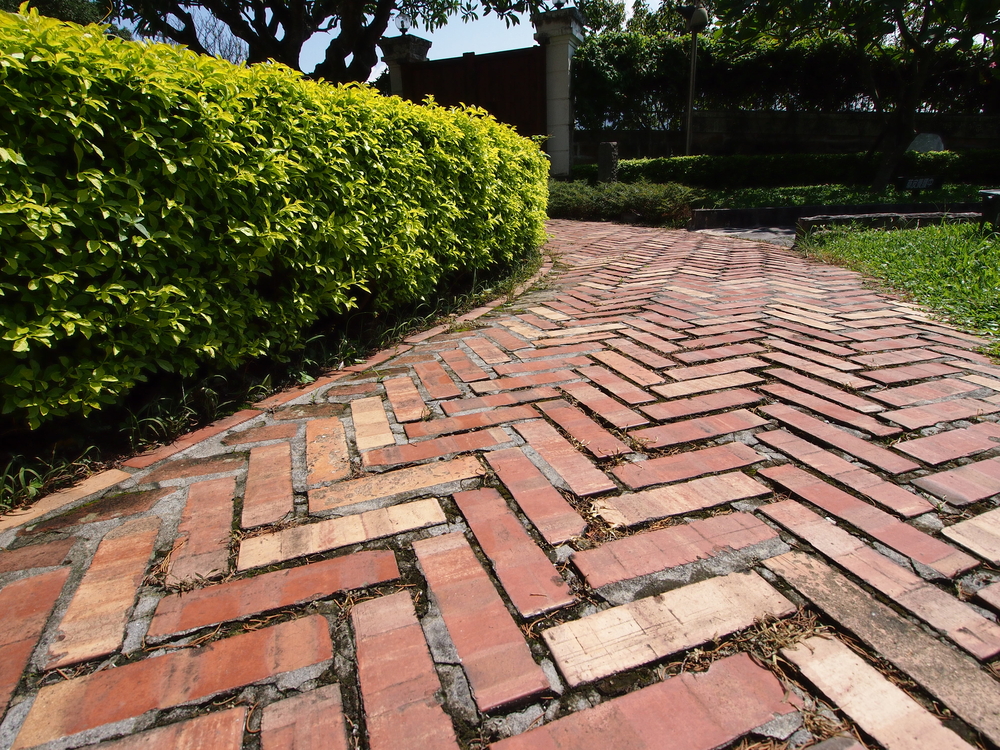
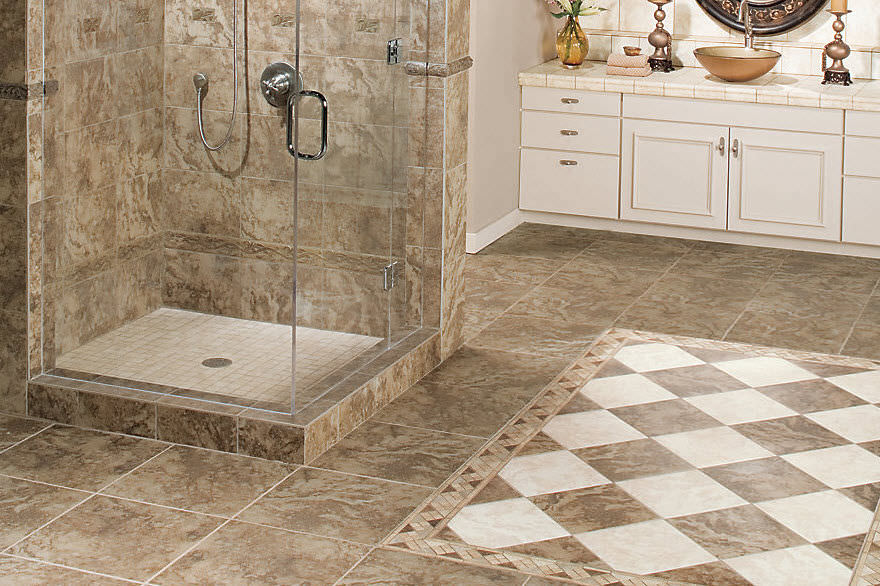
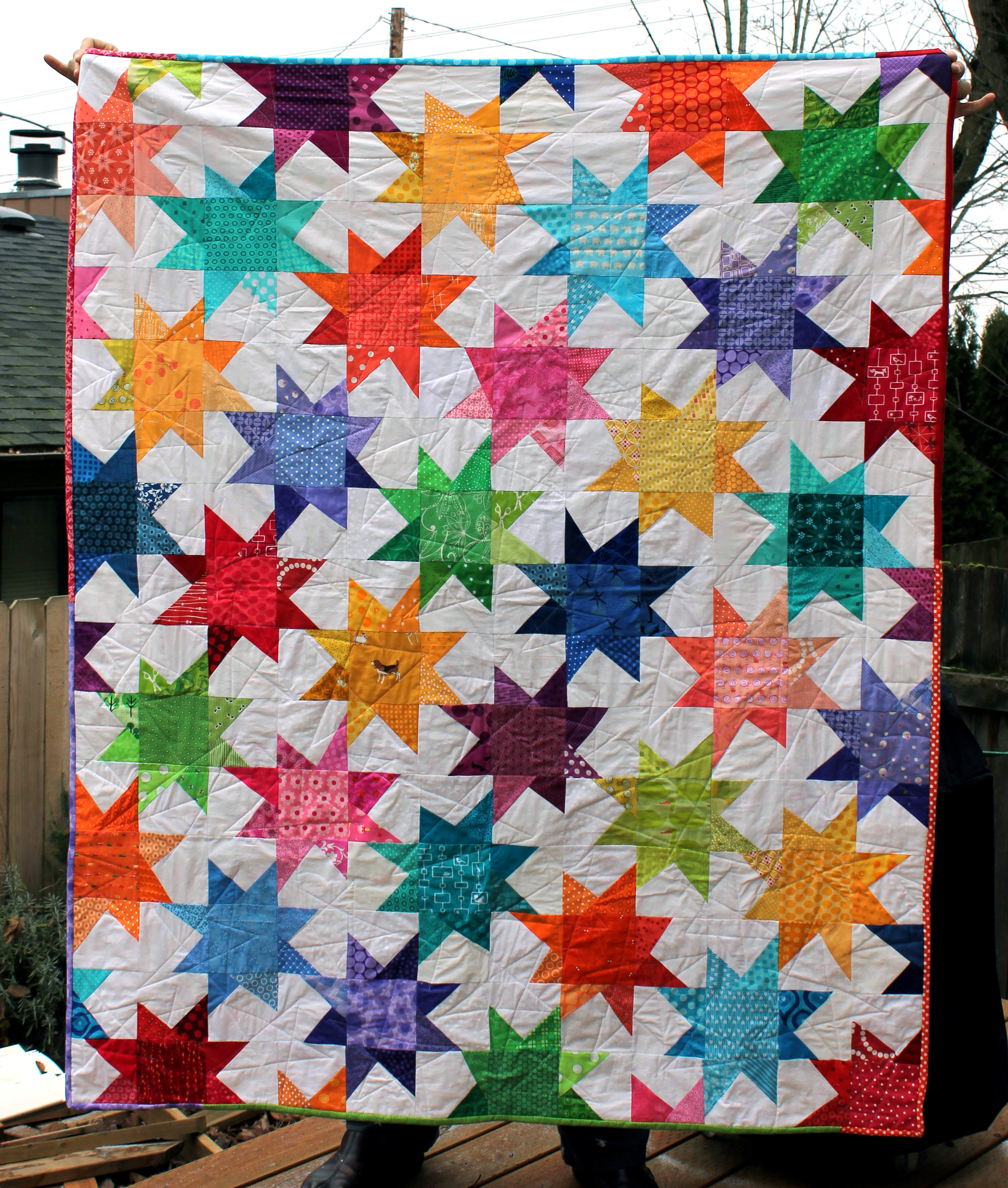
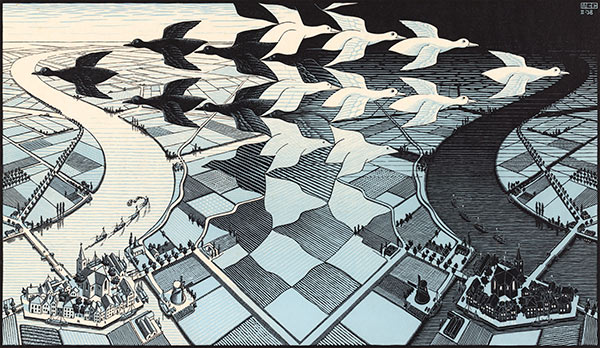
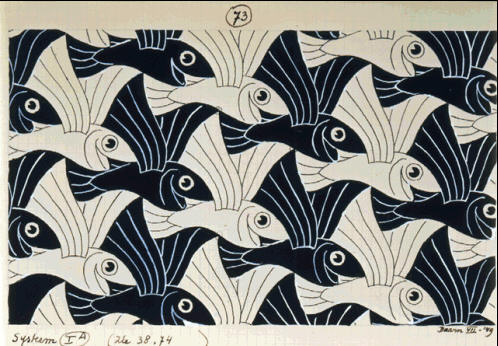
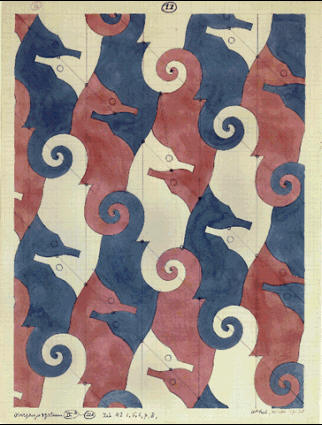
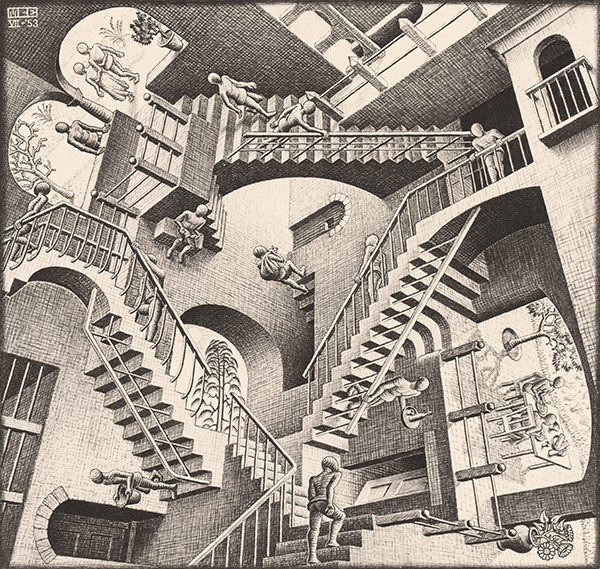
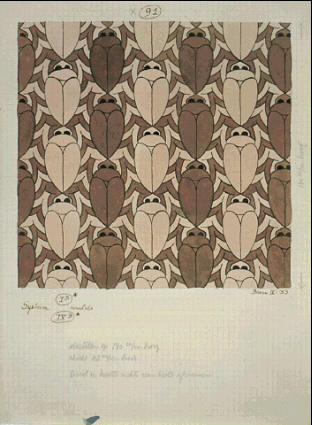
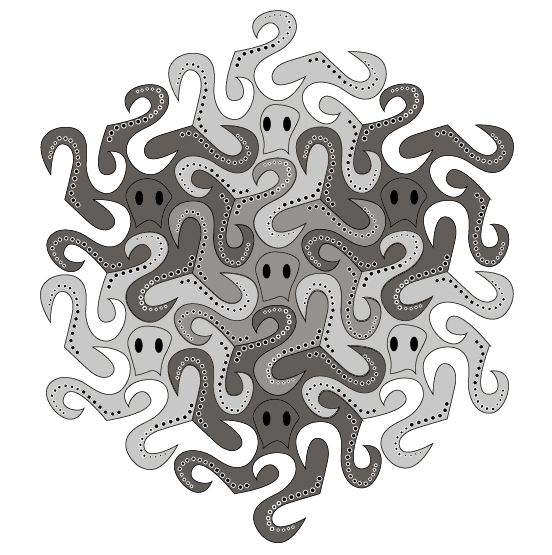
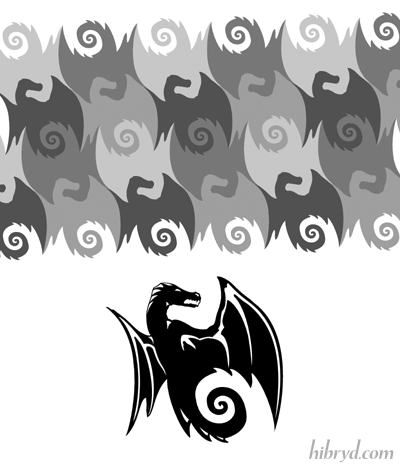
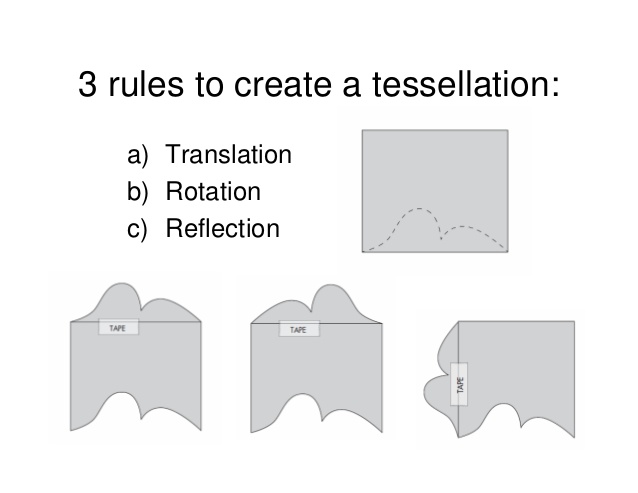
Art Docent Program – Tessellations, 10/13/2016
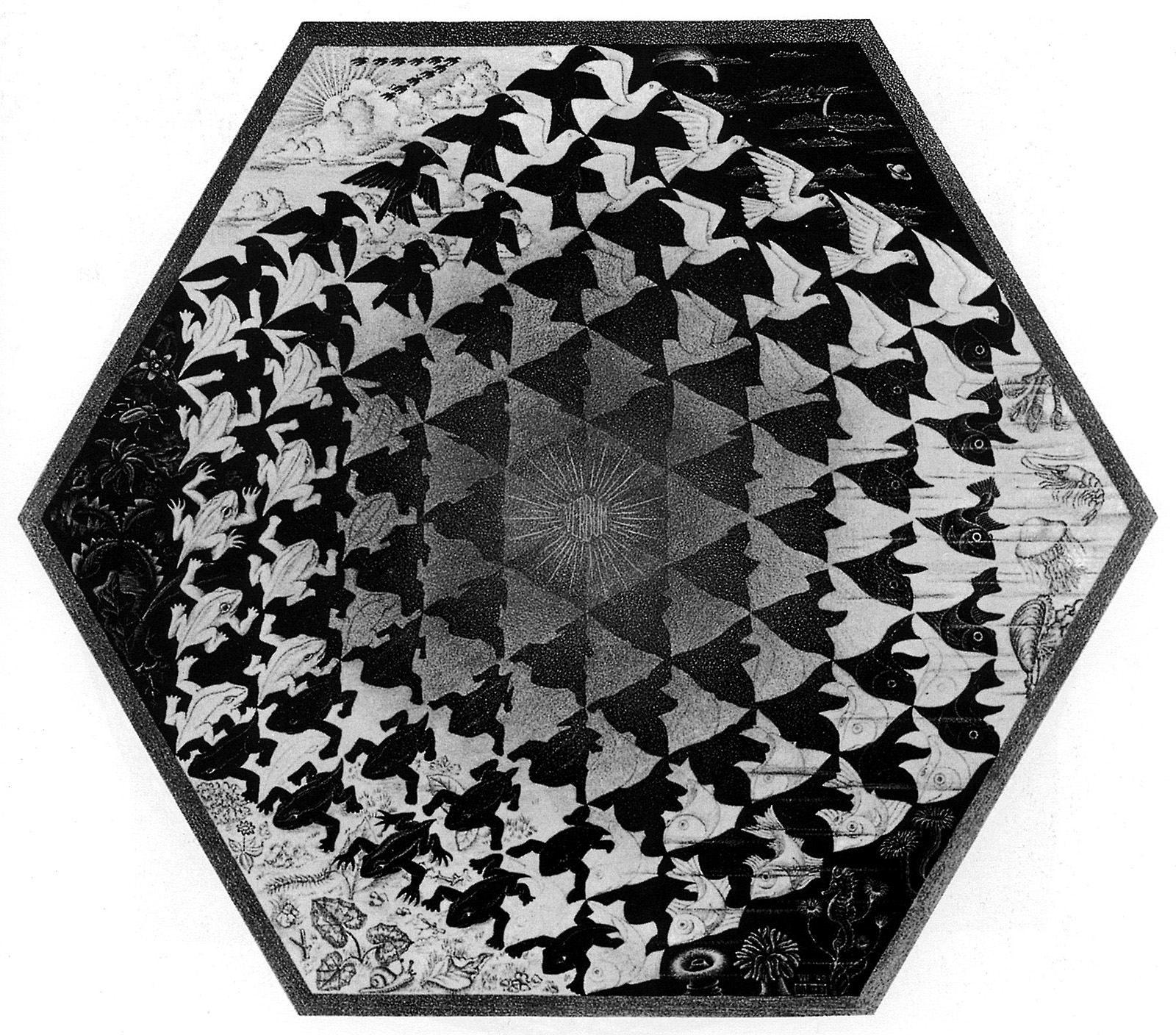
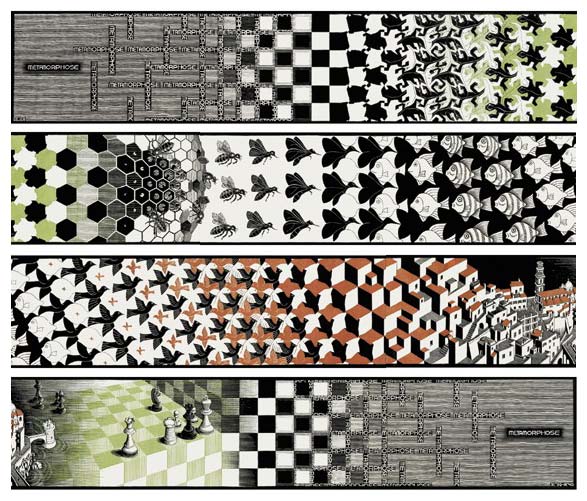
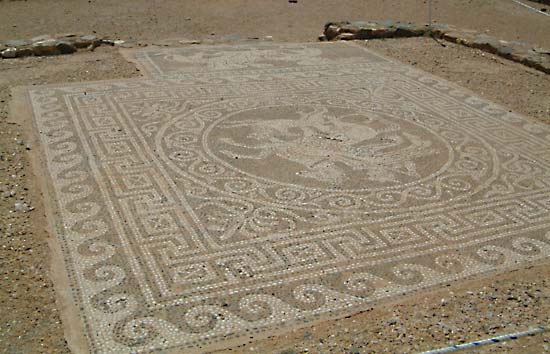


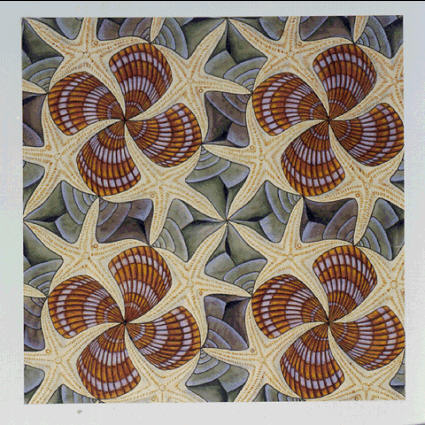



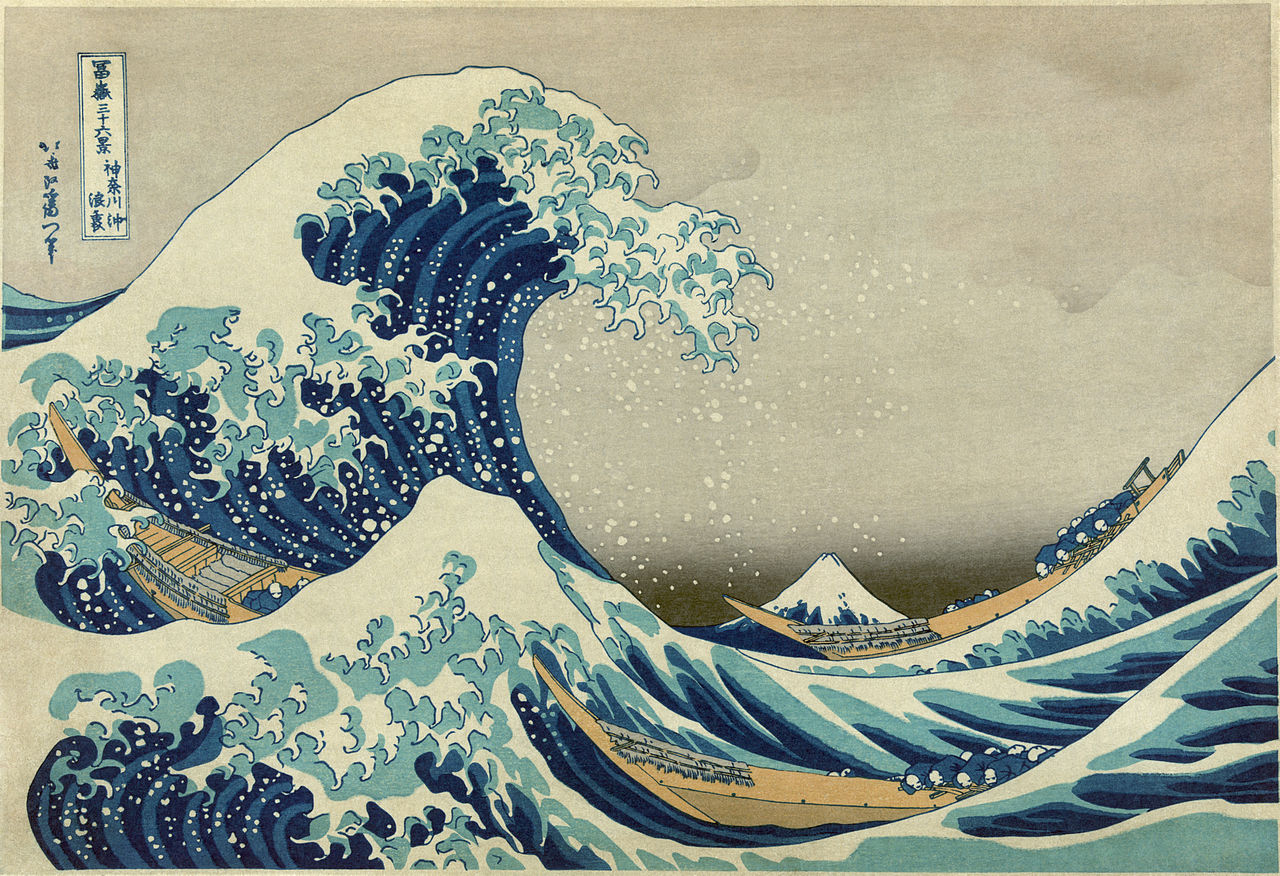
Art Docent Program – Textures and Patterns, 09/22/2016




MOAR WHISTLES
The other day I was trolling Thingiverse1 looking for the best quick-printing model to show off DIY 3D printing to 3rd graders.
After a bit of searching, I found it: the simple whistle.
There are whistles a-plenty on Thingiverse, but the DarkAlchemist remix of the muddtt Emergency Whistle is easily the smallest by far. I compared these two against several other options, tossing all of them into my slicing program and doing a visual double-check for good measure.
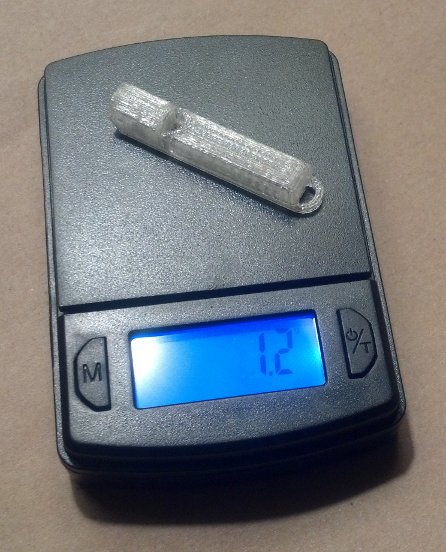
There’s no doubt about it – these are SMALL. They are less than 2.7cc2 and weigh about 1.2 grams a piece. Best of all, they print very quickly. Printing just one whistle with 0.2mm thick layers, including printer warm up time, took 7 minutes. 10 whistles at once? Only 47 minutes.
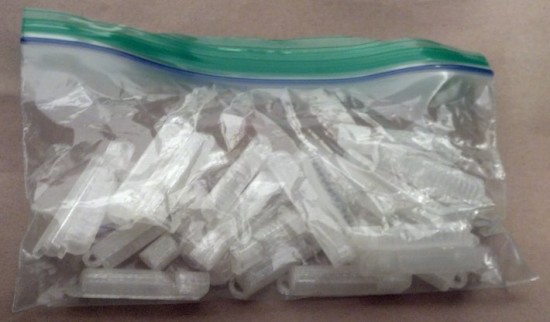
Naturally, I took the opportunity to print up 20 more whistles. This is what 30 whistles looks like:
That got me thinking – could they be even smaller?!
Turns out they can. I redesigned the whistle in OpenSCAD with a hacky thickness adjustment. In doing so I discovered that the existing designs on Thingiverse used 1mm thick walls. A one-millimeter wall thickness is pretty good if you have a small part that needs to be sturdy – but a bit of an overkill if you just need a small functional quick-printing thing. By removing the little loop at the end of the whistle and creating a wide hole in the top of the whistle, I reduced a fair bit of plastic while keeping the ability to be connected to a cord.
I exported a version with 0.5mm thick walls and a copy with 0.4mm thick walls. Printed at 0.2mm layers the 0.5mm thick walled version was functional – but the 0.4mm thick walled version was not. The layers didn’t fully overlap, causing small gaps which prevented the whistle from making any noise. Printing the 0.4mm thick walled version at 0.1mm layers3 turned out both beautiful and functional. Best of all, they’re 1/3 the weight of the 1mm version!4
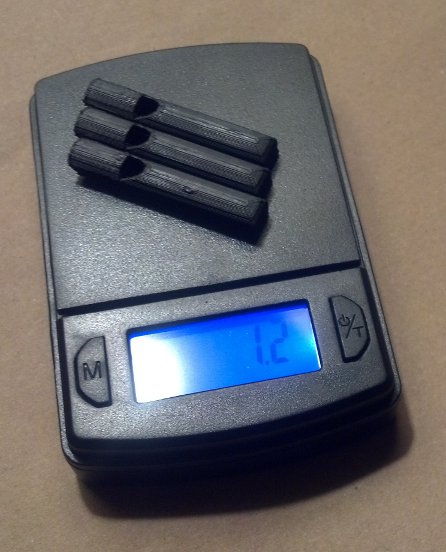
A friend recently suggested that his plastic filament supplier of choice ships via Amazon Prime for a ridiculously low $22-23 per kilogram. Ignoring the amortized cost of the robot and electricity, I could make about 2,500 whistles for about 0.88 cents a piece!
Now, just imagine the following scene. I take my HedonismBot ((As my MakerBot Replicator 1 Dual Extruder is named)) to my daughter’s third grade class. I show off the robot printing a single whistle and call a random student up to test it. Thank you, a pat on the head, and the whistle is yours! Golly, I guess that’s the whole show everyone. Oh, you want a whistle too? Check under your desk. You get a whistle! You get a whistle! You get a whistle! You ALL GET WHISTLES! What’s that? Your sister is in second grade? It just so happens it only took 80 hours of printing to make enough whistles for every damn student, teacher, and student teacher in the school.
Loudest 3D Printed WhistleMy eyes! The goggles do nothing!
While I’m not much one for impulse buys, I was unable to prevent myself from purchasing the Adafruit Trinket-Powered NeoPixel Goggle Kit Pack. If you’re on the fence about dropping the $40 for this kit, let me help you out with the pro’s and con’s list I went through before buying my own.
- Cons
- I literally have no practical uses for these goggles
- Other than flashing lights, they don’t actually do anything useful
- Once assembled, they can’t be used as goggles since (a) the LED’s are too bright to expose to even your closed eyes and (b) if you’re able to close off the glare, you’ll have an incredibly narrow field of vision
- The kit is $40
- Pros
- They are seriously badass animated LED flashy goggles
- Sourcing all the parts separately would easily cost you $50, which makes this a deal at $40
Kit Review
As I have come to expect from Adafruit, the kit is, in a word fantastic. The parts are all packed neatly, wrapped, protected, and in a nice black cardboard box. If you’ve never purchased a kit from Adafruit or checked out one of their tutorials, you’re really missing out. The tutorials have lots of high quality pictures, helpful step-by-step directions, and little tips along the way that will undoubtedly make you a better hacker.
I got the basic electronics up and running pretty quickly.1 From there it was relatively easy to install them into the goggles. My wife and daughter, both skeptical when I first told them about the goggles, immediately demanded their own upon seeing mine.
If you end up buying this kit, I would recommend not doing what I did – hotgluing the Trinket and NeoPixel rings in place. Don’t get me wrong, this is exactly what you need to do to make affix these parts in place for wearing. The thing is – within 24 hours of completing the project my mind was boiling over with ideas of how to Make it Better.™
Hacking the Goggles
The thing is, the kit is actually capable of doing a whole lot more with very minimal hacking. Assembled exactly per instructions, the goggles use just one I/O pin on the Trinket, leaving four unused. The evening after I had assembled the goggles, I dismantled them in order to pull out the Trinket, and soldered additional wires to pins 2, 3, and 4 and spliced three new wires to ground. After soldering a big 12mm tactile button to each of three sets of wires, I hotglued the buttons above the right lens. Now I can use these buttons to interact with the goggles in some small ways.
If you’re thinking of modifying your goggles like my own, you’ll need a little more ribbon cable, three big tactile buttons, a battery extension cable, black craft foam, and a hotglue gun. You don’t really need the extension cable, but it will make keeping the battery inside the goggles and recharging the battery much easier.2
The Adafruit website provides several other ways to extend these goggles. You can their tutorials to make the goggles sound reactive, controllable by bluetooth, or if you’re using something more powerful than a Trinket you can add an accelerometer.
My Setup
If you’d like to use my animations, you can find my code on GitHub. I’ve updated the code with several animations:
- Larson Scanner. This is just a single LED lit up, travelling from the left to right and back again.
- Wave Scanner. Two LED’s are lit up, one travelling along the top of the lens and another along the bottom, until it reaches the far side of the goggles, then back again.
- Infinity Scanner. A single LED travels around one lens, then around the other in an infinity pattern.
- Spinny Wheels. Four LED’s on each lens spinning. This is part of the original sketch from Adafruit.
- Sparks. A single LED on each lens lights up briefly. This is part of the original sketch from Adafruit.
- Sirens. One red spinny wheel and one blue spinny wheel.
- aStrobe. The right and left lenses flash white on and off.
The buttons have specific uses as well:
- Button 1 (on pin 2) makes the current animation brighter
- Button 2 (on pin 3) cycles through the animations
- Button 3 (on pin 4) makes all LED’s light up bright red (won’t destroy your night vision!)
- Button 2 and 3 simultaneously make all LED’s light up bright white (destroy everyone’s night vision!)
If you are going to go through the trouble of building this kit, I would highly recommend adding buttons to it3 and leaving the USB port on the Trinket exposed for later re-programming. There are a few little tricks you can do with just a single button – treating a button click differently than a button press of a certain duration – but I feel that these would probably be more difficult to use than just adding a second button. With two buttons, there are up to three combinations4 , with three buttons would have up to seven combinations5 , and four buttons seven billion combinations.6
At this point, I’m still experimenting with with ways to make the goggles more useful/awesome. Perhaps another post is in order?
Default Series Title- It would have been even quicker if my Trinket skillz weren’t so rusty [↩]
- Beats the hell out of trying to get your goggles right next to a USB cable. [↩]
- Or, at the least soldering wires to the pins for later use [↩]
- 1, 2, and 1 + 2 [↩]
- 1, 2, 3, 1 + 2, 1 + 3, 2 + 3, 1 + 2 + 3 [↩]
- I might have gotten carried away with the math on the last one… [↩]
How to Make Awesome Cardboard Paper Mache Anything
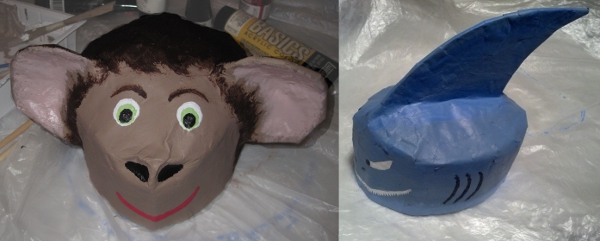
A few weeks ago a friend of mine had a “bad movie night” where he was showing the film1 “Sharknado.” Inspired by the theme for the party, I decided I had to wear a shark hat for the event. After making my hat, my daughter requested a monkey hat. This was not a request I could refuse.
I took pictures of the process to show you how you can make your own. I haven’t ever tried to make paper mache hats before, so this was not only a lot of fun – but a great learning experience. While I own the really great paper mache monster books by Dan Reeder, I only used them for inspiration and tried out a few new things on my own.
Even though I used this process to make hats, the directions here could easily be adapted to making anything out of paper mache.
Step 1: Gather Materials and Tools
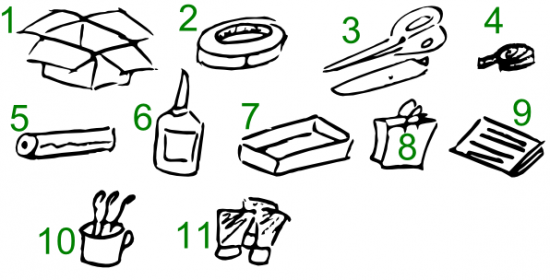
Here’s what you need to get started:
- Cardboard Boxes. Cardboard forms the “skeleton” of the structure. It’s cheap, ubiquitous, sturdy, and easy to cut and form.
- Masking Tape. Once the cardboard has been cut, liberal use of masking tape will keep your creation together until it can be covered with paper mache.
- Scissors and Utility Knife. Scissors can be very helpful in cutting cardboard or paper. While scissors can be helpful, and appropriate for kids, I find a utility knife gets the job done faster.
- Measuring Tape. If you’re not making a hat (or other apparel or armor) you won’t need this. But it is helpful when making measurements. ((In a pinch, you could just use a piece of yarn or string to mark lengths, and then put the yarn on the cardboard for reference.))
- Plastic Wrap. Whether you’re working with gluey paper or paint, the process is messy. I would recommend covering the work surface with plastic wrap. I happened to have a really large plastic bag, which I taped directly to the table.
- Glue. I just used a big bottle of Elmer’s white glue from the hardware store, but I’m pretty sure wood glue would have worked as well, if not better. It’s also more versatile and sturdy.
- Plastic Tray. The next time you get take-out or have a plastic liner from inside some packaging, save it. It makes a great wide tray for mixing water and glue or when your project is dry, it is also great for mixing paints.
- Paper Grocery Bags. The “twist” with this process is that I used torn up grocery bags, rather than the traditional newspaper. It turned out this was a really good idea for a number of reasons. Paper bags are a cheap and plentiful material. When thoroughly wet strips of paper bags are easy to place, mold and shape. However, the most important features of paper bags is that they hold glue and water really well and then dry quickly into a sturdy hard shell. In fact, they form such a sturdy surface that I only had to do a single layer of paper mache around the entire hat. This means that you can quickly put down a single layer of paper bag strips all over your cardboard form, wait a few hours for it to dry, and then get to work finishing the project.
- Paper or Newspaper. While grocery bags work really well to cover your cardboard form, they can leave some small gaps where they overlap. When I found gaps in the project, I simply used a few thin strips of the newsprint style paper to cover the holes and smooth out spots on the rough paper bag layer.
- Cup of Water and Paintbrushes. An old mug is best and pile of cheap dollar store brushes is probably fine.
- Paints. I prefer acrylic paints. They are cheap, can be diluted with water, easy to mix, they stay wet long enough for you to blend, but not so long that you have to wait days for it to dry. They also clean up well with water.
Step 2: Create Cardboard Form

The process I used to create the cardboard forms for the hats was pretty quick and easy. I measured the circumference of my daughter’s head and then the distance from her ears to the top of her head. Using these measurements, I cut out a strip of cardboard as tall as the distance from her ears to the top of her head and as wide as the circumference of her head – with a little extra to allow for overlap.
In the pictures above you can see the strip of cardboard cut out and then taped into a cylinder with the masking tape.
Cut strips into the cardboard cylinder, fold them down, and add enough masking tape to mold it into a hat-shape.
Step 3: Add Embellishments
A paper mache hat is way more interesting with some kind of embellishment, like ears, shark fins, wings, or whatever else. Here I cut ear shapes out of cardboard, curved them slightly, taped them to hold the curve, and then taped them to the hat. When I made the shark hat, I cut a long slit into the hat through the tape and inserted the shark fin through the underside of the hat. Don’t be afraid to use a lot of tape.
Step 4: Prepare the Work Surface, Paper Strips, and Glue Mixture
Cover the work surface with plastic sheeting. I used a big plastic bag from a helium balloon order from my daughter’s birthday. However, a big garbage bag or plastic wrap would also work well. Paper bags from the grocery store work really well – but there are too thick in places. Tear off the handles and pull the paper bag apart at the seams. You’ll probably need to discard some of the sections where the the paper bag is too thick to use.
Add some glue (I used about a tablespoon) and warm water (about a half cup or so) to the plastic pan. It should look like milk or heavy cream once you’ve mixed it up.
Completely soak the strips of paper bag in the glue mixture. They should be completely soaked all the way through until they’re nearly translucent. Unlike paper mache with thin pieces of newspaper, you won’t need to put layers and layers of paper on the form – just one layer where the pieces overlap a little should work fine. The excess glue from the strips of paper will soak into the cardboard and help make the entire structure sturdy.
Step 5: Set Model to Dry, Patch Holes with Paper
Since the cardboard helps soak up the water, the entire structure should dry relatively quickly. I put the shark hat outside in the sun for a few hours and it was ready for painting. Once the hat is dry (or dry enough), you’ll probably notice some holes and gaps from the paper bag strips. Tear up some newsprint paper, soak those in the gluey mixture, and cover and smooth out any defects. Once these pieces dry, the project will be ready to paint!
Step 6: Paint to Suit
The great thing about acrylic paints is that they are so easy to work with. They dry really quickly, so you can paint one side of the model, work on the other side, and then come back to the first side to add details. In any case, just paint the project to suit and you’re done!
Each hat went together really quickly. I put the cardboard form together in about 15 minutes, covered it with the gluey paper bag strips over maybe 30 minutes, let it dry for several hours, and then paint it over the course of maybe an hour.
If you make your own paper mache hat (or other sculpture), let me know in the comments!
- And I use the word “film” loosely here [↩]
Maker MBA

I’ve been investigating the possibility of trying to make a business out of making.1 This got me thinking about the best series and the best single post about making money out of making. I got a lot out of these posts and I hope you will too:
- Ten Rules for Maker Businesses – Rule #1 Make a Profit. Chris Anderson, author, entrepreneur, and named as one of the 100 most influential people in the world by Time, has probably written the best “Ten Rules” list for a maker who is considering selling stuff. I’d rather have this list in my back pocket than an MBA any day.2 If you ever think about selling anything you’ve made, you should read every one of these posts:
- Make a profit
- It takes a lot of cash to stay in stock
- Buy smart
- Basic business rules still apply
- You get no leeway for being a maker
- Be as open as you can
- Create a community to support and enhance your products
- Design for manufacturability
- Marketing is your job
- Your second most important relationship is with your package carrier
- How the Innovation Economy is Turning Makers Into Manufacturers by Chris Anderson. This is another Chris Anderson article – this time he’s writing with the benefit of the experience of having moved from a magazine editor-in-chief fiddling with one of the first 3D printer kits to cofounding 3D Robotics and becoming an entrepreneur. Since his open source hardware drone company just raised $30 million in venture capital, he’s probably the kinda guy you wanna listen to.
- The Slowest $380 I’ll Ever Make. This is the tale of a man with a dream – a dream of making and selling electronic LED QR Code clocks. Michael Ciuffo covers the money he made, lost, and made in painfully excruciating detail – with more than a little levity. This is a cautionary tale for anyone looking to sell something awesome in their spare time – and some of the dangers hidden in success.
- How To Build A Hardware Startup – A complete guide from idea to market fit by Marc Barros. This book by Marc Barros is published online at Adafruit along with a number of their posts under the heading of “maker business.” I’ve only breezed through it, but it seems to contain a lot of focused detailed information and advice.
- Photo courtesy of Poster Boy [↩]
- Besides, no one makes pocket sized business school graduates, amirte? [↩]