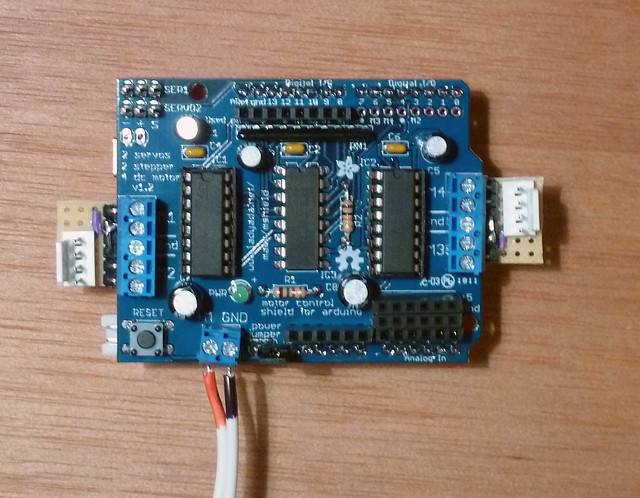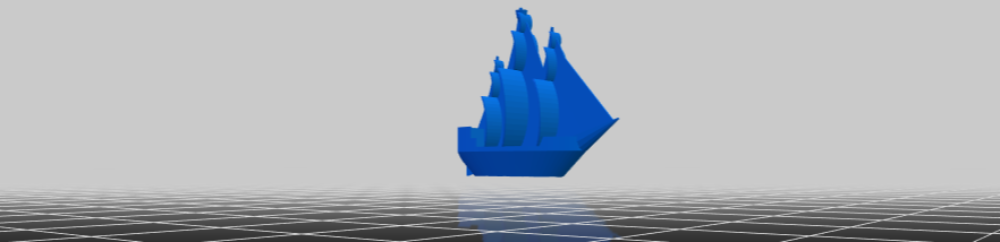
This post isn’t really so much of an update as it is a way for me to jot down some thoughts about this DrawBot and to keep me occupied. 1 23
- Stepper motors mounts
- Right now I’m designing some rather mundane stepper motor mounts. They’re inspired by Ed’s designs, but I’ve written the code myself. I’ll post the code on Thingiverse once I’ve printed it. It will output a good looking motor mount, but the design isn’t entirely parametric yet.
- Beaded cord, belts, and filament, oh my!
- If you check out this Polargraph video, you can see @ 0:22 where Sandy Noble shows a version of his Polargraph operating using two spools winding and unwinding filament. The versions Sandy was producing for sale used a beaded cord. The Der Kritzler uses a toothed belt.
- There are several downsides to using beaded cord4 or toothed belts. First, they’re more expensive and slightly more work to obtain than simple mono filament line. Secondly, they are both bulky. If you’re using beaded cord or a toothed belt, they’re going to have to dangle off the side of your machine. This means more moving and swinging parts – which is a whole other problem.
- One of the benefits to using a filament line is that you can easily route and redirect the line using pulleys. This means that you could mount the motors and electronics in close proximity to each other – and then run the filament line through something like an eye bolt or a specially designed5 part.
- I don’t know how any of these options would affect the placement and usage of a servo for penlifts.
- In a box6
- I have this long shallow pine box, at least three feet in length, that may be perfect for this project. I think I’ll be able to mount the motors, electronics, and just about everything I need entirely inside this box. If I do, then all I’ll need to do later is mount the box to the wall, plug the USB cable into a computer, plus the power adapter into the wall, and start printing away! Now, I realize that this implies a totally vertical drawing surface, but I think that is not as much of a problem as it could be.
- The Russians used a pencil
- Writing on a perfectly vertical surface with a pen can be challenging. My thought is to create a gondola that has the weight farther back on the gondola – so that it is pushing the pen against the paper. If the pen were angled down slightly, this might even work a little better. But, obviously, I’ve never tried any of these variations. I have to imagine that smarter men than me have considered and discarded these designs. I have a crappy sketch for this, but I’m really tired and should get some sleep.
To sleep, perchance to dream. Ay, there’s the rub.
Fear not gentle reader. If history tells us anything, tomorrow shall bring your RSS feed another deluge of nonsense!
Default Series Title- I don’t feel like working, even though the hour grows late and I will need to get a bunch of things done one way or another. [↩]
- And, really making a drawing robot is SO much more productive than what I do on a daily basis. [↩]
- I wish I were kidding. [↩]
- Either metal or plastic [↩]
- Perhaps printed?! [↩]
- With a fox! [↩]