
It’s alive!!! My only concern is that I had to crank the heater up to 235 degrees to get it to extrude… Too much?
Tomorrow I try my first print!
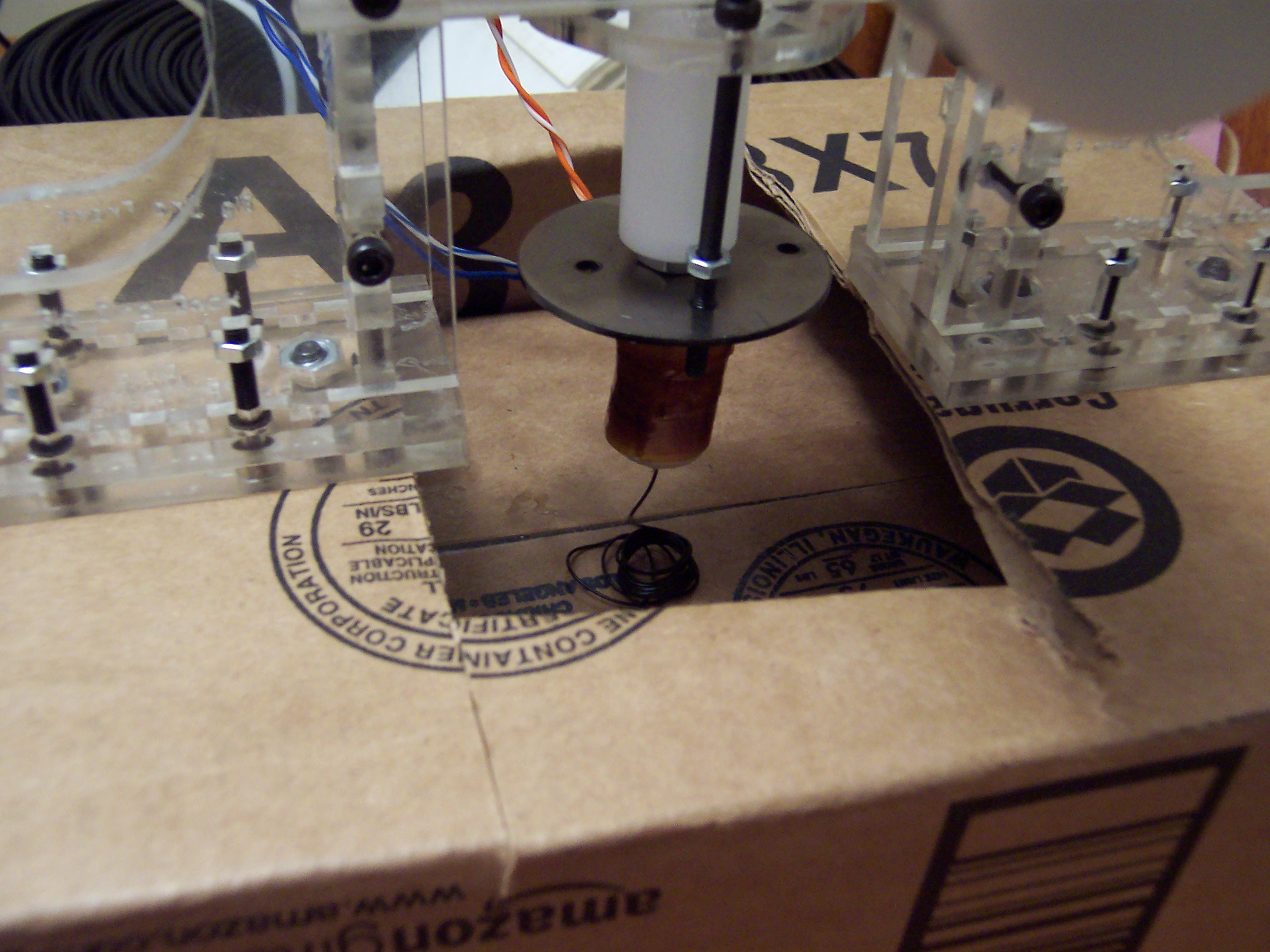
It’s alive!!! My only concern is that I had to crank the heater up to 235 degrees to get it to extrude… Too much?
Tomorrow I try my first print!
Seeing as how I already had the heater in pieces, I figured it couldn’t really cause that much harm to move the plastruder board. I totally get why the MakerBot guys put the board on the extruder – that way all you had to do was swap out an extruder and you can roll with a totally new print head.
I don’t really intend to do printing beyond single color plastic. This may very well change if we see a support material extruder being offered. But for the foreseeable future, I am really looking forward to printing away with my giant coil of black ABS.
That said, I’m not attached to the idea of having totally modular heads. 1 On the right side of the MakerBot there’s a really large area above the motherboard and to the left of the three stepper motor boards. The only things preventing the plastruder board from being mounted right there are (1) the motor wires are too short and (2) four holes in the body.
I had dissected a piece of ethernet cable for the wires running to the nichrome wire and thermistor, so I still had four wires left. I used another two and a bit of solder to extend the wires to the extruder motor.
Sometimes when I need to drill a small hole through soft or thin material I don’t even bother with the drill. I used a small drill bit with a rubber band wrapped around the non-drill-bitty-end to give it a grip and rotated it into the right panel of my MakerBot. Bolt it on and…
Presto! Now I can see all the way through the plastruder. :)
Thanks to the kind folks at the MakerBot Operators Group I’ve been diagnosing what’s going on with my Y axis stepper board and plastruder.
No matter what I was doing I couldn’t get the Y axis stepper board to respond to any commands. Also, the power light on the board would light up as the MakerBot powered on – however it would immediately dim to nothing. I swapped out every single cable, the motor, and it was always the Y axis board! Finally, I completely pulled the board off the ‘bot, pulled every cable, and started adding the cables back one by one… and it worked!
I was concerned with why it wasn’t working, but happy it was working. So, I bolted it back on, connected the wires… and it didn’t work any more! What went wrong? It was one of the opto-endstop cables. I discovered that when I connected the front opto-endstop cable it would kill the power to the Y-axis board – or any other board!
The Y-axis three prong cable is easy to insert upside down. And that’s what I was doing – because it fit better in that orientation. Well, flip it upside down and rock on!
Now that I could manipulate the 3 axes, I tried to use the plastruder. I noticed that even at room temperature the thermistor was reading 0.0. Also, the heater was smoking a little, I could smell something burning faintly, and the extruder was oozing something clear and sticky. Not ideal.
With a lot of help from the guys at the MakerBot Operators Group I attempted to diagnose the problem. Here’s what I tried:
My MakerBot (Batch 9) uses printed pulleys. I had attached them to my MakerBot with the bolt going down into the body with a nut underneath. As far as I can tell, there’s only two ways to attach the printed pulleys to a ‘bot:
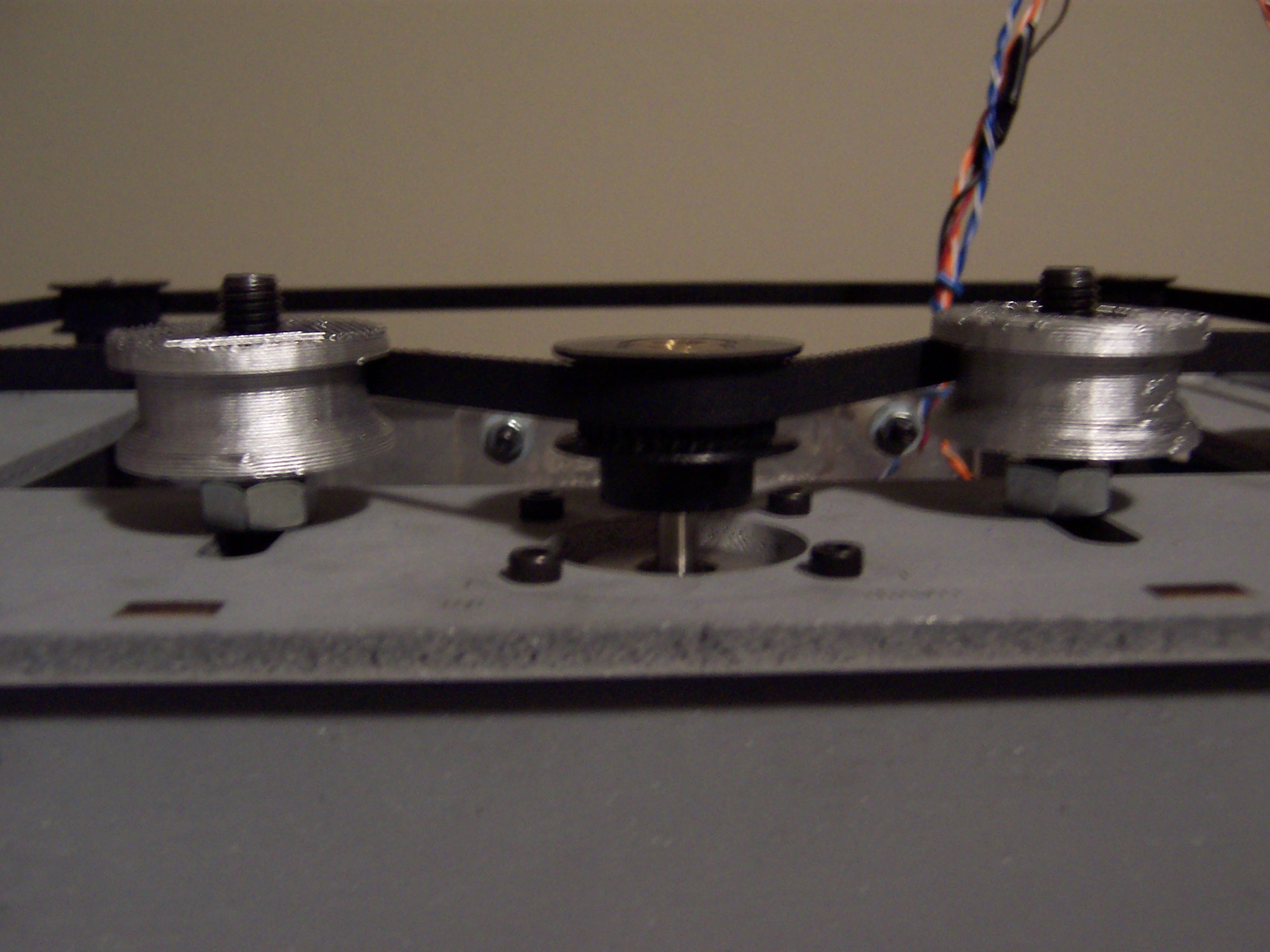
The problem with this orientation is that the pulley can slip down on the bolt. When this happens it’s very easy for the belt to gradually ride up the tapered edge and then right off the pulley. This ended up killing one of my test prints as the Z-stage started to descend to start the print. Because of the way the “tapered end up” orientation of the pulley rides on the belt, I don’t think sanding away the taper would totally remove the problem.